October 20, 2026
External review links
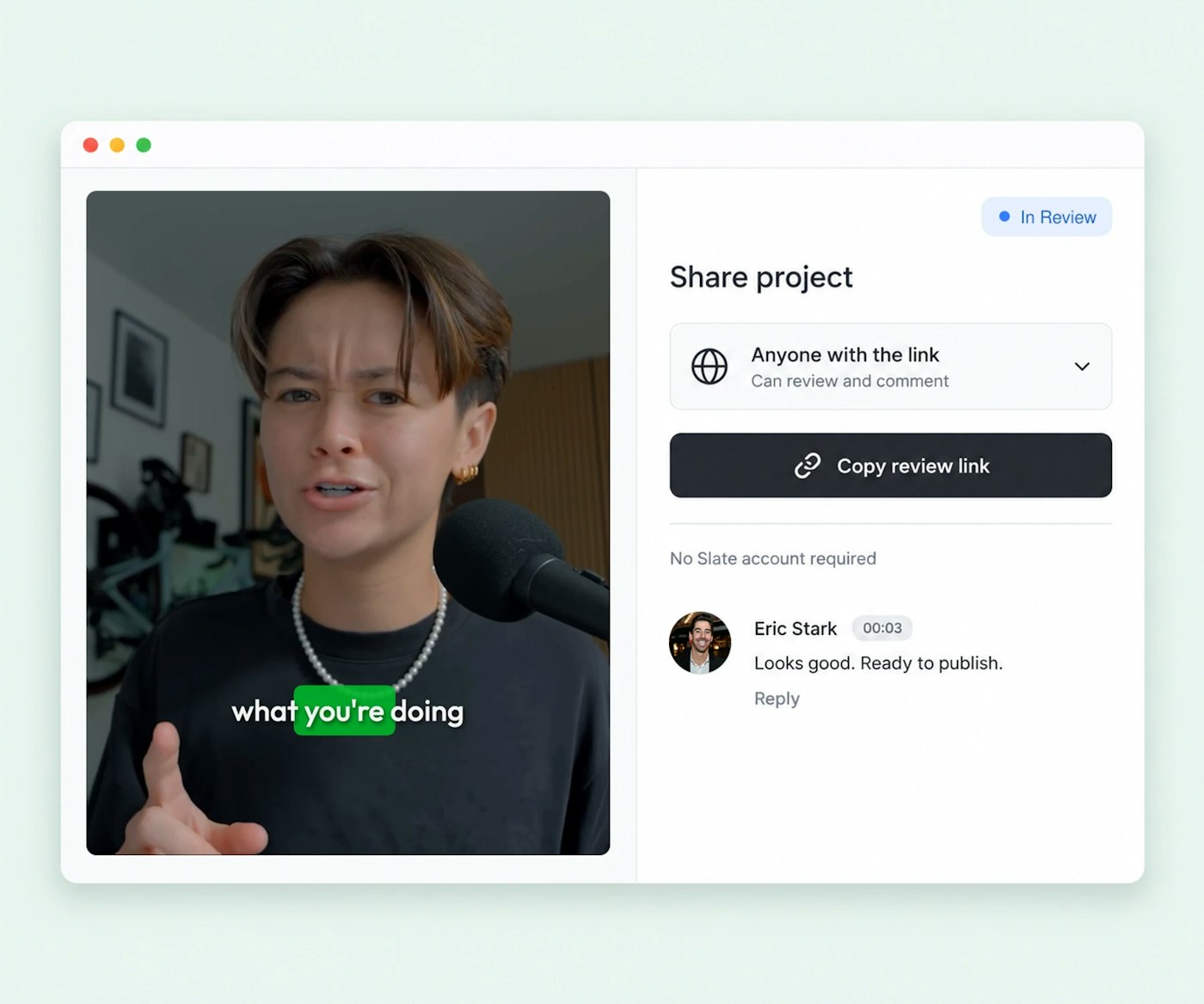
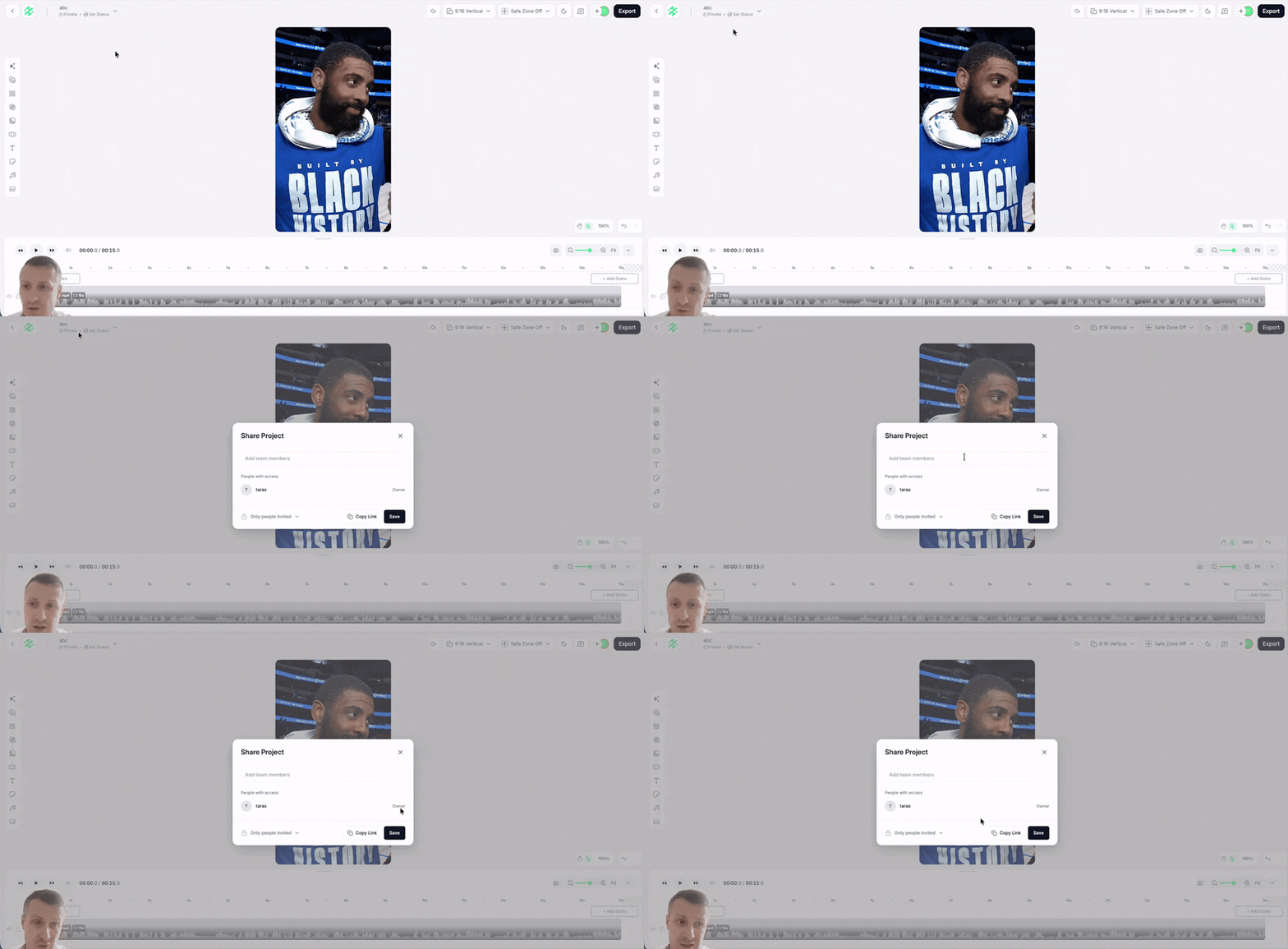
Share a project with anyone by link. Reviewers open it in the browser with no Slate account, enter their name and email, and comment and react. Their notes appear in the project with an External label.
October 20, 2026
Share a project with anyone by link. Reviewers open it in the browser with no Slate account, enter their name and email, and comment and react. Their notes appear in the project with an External label.
October 19, 2026
Content Hub is now Exports inside Media Hub, and a new Shared Media section collects media from every shared project so the whole team can reuse it without re-uploading. Rolling out to all accounts through October 27.
October 10, 2026
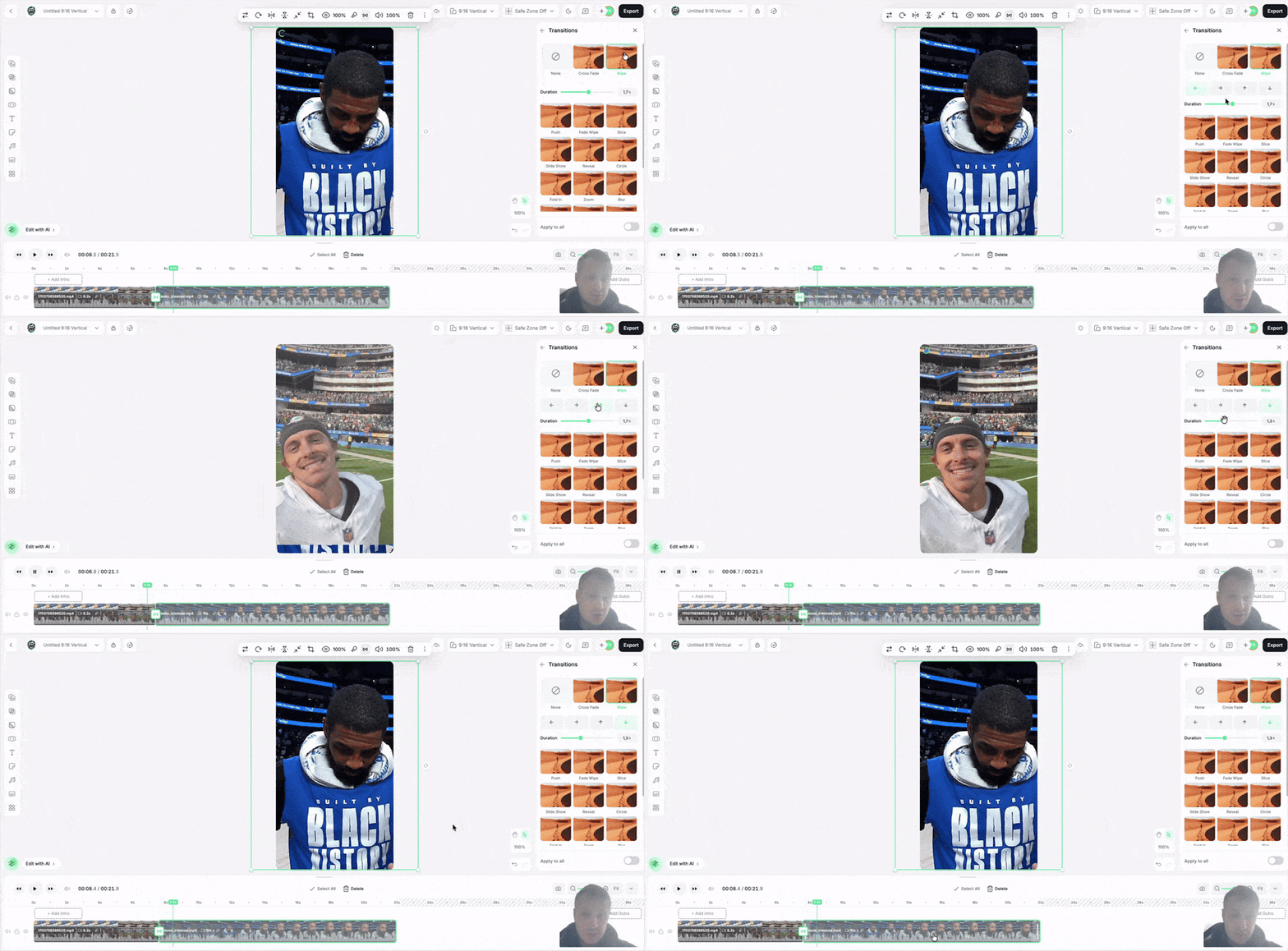
Add transitions right on the timeline: Cross Fade, Wipe, Push, Zoom, Blur, and more. Set the direction and duration and preview it on your own footage.
October 9, 2026
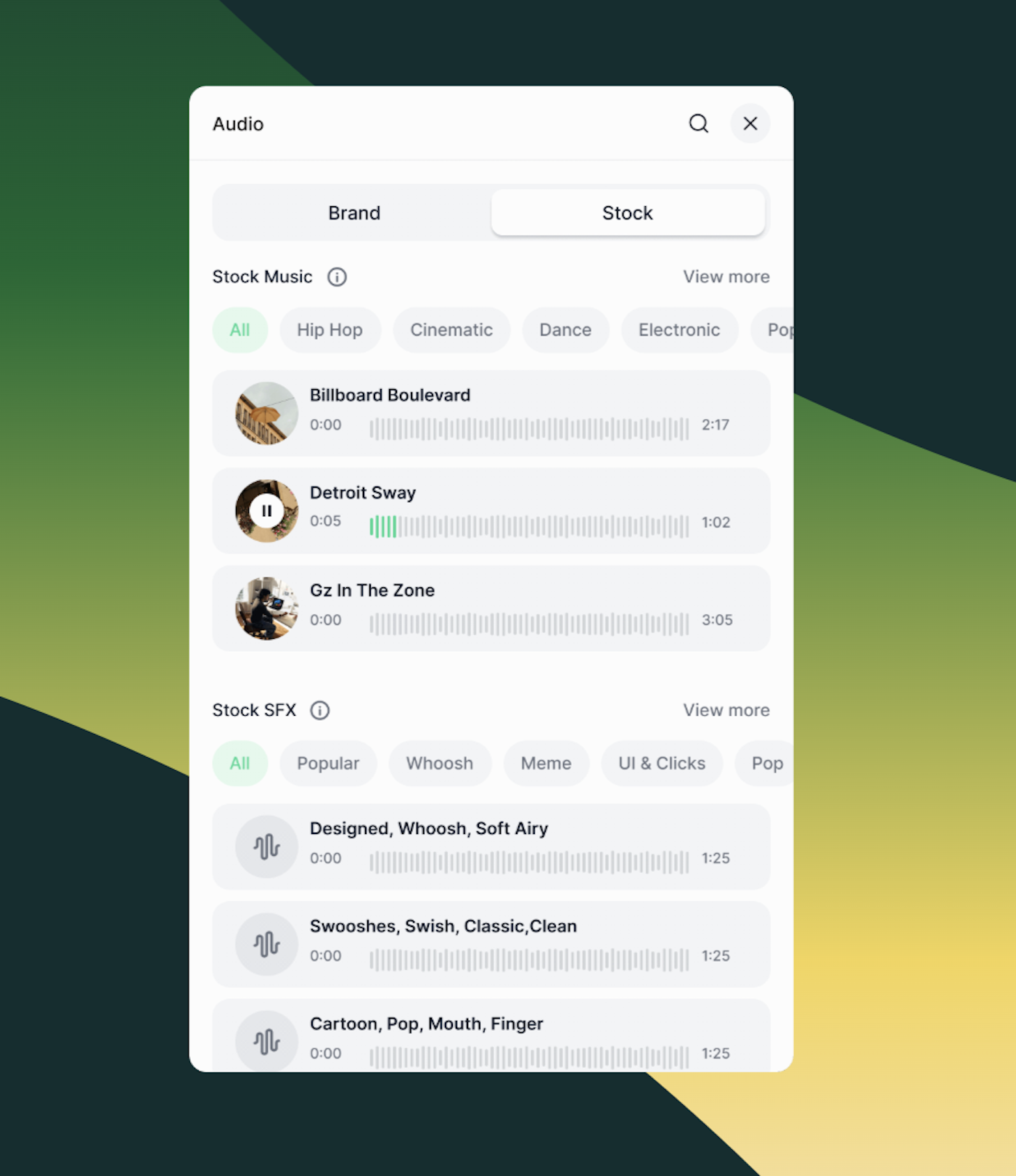
Preview, trim, and drop tracks from a library of over a million songs and sound effects directly onto the timeline. Every track is licensed for social and digital channels.
September 30, 2026
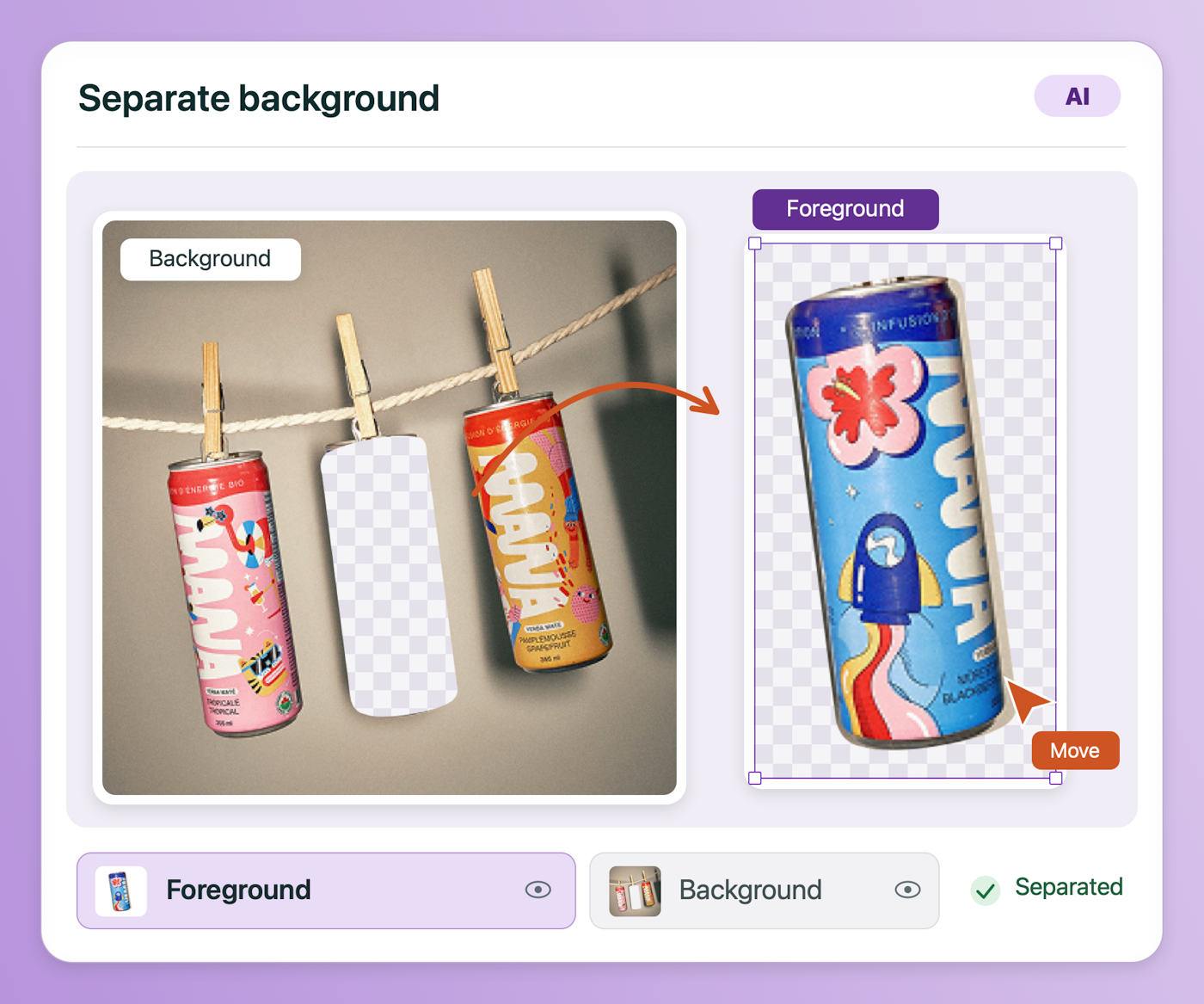
Smart Edits, Image Relighting, and a dedicated AI tab now live in the right panel. Separate Background splits an image into subject and background layers so text can sit behind the subject.
September 10, 2026
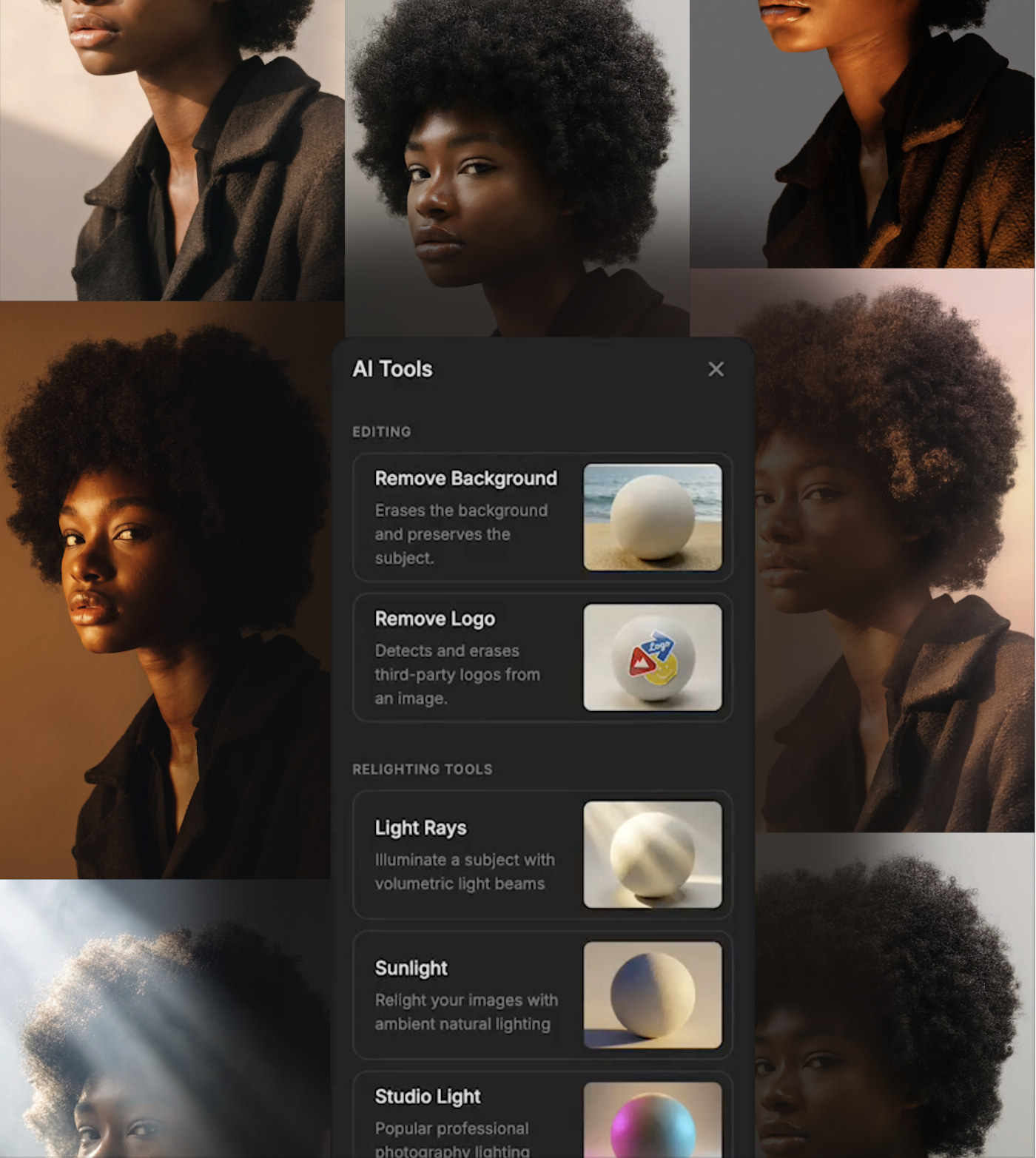
Remove backgrounds or logos, add Light Rays, change the time of day with Sunlight, or light a shot with Studio Light presets, all inside the Web Creation Studio.
September 8, 2026
Put any layer in front of or behind any other, including text behind your media. Lock finished layers, hide the ones you’re not using, and reorder intros and outros.
September 4, 2026
Choose whether new projects start Private or Shared for everyone on your account. Set it once in Company Settings.
August 31, 2026
Settings for the clip or asset you’re working on now sit in one right-hand panel, next to where you’re looking.
August 31, 2026
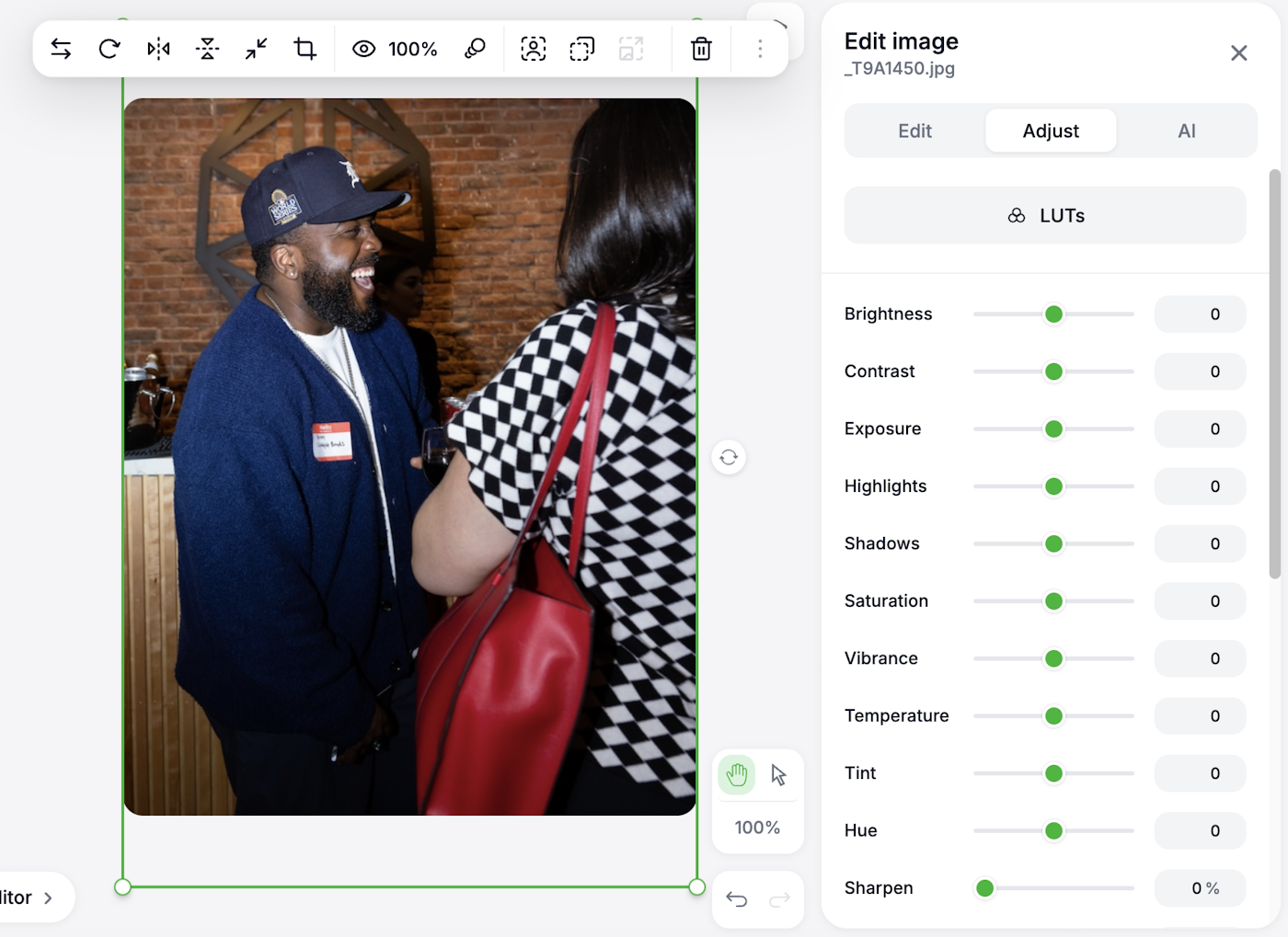
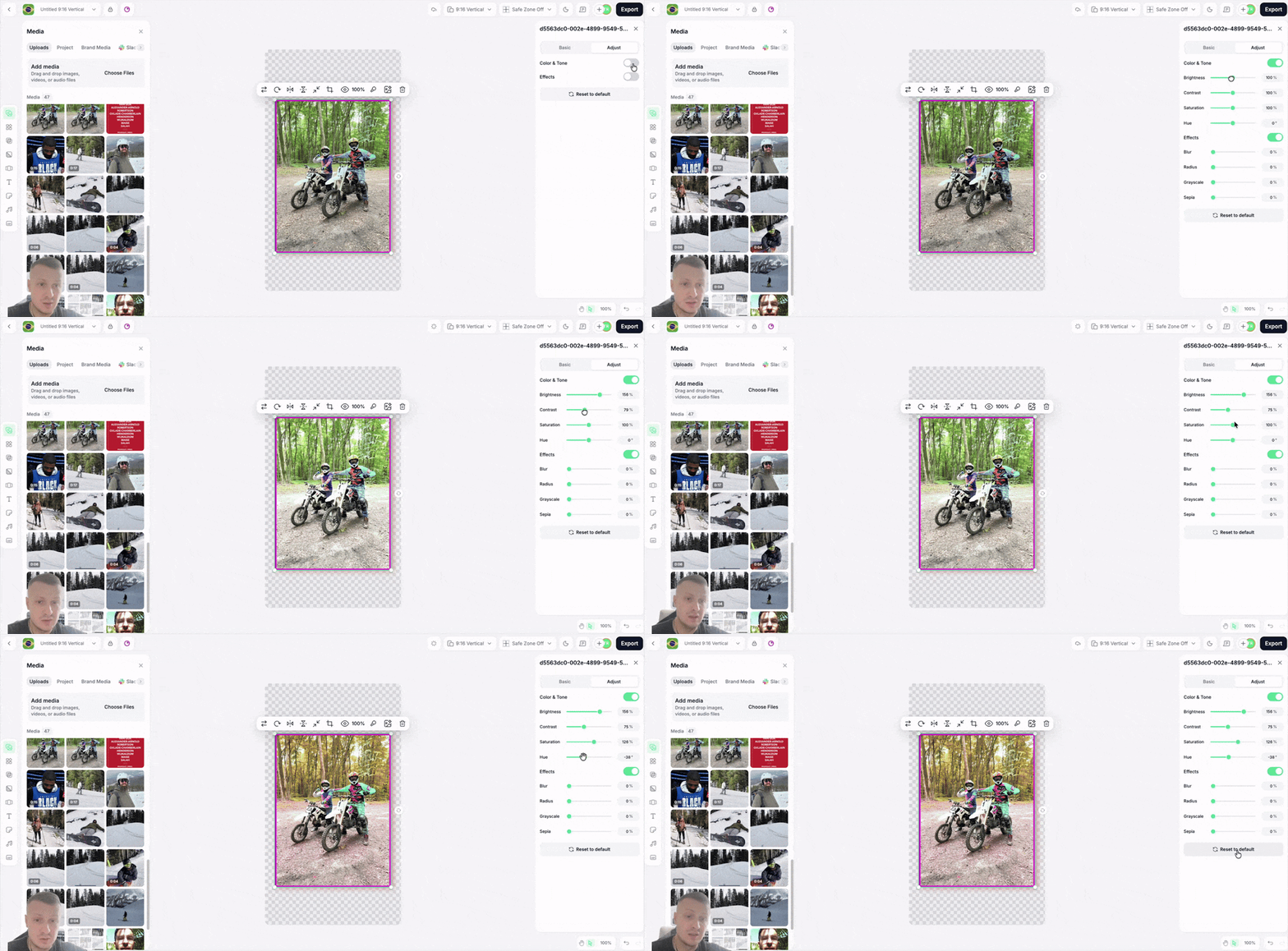
Tune your footage inside Slate. Push color and tone and add effects without exporting to another tool first.
August 31, 2026
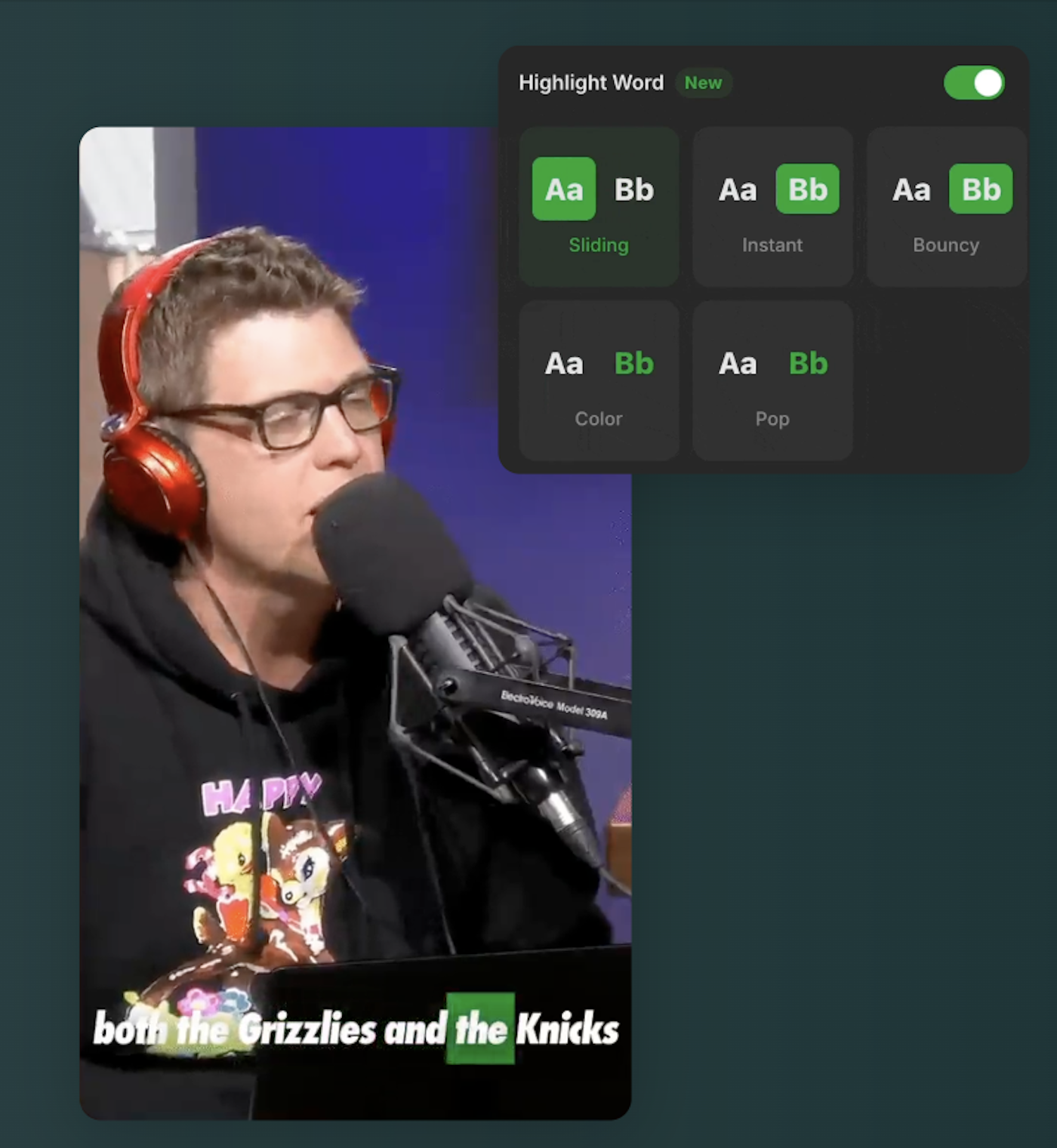
Captions light up word by word as they’re spoken. The karaoke-style emphasis people stop scrolling for, without animating anything by hand.
August 31, 2026
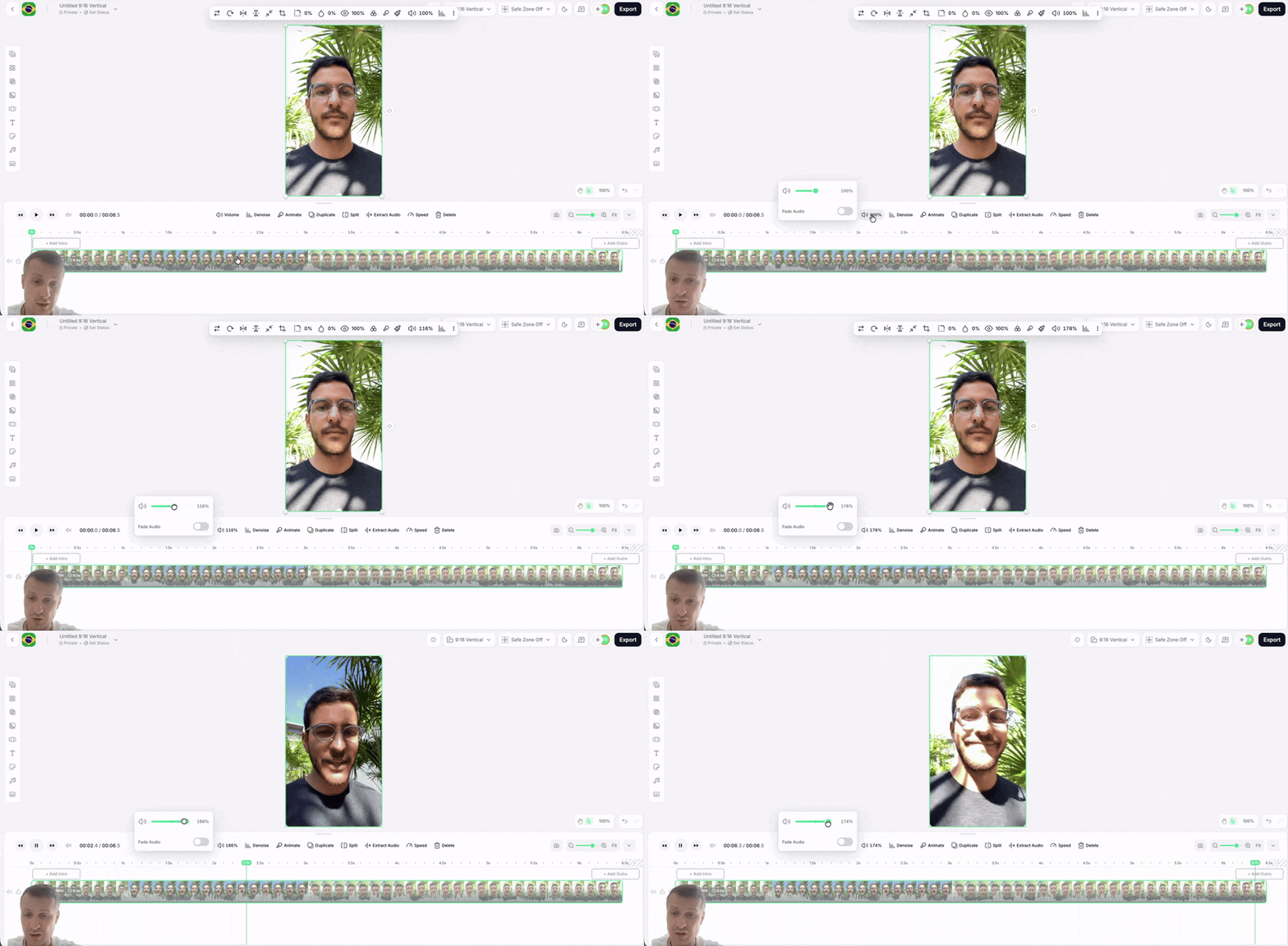
Fade audio in and out on a clip and lift quiet recordings without leaving the editor.
August 31, 2026
Share a project with specific teammates instead of your whole account. They see it in their own projects list; everyone else can’t access it. Shortcuts projects can be shared the same way.
August 31, 2026
See projects as cards on a board instead of a list, and drag work between columns to track what’s in progress and what’s done.
July 31, 2026
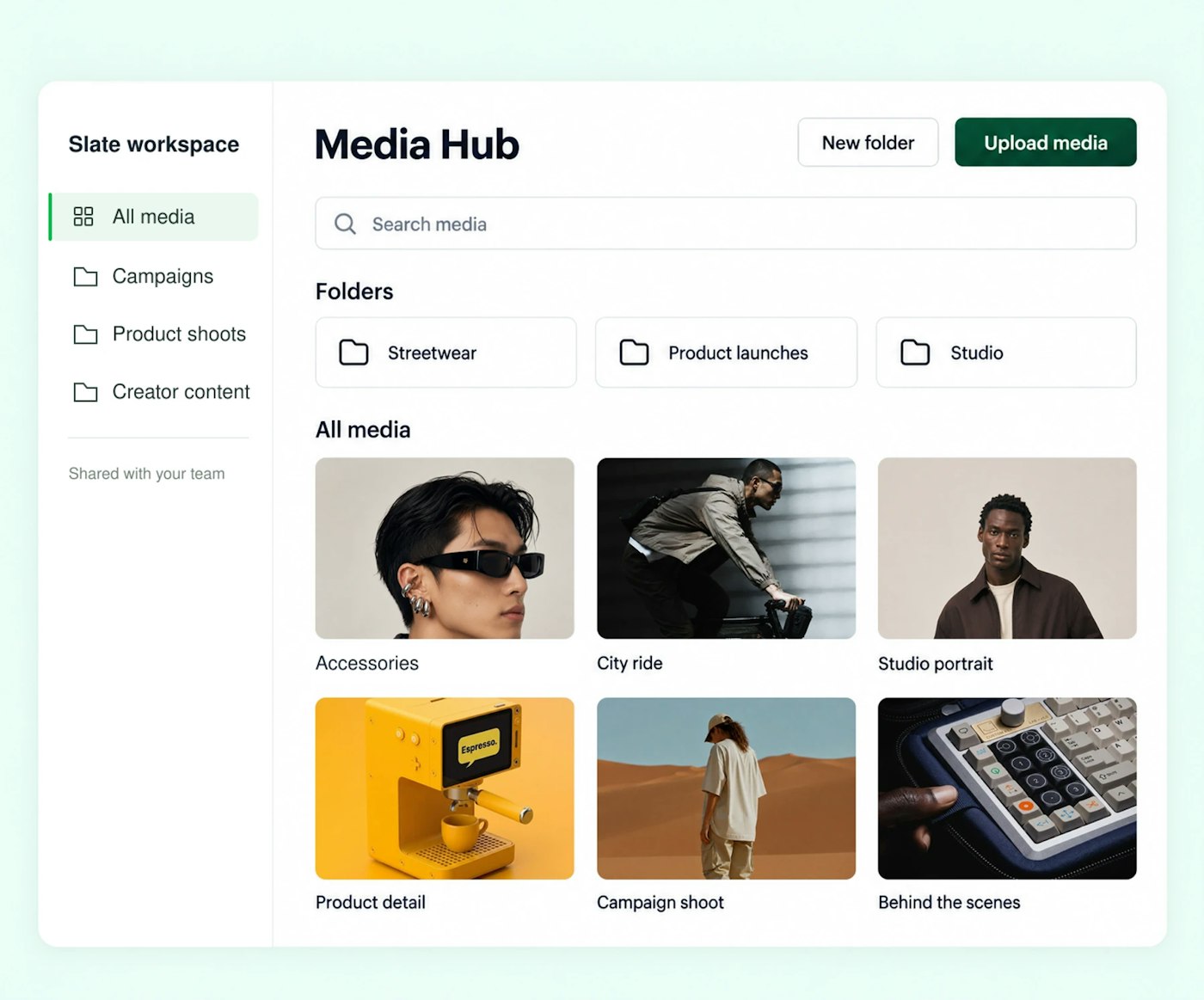
Manage your entire media library from one home. Upload, organize into folders, preview, and drop assets straight into the Web Creation Studio or the iOS app.
July 31, 2026
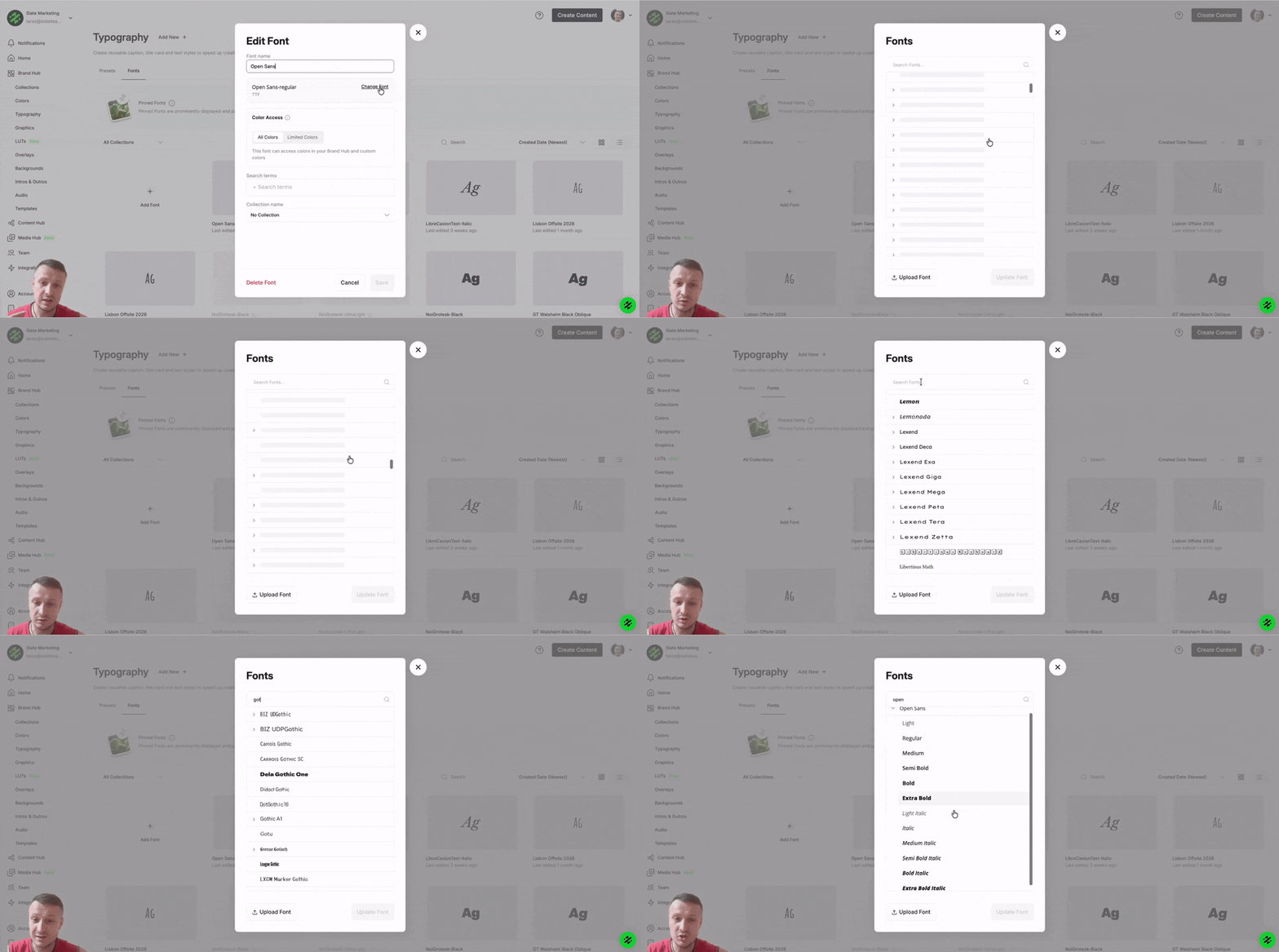
The full Google Fonts catalog is available as a font source, so brand kits and projects can use the exact typefaces your team already works in.
July 31, 2026
A refreshed web editor with optional dark mode, plus lane locking, hiding, and muting on the timeline and copy and paste directly on the canvas.
July 31, 2026
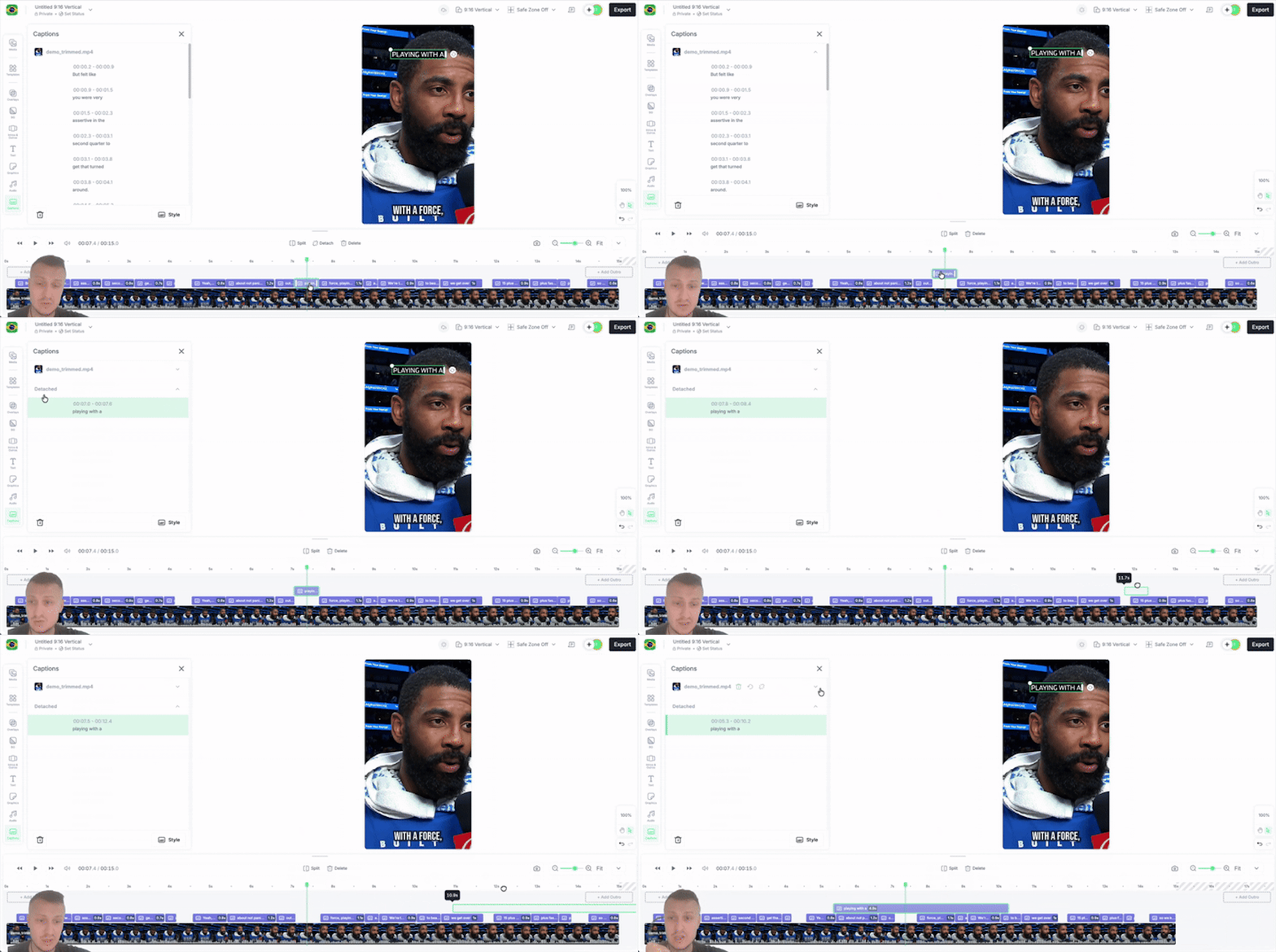
Captions no longer have to live on their default lane. Pull them off and position them anywhere on the timeline.
July 31, 2026
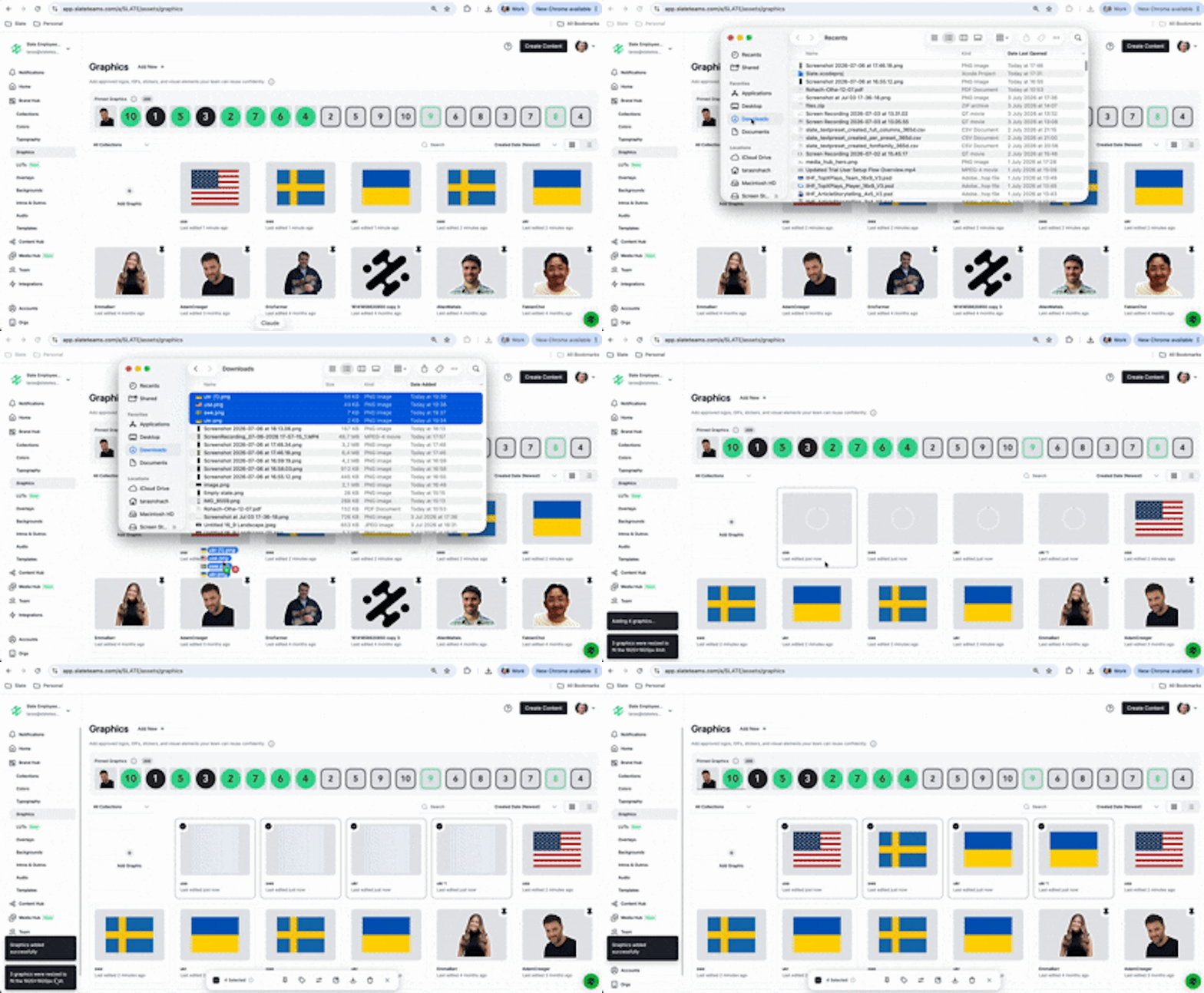
Drag files straight onto the timeline at the scrubber position. Graphics at any resolution are scaled to a compatible size on upload.
June 30, 2026
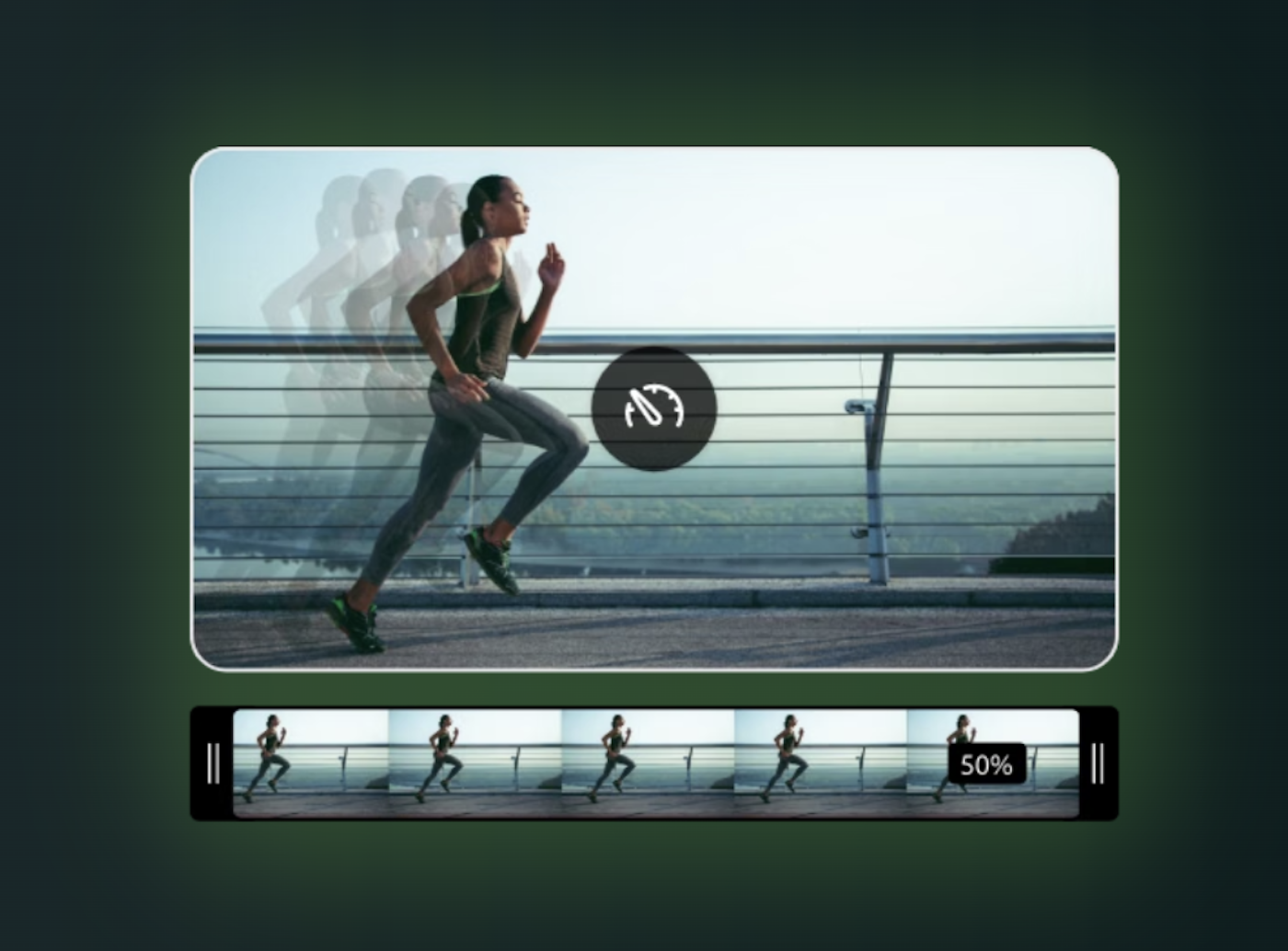
Change the playback speed of any clip right on the timeline: slow a moment down for emphasis or speed through filler to keep a video tight.
June 30, 2026
Comment directly on a project in the web editor, pinned to the canvas or to a moment on the timeline. Feedback lives with the work instead of in a chat.
June 30, 2026
Animate text and media in and out instead of having everything appear at once. Titles slide in, logos fade up, no rebuilding in another tool.
June 30, 2026
Video clips now show their audio waveform on the timeline, so the beat or the start of a sentence is visible at a glance.
June 30, 2026
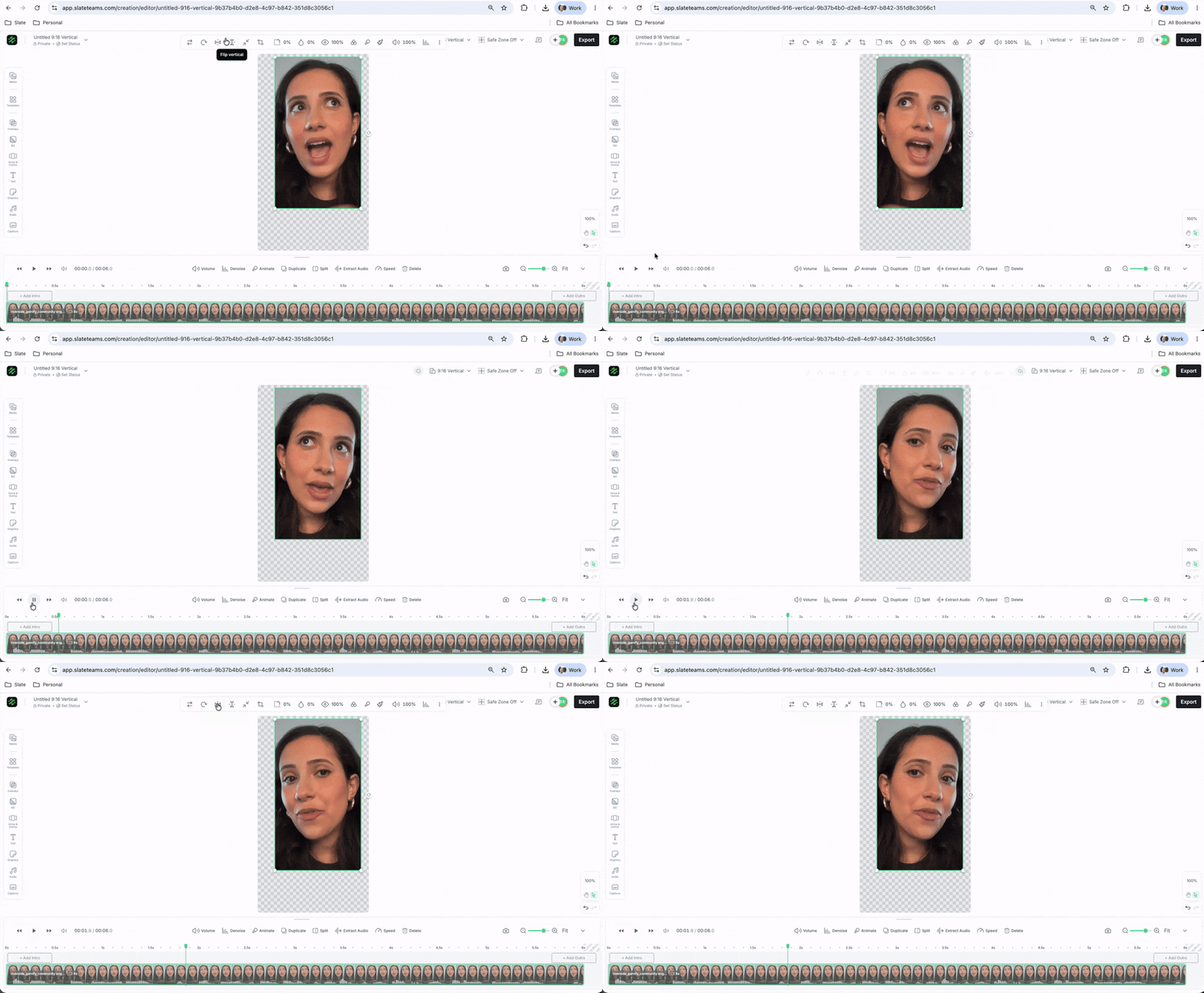
Flip any photo or video horizontally or vertically in a single click.
June 30, 2026
Export any single frame of a video straight to an image for a thumbnail, a cover, or a quick graphic.
May 31, 2026
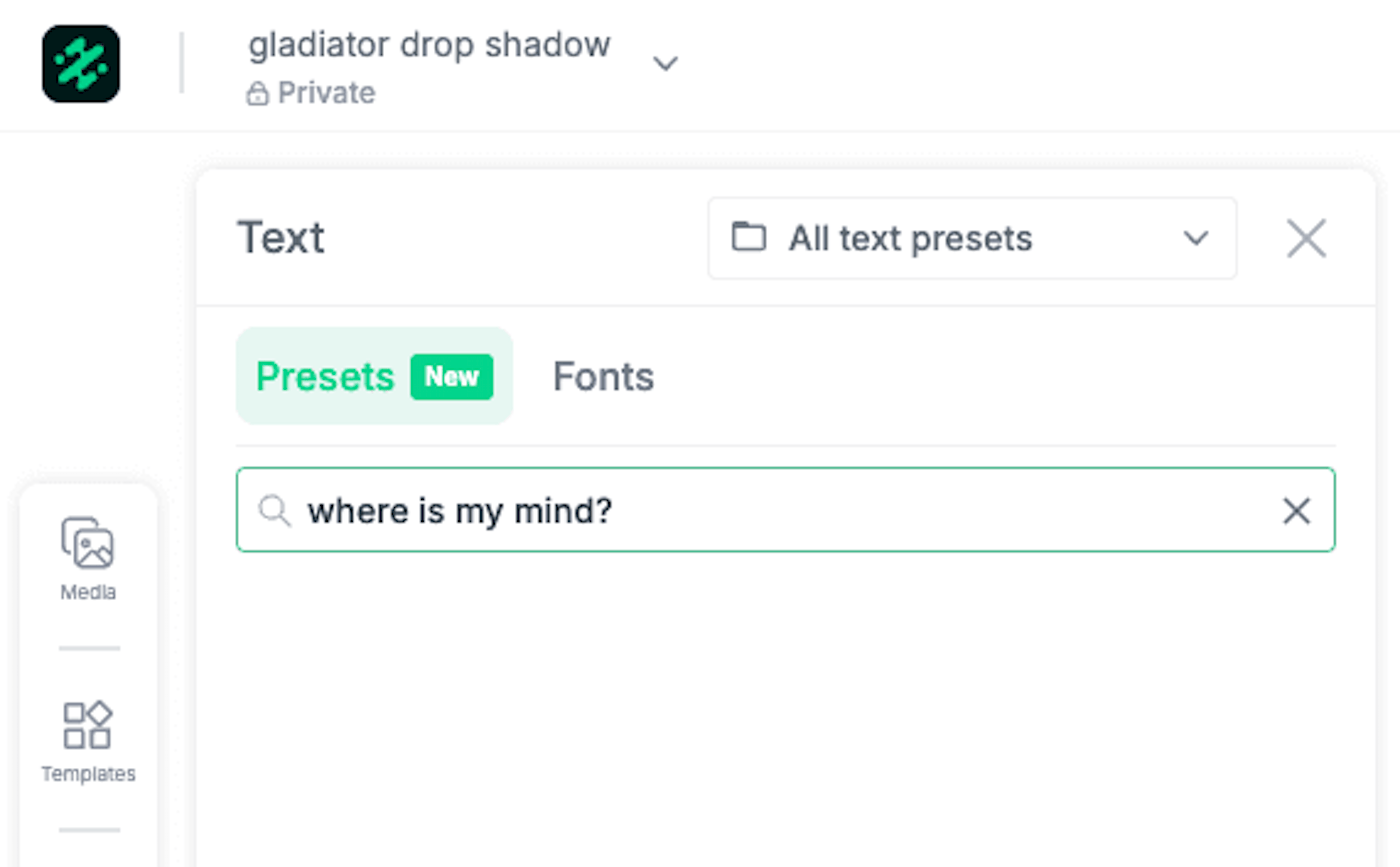
Add outline borders and drop shadows to text inside templates, on web and iOS. The fix for text that gets lost against a busy background.
May 31, 2026
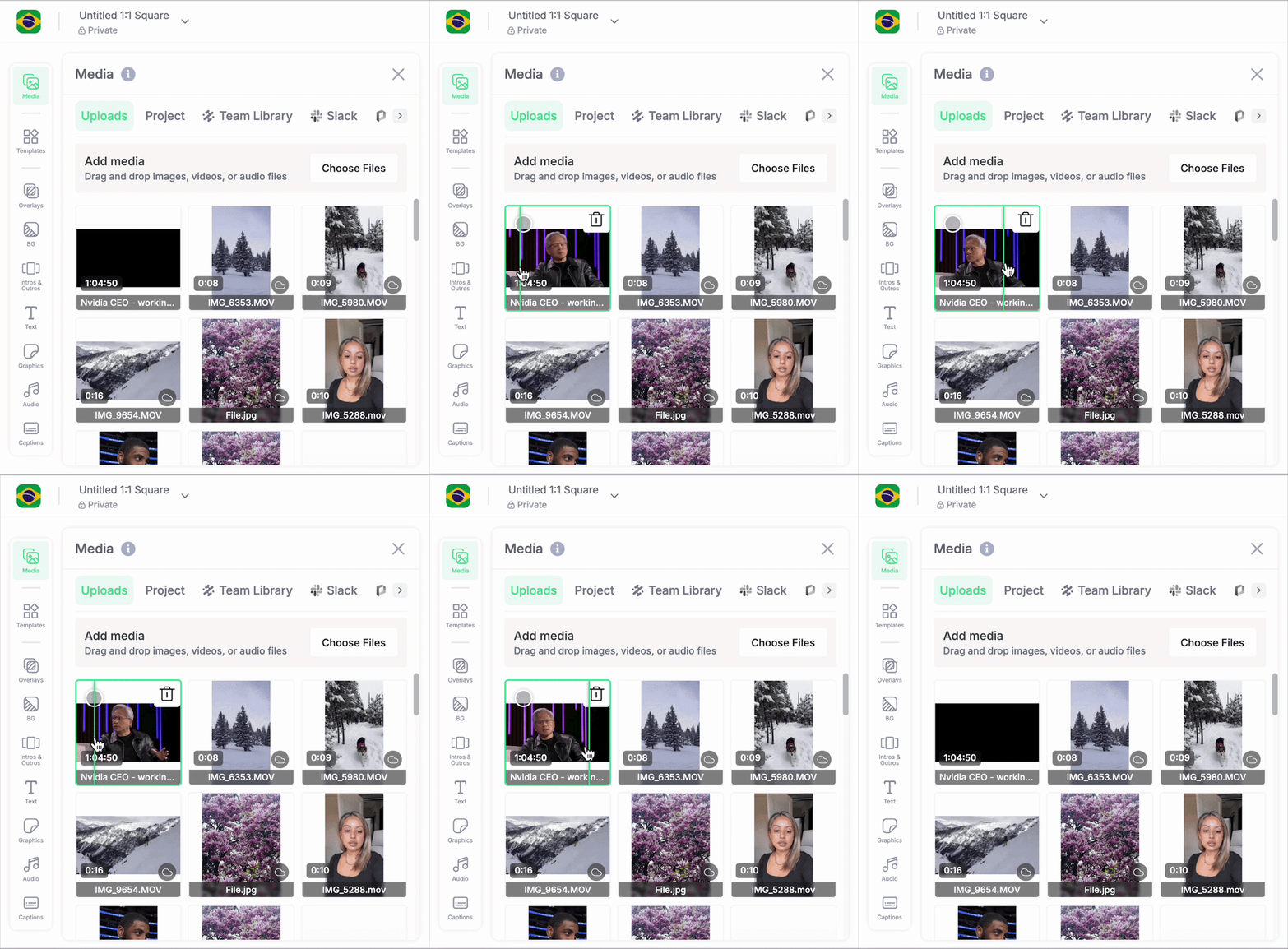
Hover over any video thumbnail in your project library or Brand Hub to scrub a preview instantly, without opening the asset.
May 31, 2026
Copy an asset from anywhere on your computer and paste it straight onto the canvas. Hold Option (Mac) or Alt (Windows) while dragging to duplicate an asset in place.
May 31, 2026
The iOS media picker was rebuilt with a cleaner interface, smoother navigation, and noticeably better performance.
May 31, 2026
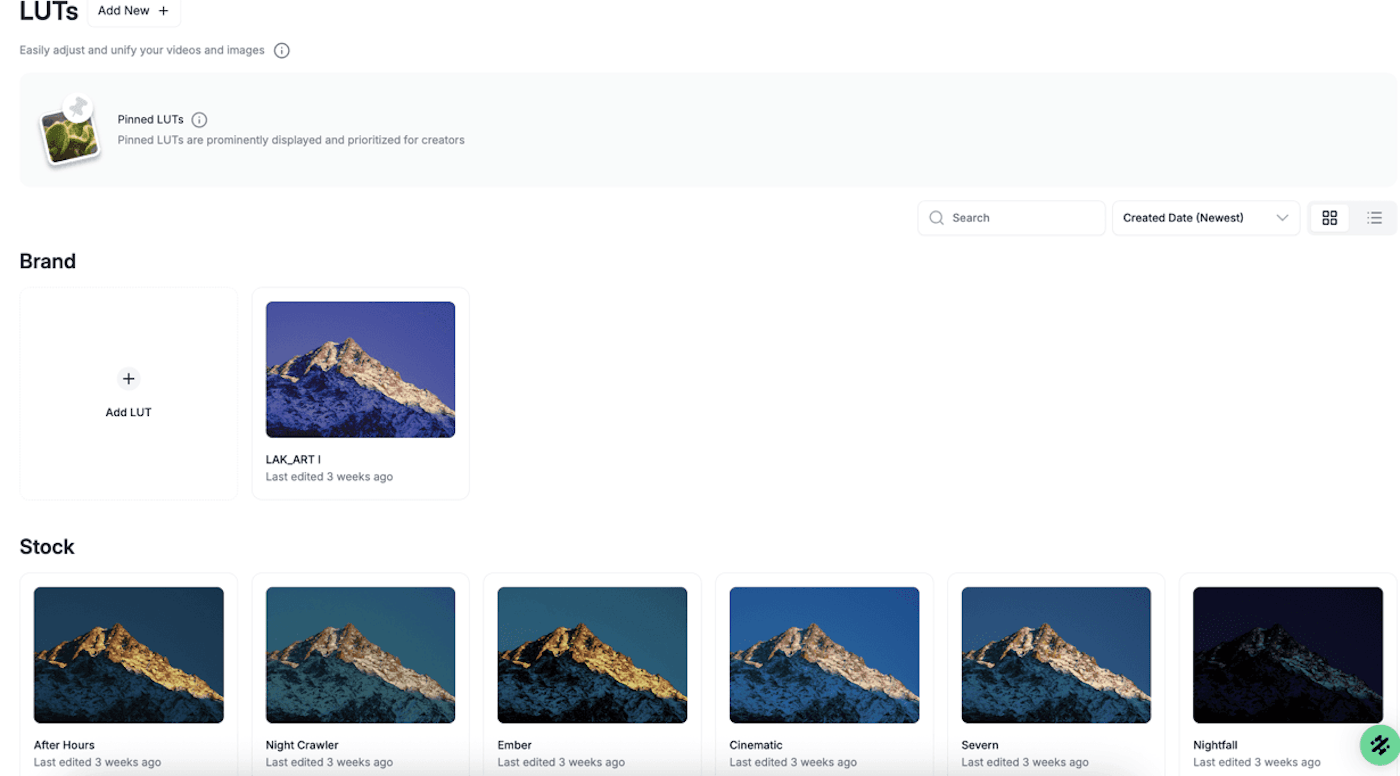
Apply ready-to-use cinematic LUT filters to images and video on web and iOS, or upload your own, for a consistent look without external editing.
May 31, 2026
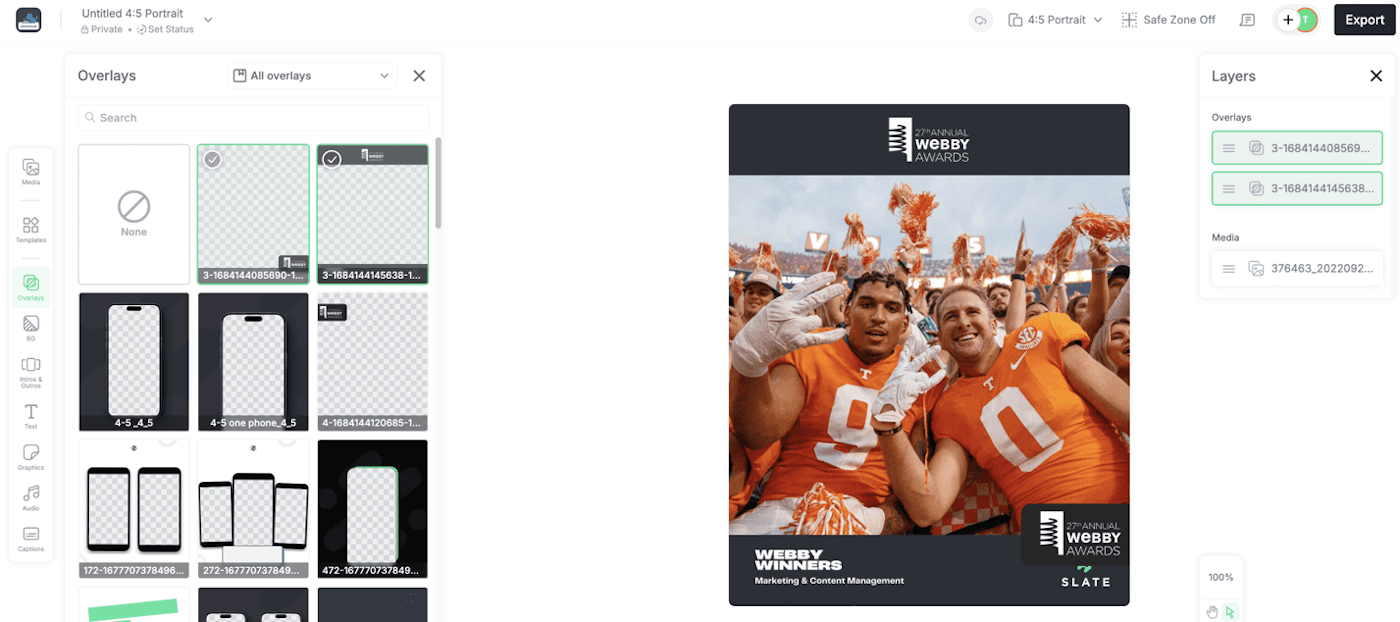
Stack several overlays on the canvas at once for layered, visually complex content.
April 30, 2026
Share a project with your team and work on the same content together. No exporting, no re-uploading, no version confusion. Set a project as shared or private and anyone on your account can pick it up.
April 30, 2026
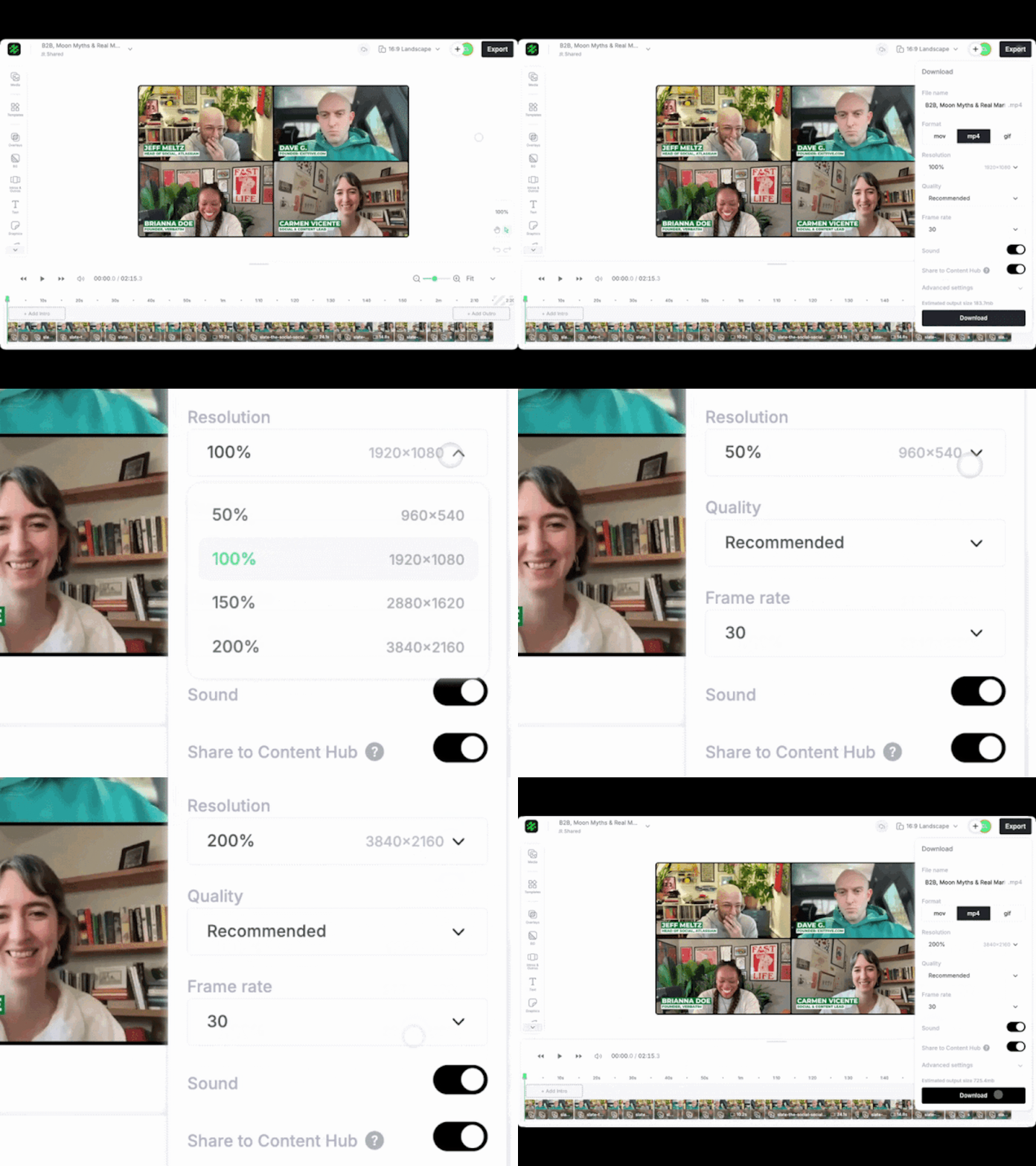
Choose your output resolution before exporting from the web editor.
April 30, 2026
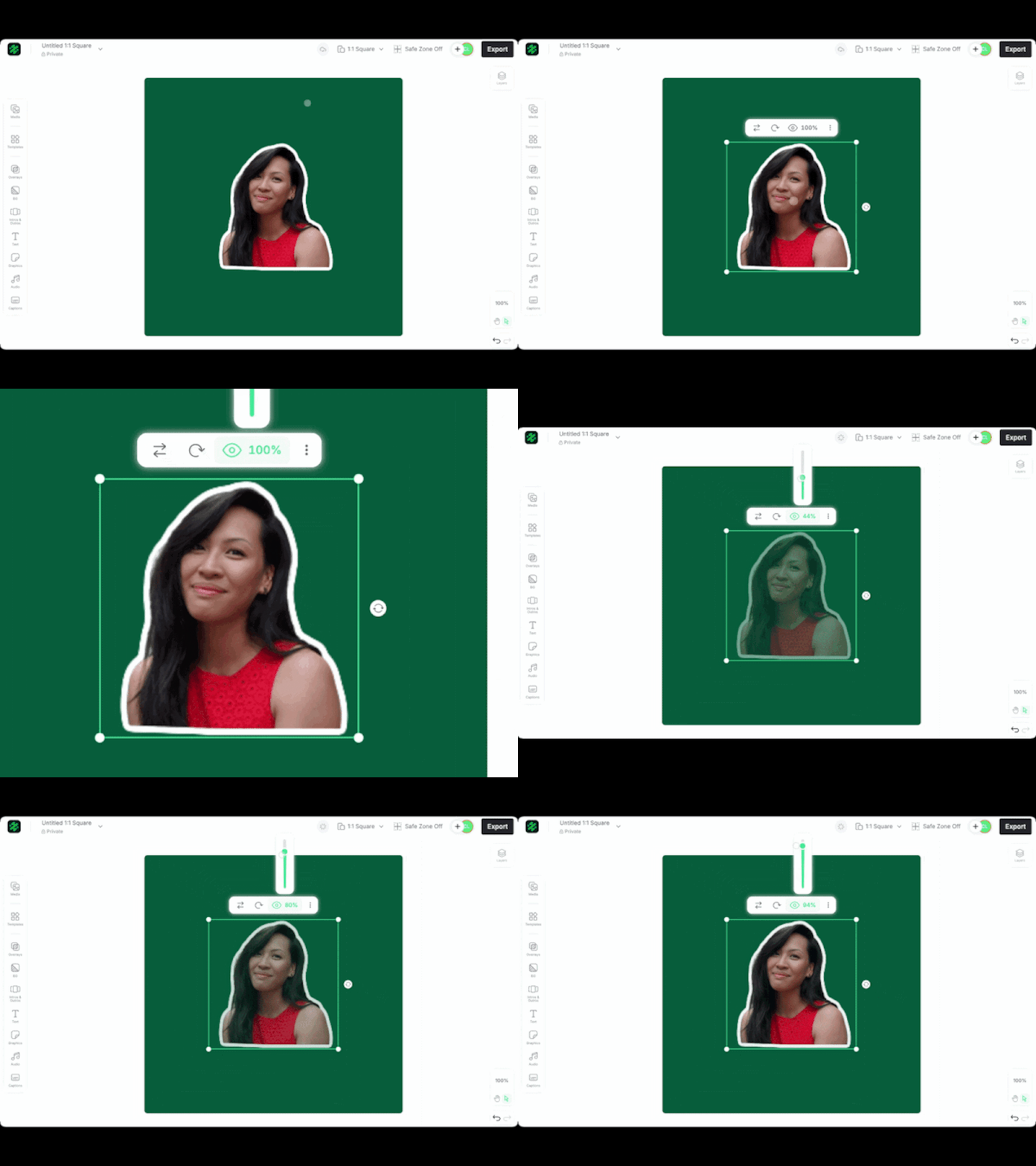
Adjust the transparency of any image or graphic directly on the canvas.
March 31, 2026
Need a logo, a font, or a clip you uploaded last week? Search every asset directly from the editor instead of scrolling folders or switching tabs.
March 31, 2026
Remove the background from an image directly on the web canvas. No Photoshop, no external tool, no round trip.
March 31, 2026
Content Hub got a refresh that makes it faster to find and manage what your team has created, especially when you’re scanning dozens of assets for the right one.
March 31, 2026
Add depth to text and graphics with a drop shadow control on the web canvas.
March 31, 2026
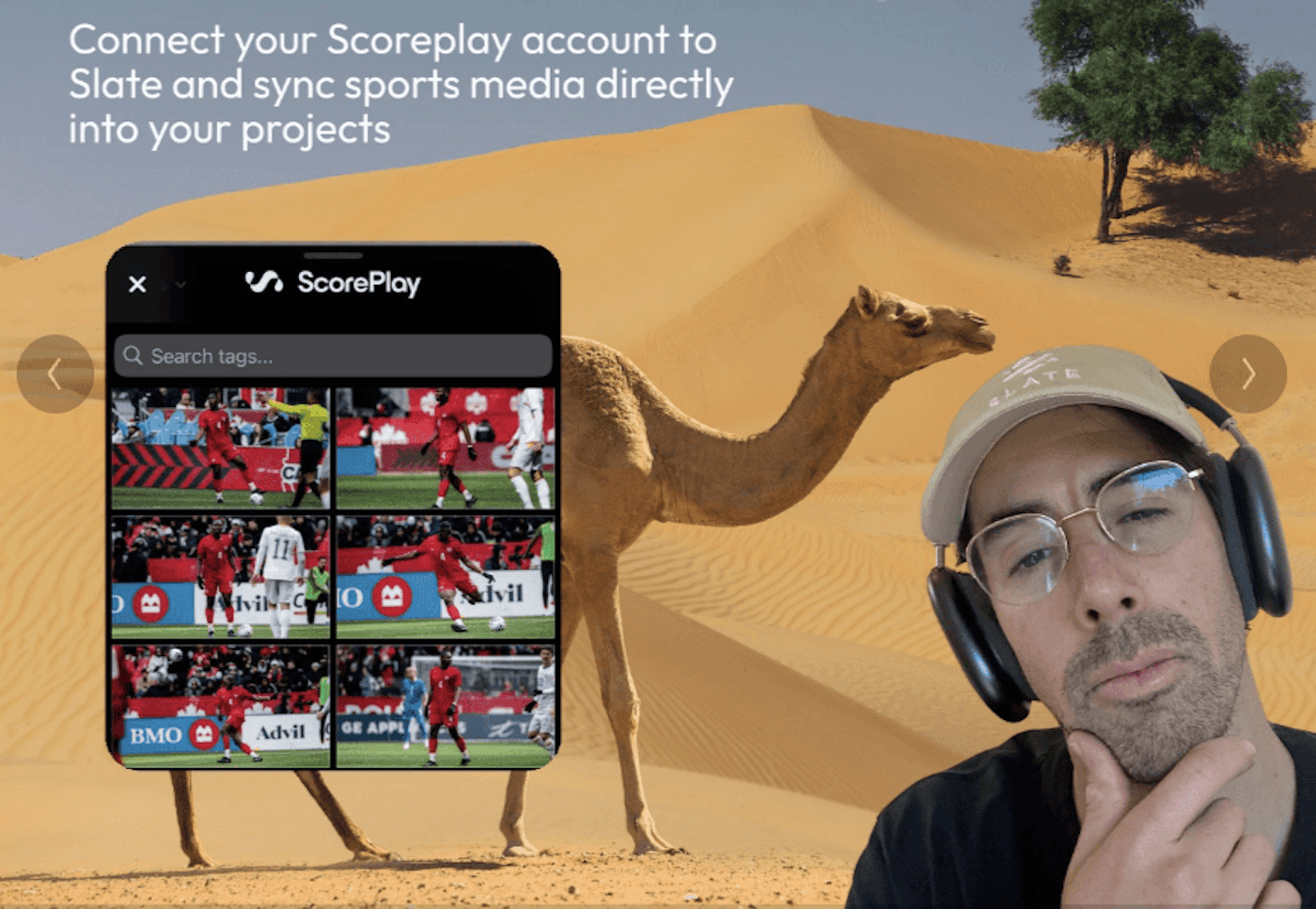
Teams on ScorePlay can now pull from their ScorePlay media library directly inside the Slate iOS app.
February 26, 2026
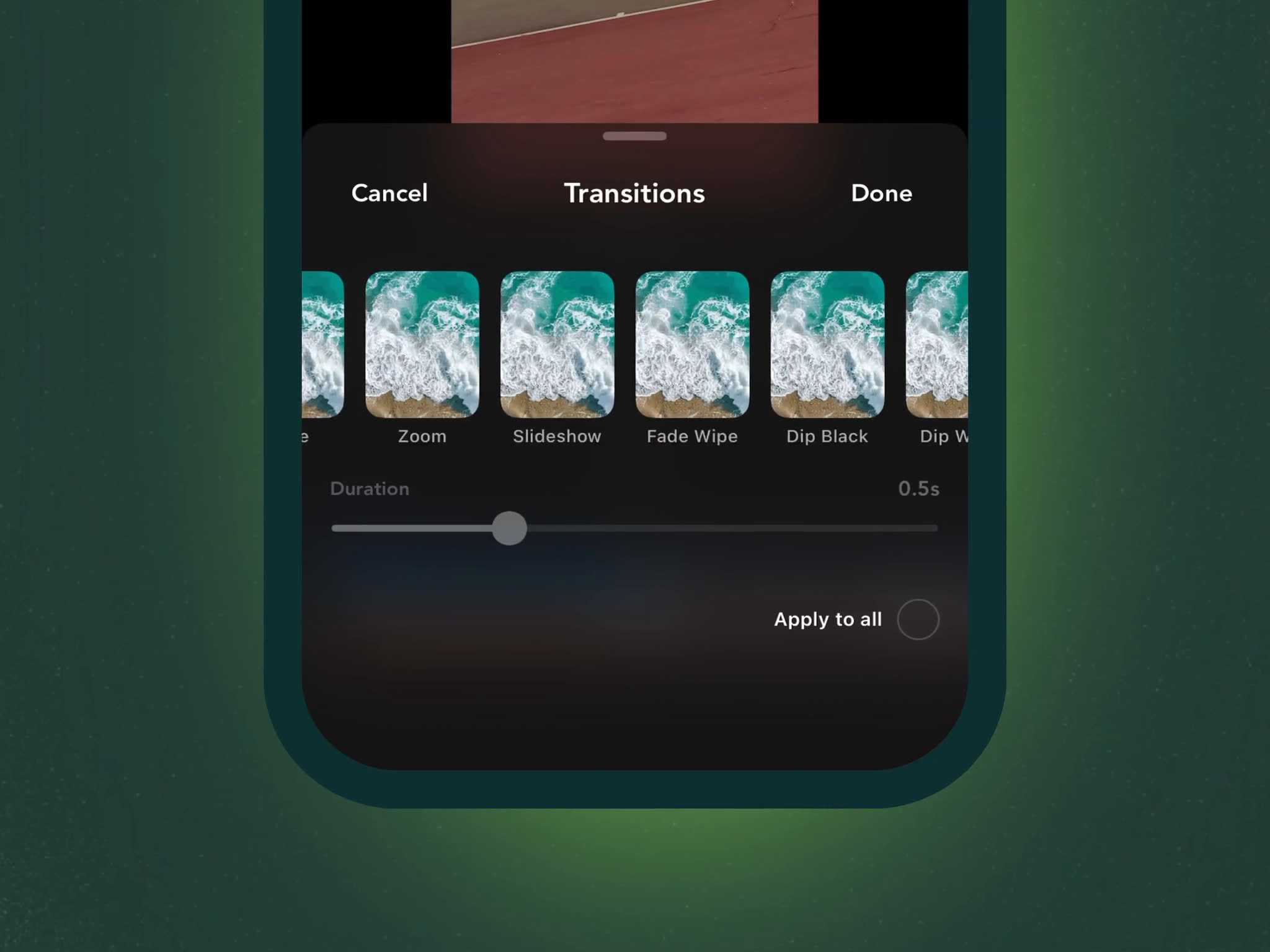
Create polished, professional videos faster with transitions built right into the iOS timeline.
17+ transition types — Cross Fade, Wipe, Push, Zoom, Blur, and more
Tap and go or tweak: use Slate defaults on the fly or dial in the direction variants and timing
See it live: Every change previews live so you see exactly how it looks before committing.
Instant consistency: spend a few minutes crafting a transition and instantly apply it across your timeline.
February 24, 2026
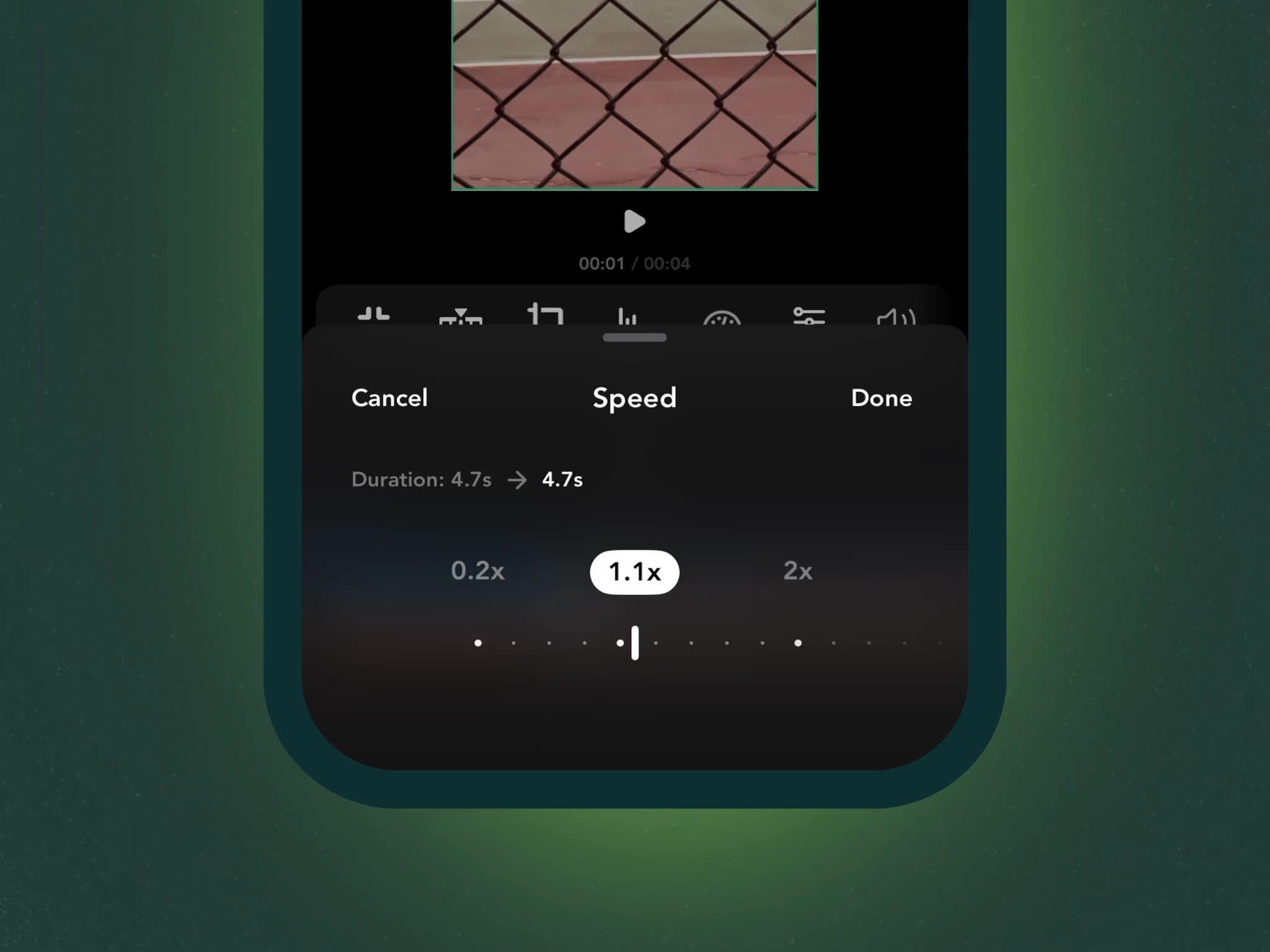
Now you can adjust the playback speed of any video clip directly in the iOS editor. Choose from 1x, 2x, 4x, or 8x speeds to create time-lapses, or simply tighten up your edit.
Live clip preview: the editor displays both original and estimated duration
Watch your timeline adapt: clips visually shrink or expand as speed changes take effect
Just works: adjacent transition durations adjust automatically when clips get shorter
Change your mind anytime: speed adjustments are fully reversible.
Clip speed is available on all plans in the iOS app.
February 20, 2026
Collections now have their own dedicated pages in Brand Hub — one place to see and manage everything in your collections.
Everything in one place: See all your assets together with a navigation in the sidebar
Add and edit in place: Add new assets to your collection, rename and toggle visibility
Download as zip: Export an entire collection as a single archive, organised by asset type
Search within a collection: For larger collections you can find assets fast
View modes: Switch between grid and list views
To get started simply click on any collection from the Brand Hub.
February 20, 2026
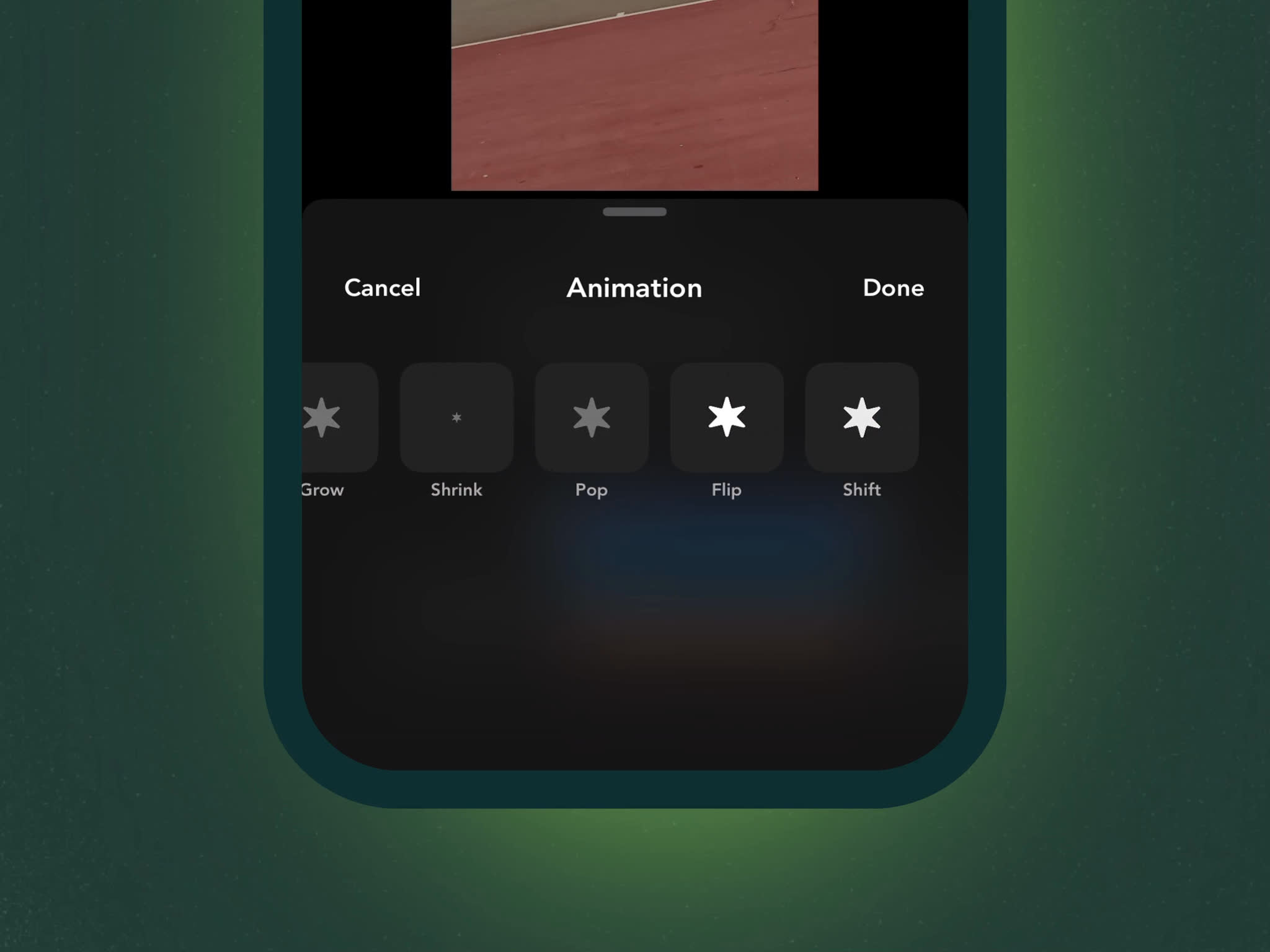
Add motion to your content on iOS. Apply intro and outro animations to stickers, text, captions, and unlocked template assets — with live preview as you browse.
Enter and exit effects: Choose separate animations for when an asset appears and disappears, with multiple preset options.
Speed and direction control: Fine-tune how fast and which way each animation moves across the frame.
Reverse exit animation: Automatically mirror your enter effect for symmetrical, polished transitions.
Works with templates: Animate any unlocked text or graphic in your templates for custom motion effects.
Tap any supported asset, hit the animation icon, and start previewing.
February 11, 2026
Reach global audiences with your video content. Translating captions can be done in Slate's Web Editor with a few clicks and no external tools needed.
Bulgarian, Czech, Danish, German, Greek, English, Spanish, Estonian, Finnish, French, Hungarian, Indonesian, Italian, Japanese, Korean, Lithuanian, Latvian, Norwegian, Dutch, Polish, Portuguese, Romanian, Russian, Slovak, Slovenian, Swedish, Turkish, Ukrainian, Chinese
Generate or add captions to your video
Open the captions drawer
Select your target language from the "Translate to" dropdown
Captions are automatically translated
January 22, 2026
All your brand colors
Slider to adjust outline width
Outlines from 1 pixel up to a hefty 32 pixels thick
December 10, 2025
This update brings several of Slate’s most-used editing tools to the iOS app, making it easier to make quick adjustments without switching between apps.
In-Line Text Editing
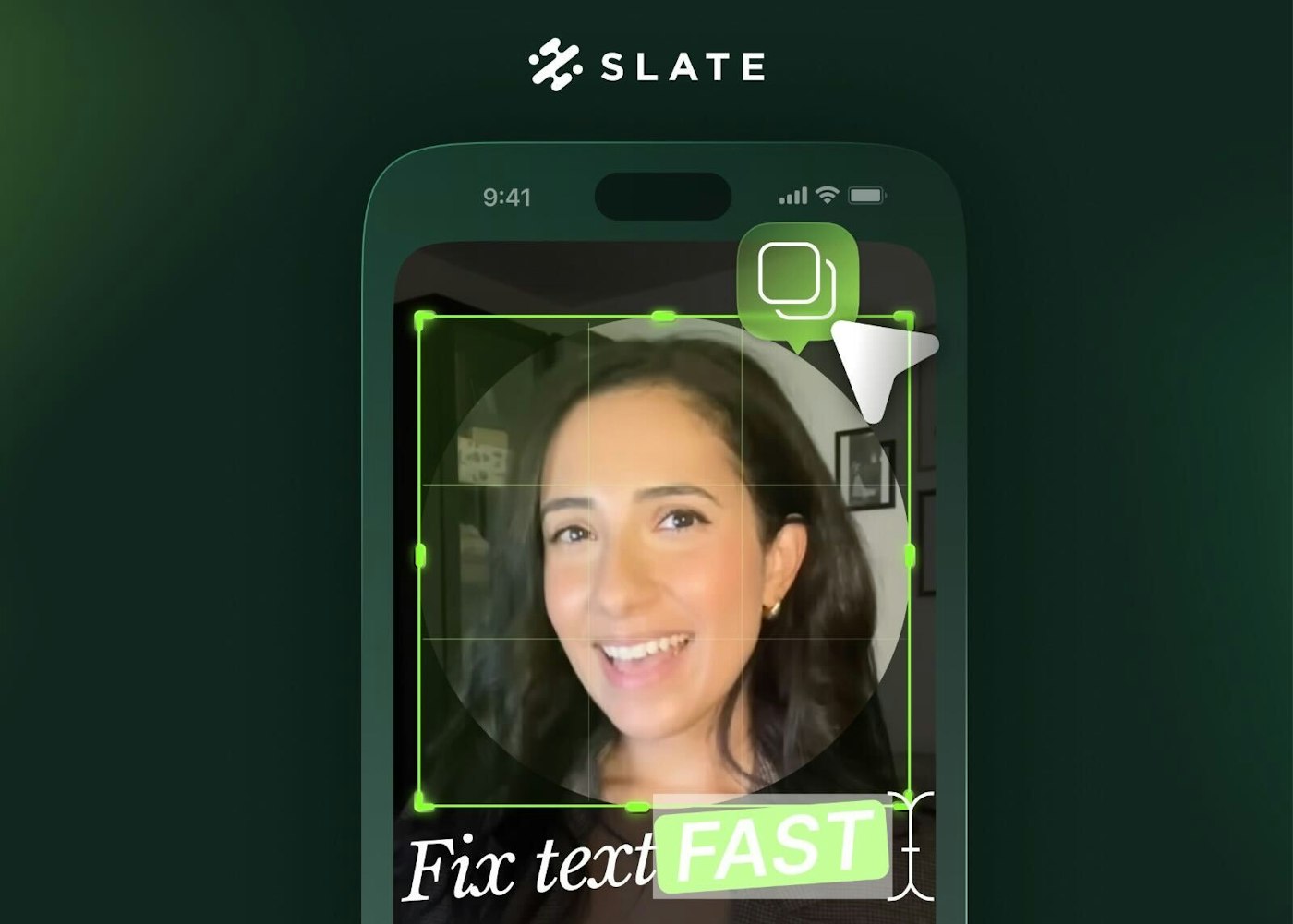
You can now edit font, size, and color directly on the canvas.
This allows for quick text fixes and hierarchy adjustments without reopening menus.
Circle Crop
A circle crop option is now available for images and videos.
Useful for profile photos, stickers, and modern layout styles.
Media Sticker Effects
Apply rounded corners, outlines, and drop shadows to media.
These effects automatically use your brand colors for consistency.
One-Tap Duplicate
Duplicate any element with a single tap.
Helps maintain spacing and structure when creating multi-callout designs or carousels.
These updates bring core desktop editing capabilities to mobile, helping you stay on-brand and make fast adjustments even when you’re away from your laptop.
November 15, 2025
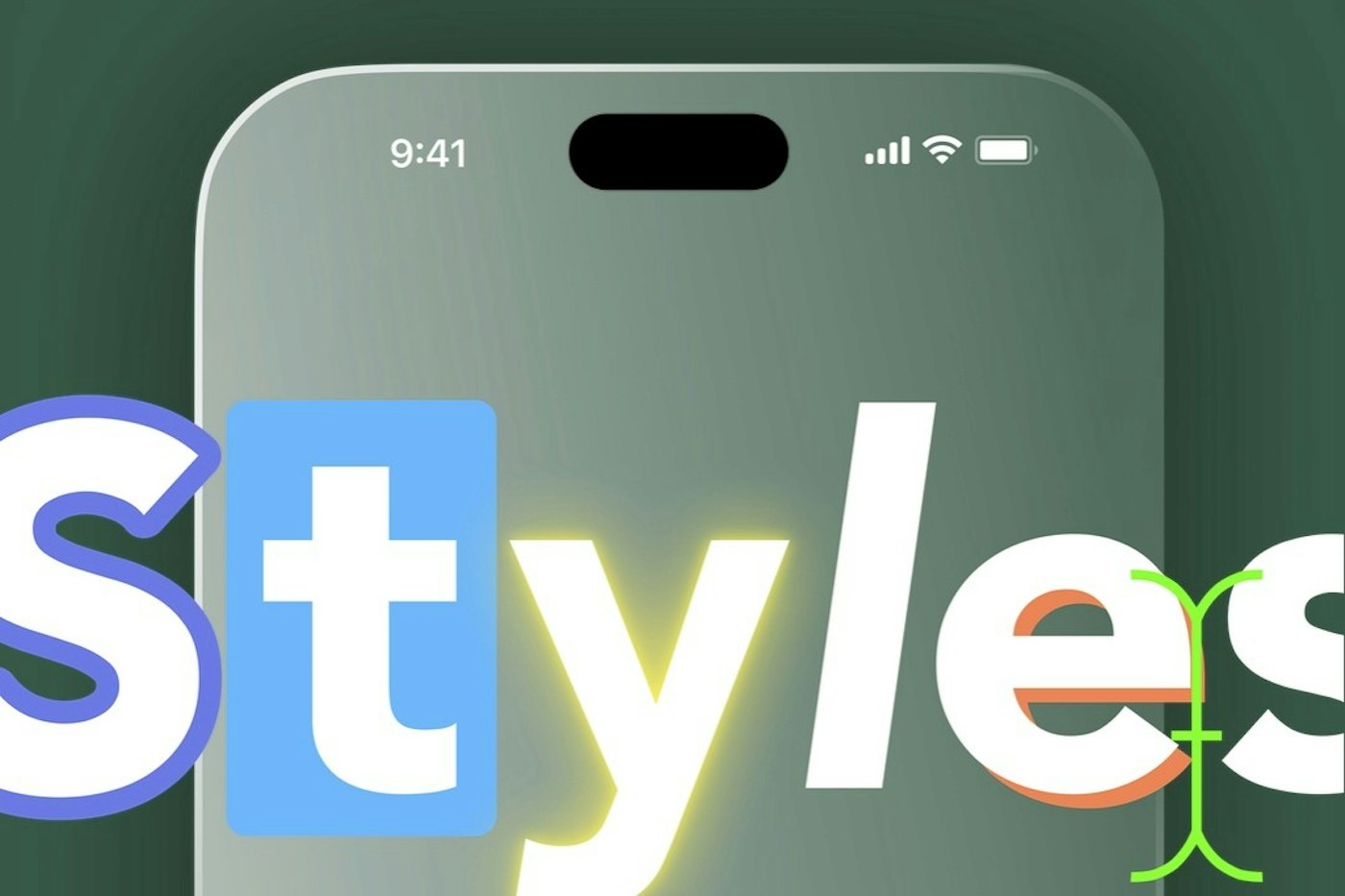
We’re excited to roll out Text Presets, a powerful new feature designed to make text styling faster, easier, and more consistent across all your projects.
Save Text Styles: Store your fonts, colors, shadows, and outlines as reusable presets.
Apply with One Click: Drop your saved styles onto any text element instantly.
Stay Consistent: Swap between campaign or brand looks without manually restyling.
Still Flexible: Edit any part of a preset on the fly without changing the saved version.
Improved Color Controls: Use brand colors, custom HEX codes, and adjust opacity more precisely.
October 30, 2025
Combine Moments allows you the ability to select multiple Moments from a video and merge them into a single clip — perfect for highlight reels, key takeaways, or those “best of” recaps your team loves to share.
Here’s why you’ll love it:
Pick and combine Moments by topic, speaker, or theme — no manual editing required.
Create a more dynamic, continuous story from the best parts of your video.
Works seamlessly with the ability to adjust moments, so you can tighten clips before you even open the editor.
Quick notes:
You’ll need at least two Moments to combine.
Clip generation usually takes about 2 minutes.
If you’re exporting in multiple ratios, each ratio will get its own combined version.
September 15, 2025
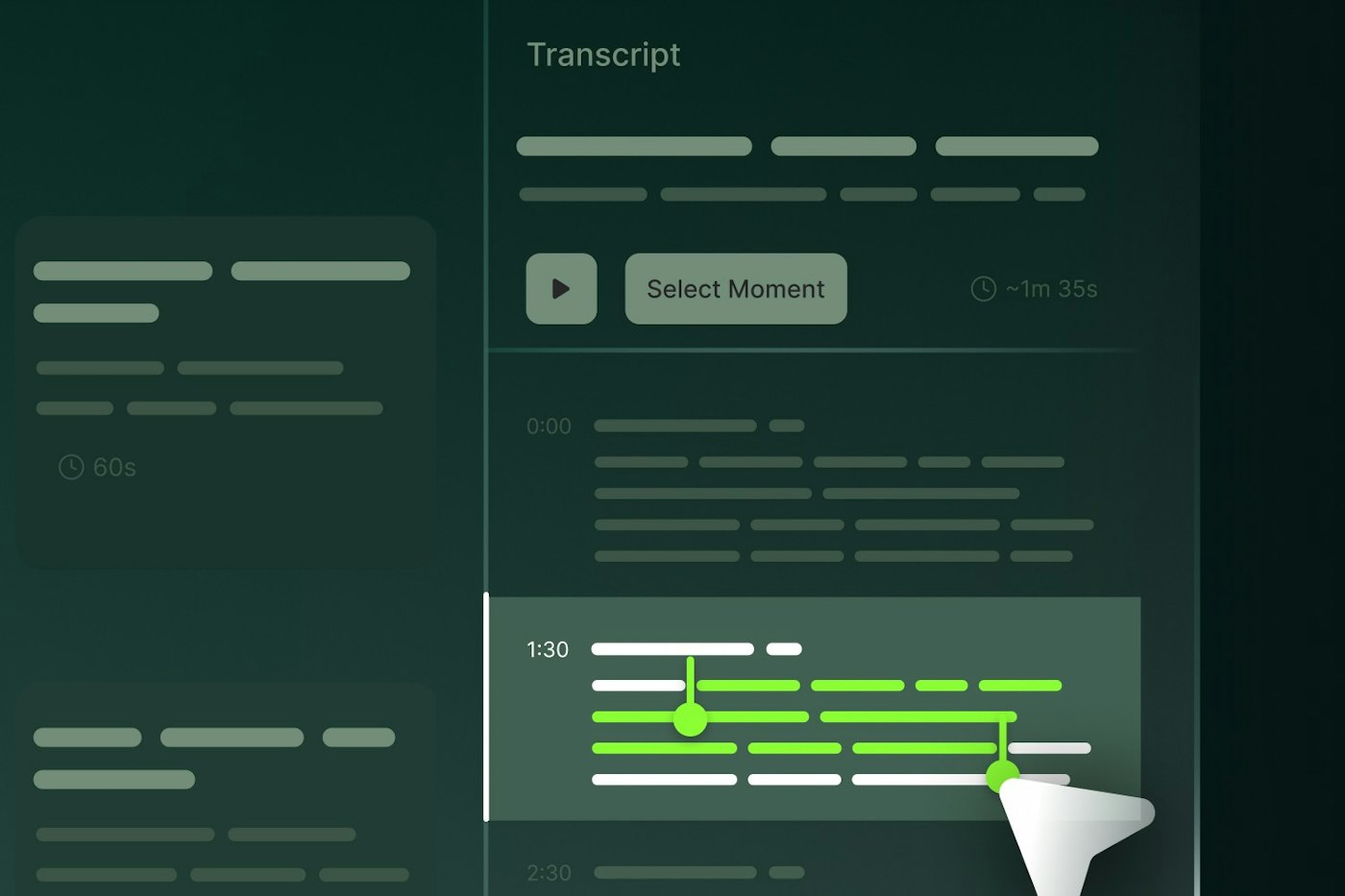
AI highlights are great, but they don’t always get it perfect. Now you can fine-tune the length of any clip with simple drag handles or quick taps—extend the laugh, cut the pause, and preview changes instantly for smoother pacing.
Need to tweak again? No problem! Edits are reversible anytime. And with smart re-generation of titles, descriptions, and tags based on your updated transcript, your clips stay consistent and on-brand without extra work.
September 4, 2025
A new Update to Shortcuts just dropped. With a click you can now export your entire video transcript in multiple LLM friendly formats, making it easier than ever to turn your video content into posts and articles
Transcript Export Options
Full Transcripts: Download complete video transcripts in .txt format
Subtitle Files: Export subtitles in .srt format for global reach
Quick Copy: Copy transcripts to clipboard for immediate use
Copy transcripts unlocks new ways to use your existing long-form video content.
Repurpose video content into blogs and social posts
Make content accessible to wider audiences
Share key moments with your team, fast
No more juggling multiple tools or waiting for transcription services. Everything you need lives in Slate, right where you create.
September 3, 2025
This Summer we’ve zeroed in on overhauling the editing experience on Web, with a number of “little big” changes to shave every second out of your edit session
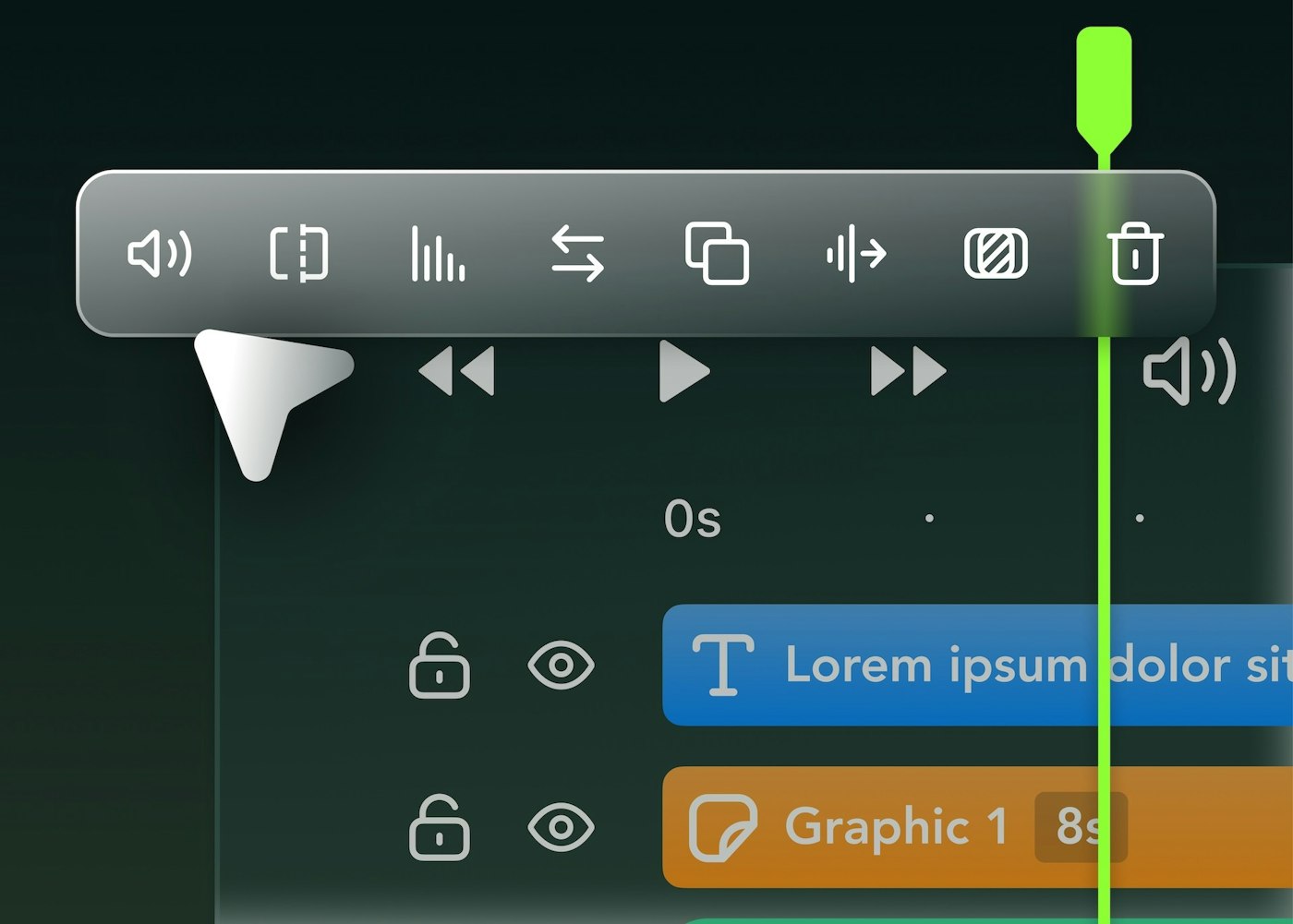
Timeline toolbar surfaces contextual actions based on the clips you’ve selected, even if they’re different combinations of clip types.
Select, edit, copy, and paste multiple clips across your timeline
Lasso selection: drag to select multiple clips
Hold down the "shift" key and click the first and last clip to select everything between
Hold "command" key while clicking to add specific clips to your selection
Bulk editing additions like copying and pasting will cut down edits times to single digits
Split clips without selecting them first. Use one hand to drag the the playhead and hit s to cut everything – perfect for first passes and rough cuts
Clip-snapping with visual guides makes precise alignment a snap.
We’ve Improved timeline and canvas zooming performance
You can now use your own audio files in Slate in conjunction with audio files published from the Brand Hub
Audio uploaded from your computer lives in the Uploads drawer – renamed from media Drawer
Insert clips between existing content without disrupting your flow
Click on gaps between clips to remove them or remove all gaps in a lane with a single click
Trimming a clip respects the relative spacing of clips that follow it; meaning you can dial in the first frame, without any impact to your other clips positioning in the timeline.
By default, captions now appear as a single unit making it easier to apply styling to all captions.
To edit the timing and styling for specific captions, zoom in your timeline. The captions will break up into phrases.
July 28, 2025
Continuing with our tradition of updating and expanding our Safe Zones we've shipped New LinkedIn varieties and have our Instagram and TikTok formats too. Stay safe out there.
July 20, 2025
Last month Instagram rolled out support for 3:4 aspect ratio content in feed. For some time already you've been able to export content in the new format on Web and Mobile and now we're proud to announce that Slate fully supports 3:4 aspect ratio brand assets too:
Overlays
Templates
Intro's & outro's
Backgrounds
June 29, 2025
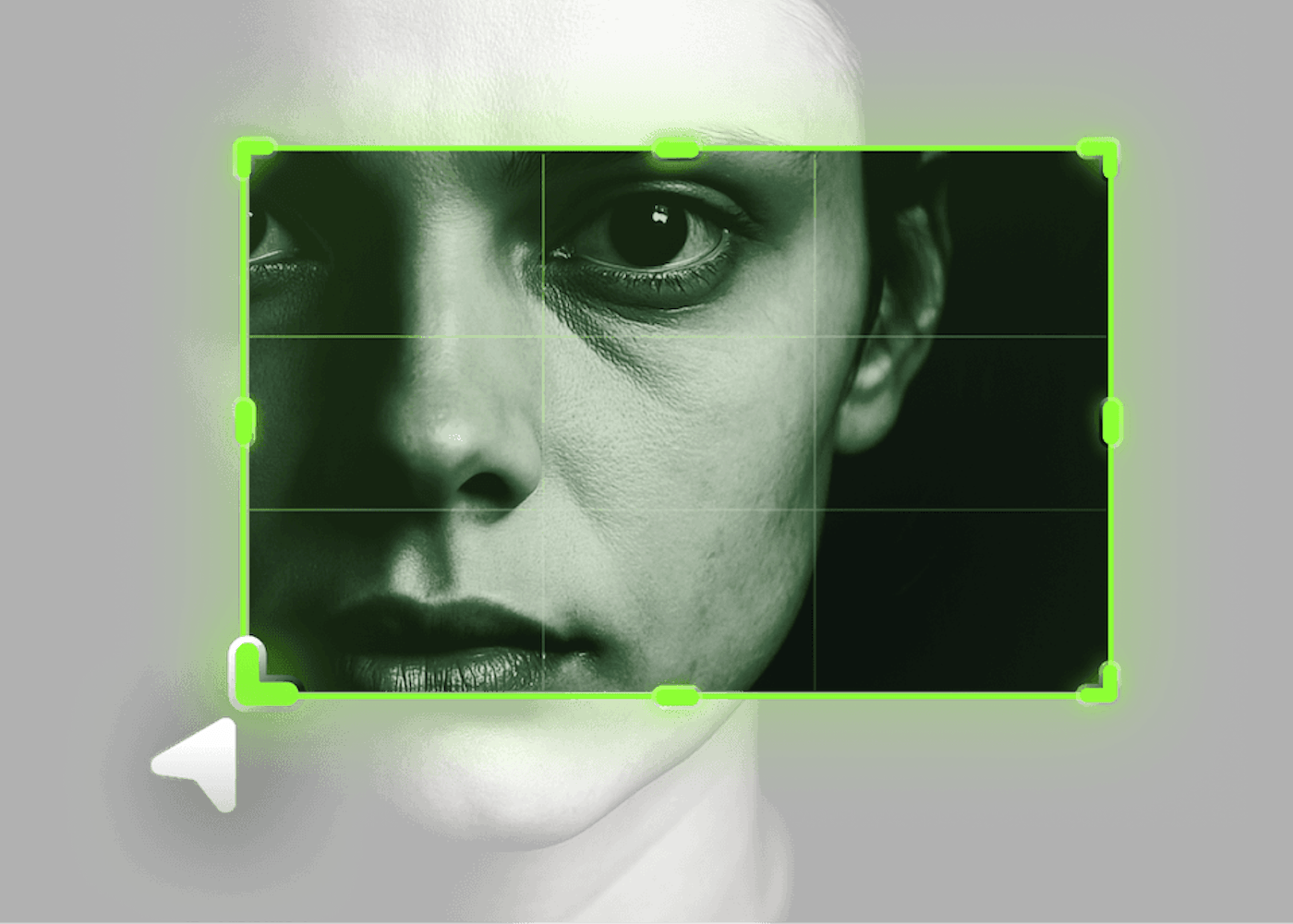
We rebuilt our cropping tool on web from the ground up. We've replaced the windowed crop with an on canvas alternative so you can stay in-flow, and see exactly how your crop will look in context of the layout. We still offer all the handy preset crop aspect ratios wrapped up in a more intuitive experience that we know you're going to love.
May 29, 2025
Text is the backbone of social content. It guides, it persuades, it connects. Now you can do more with text in Slate on mobile.
Highlights: Box and inline effects to make your message pop
Shadows: Choose from drop shadow, glow, or retro effects
Outline: Add definition with adjustable borders
Color opacity: Fine-tune transparency for subtle branded touches
Case switching: Toggle between upper and lowercase instantly
Letter spacing: Adjust tracking for improved readability
May 29, 2025
We've added a Scrubber to the Canvas edit view, so you can seek through your video, and check your layouts without opening the timeline.
April 23, 2025
Update to the latest version, do something silly. Then undo it. This is the future we were promised.
April 9, 2025
Now on Android – one tap Background Removal for Graphics and Images. Easily eliminate the backgrounds from your photos or graphics, leaving only the main subject.
March 24, 2025
With timeline you can arrange the timing and sequencing of video clips, text and other layers. In this first version we've focussed on arrangement and sequencing so you can start creating more engaging social video. We're just getting started so watch the forthcoming releases for improvements.
February 19, 2025
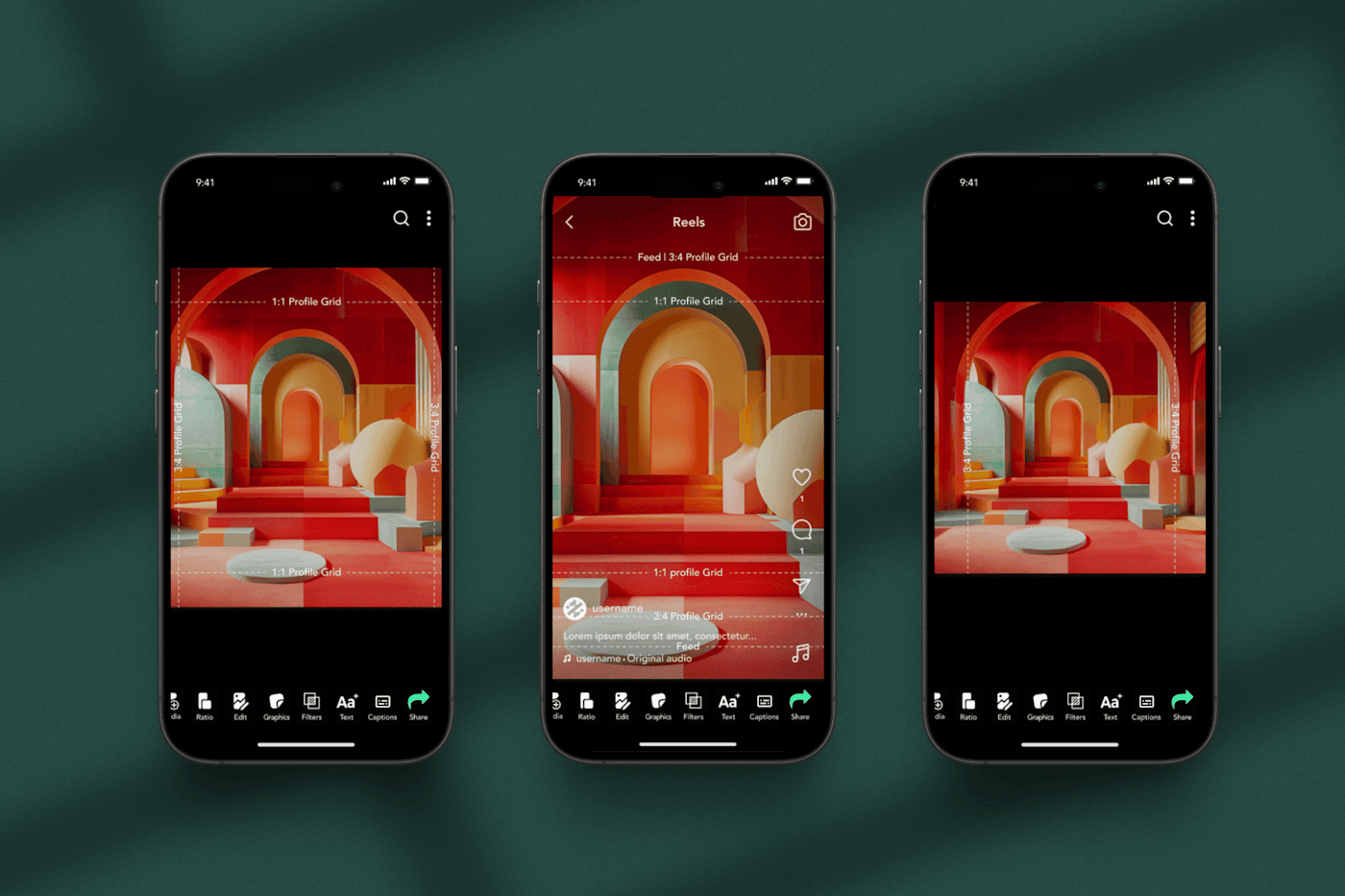
Instagram has shifted from its iconic 1:1 square grid (1080 x 1080 px) to a taller 3:4 format for grid previews. As a result you may have noticed your content looking unflatteringly cropped in the grid view. To ensure your captions and watermarks dont get the cut we've updated our Safezones to include more comprehensive grid lines.
February 19, 2025
You can upload and publish Intro and Outro sequences in more aspect ratios:
9:16 Vertical
1:1 Square
16:9 Landscape
4:5 Portrait
December 14, 2024
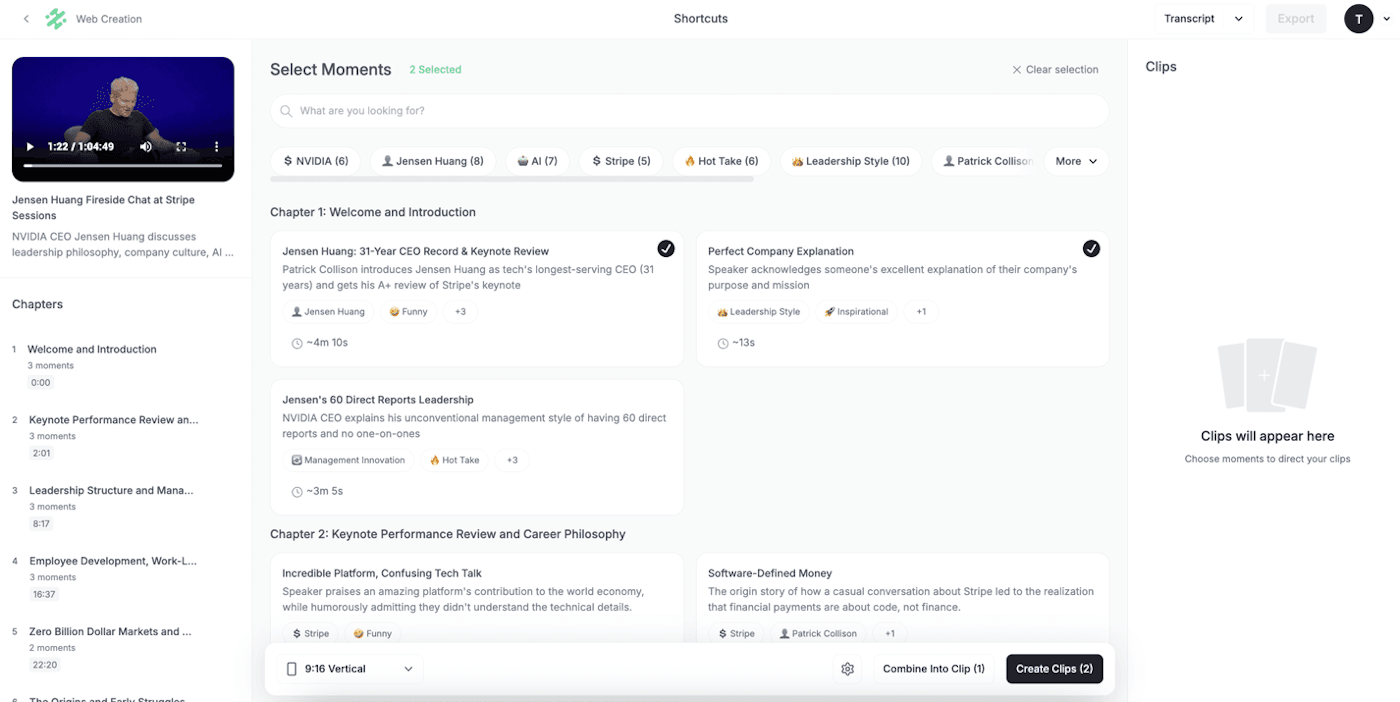
Transform your long-form videos into stunning social media shorts effortlessly with Slate’s Shortcuts feature. This AI-powered tool highlights the best moments, delivering polished, ready-to-share clips that dazzle your audience.
Enjoy full editability with no flattened clips or burned-in captions - perfect for crafting a unique brand story.
Easily surface key highlights using moments, tags, or timestamps, ensuring your content shines.
Removes pauses, repeats, and irrelevant content for a focused clip, while Basic Edit simply trims the start and end without cutting anything inside.
September 19, 2024
With Presets you can use consistent styling across all your video captions. Once you've dialed in a look you like, hit save and the caption Preset will be available for your future projects.
We've also introduced two new formatting improvements. Remove the punctuation in your captions with one click, for easier reading. You can also now keep captions visible during long periods of silence between phrases.
September 16, 2024
This quality of life update goes out to all our Template users who have struggled with missing fonts, incompatable fonts – or just wanted to use a font specifically for a Slate Template. Those days are over, because you can now replace fonts in your upladed PSD Templates.
September 16, 2024
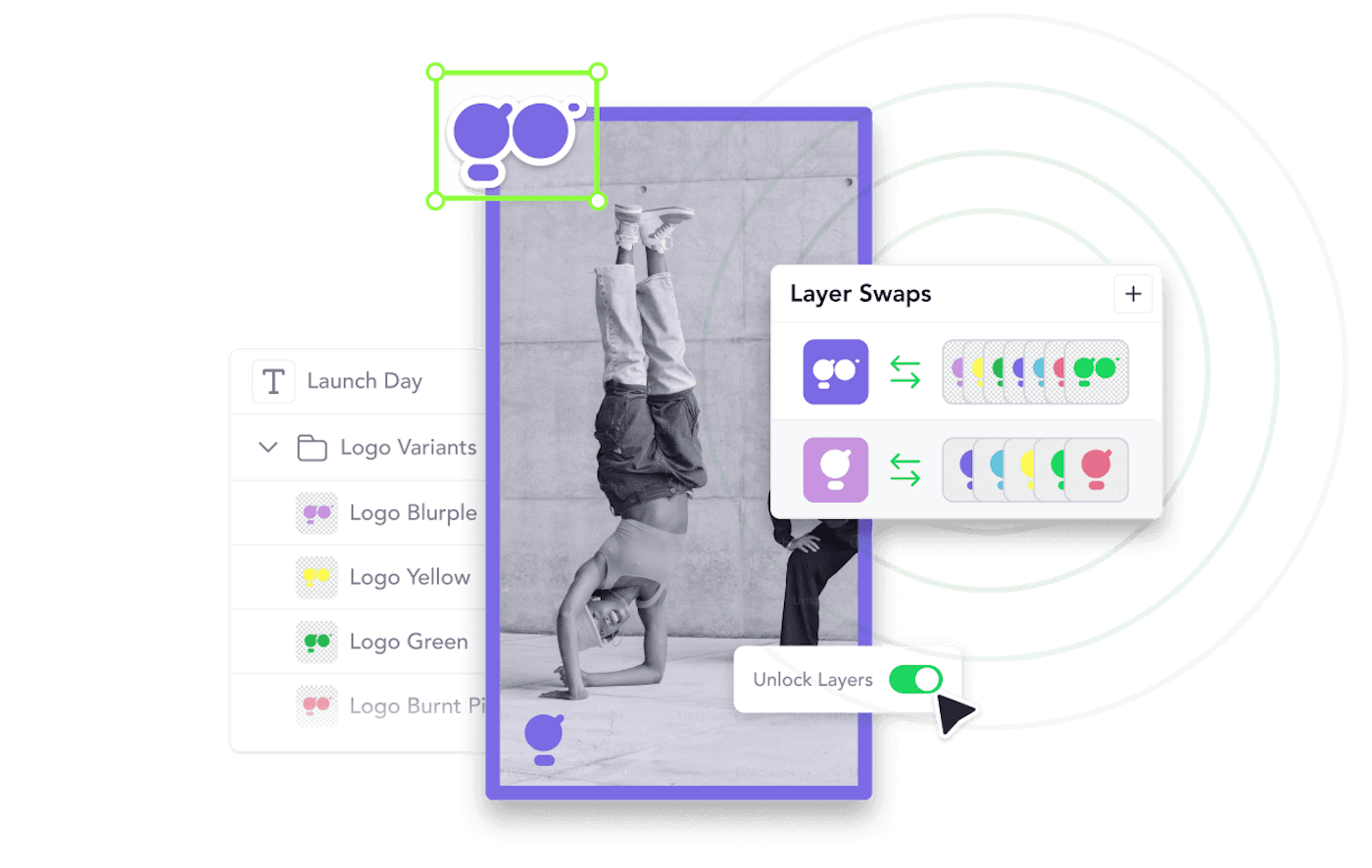
Templates make editing visuall complex content on the go a breeze. And now it just got, uh, brezier with several important updates.
Swappable Layers: PSD templates with swappable layers make it easy to make dynamic edits to your templates by swapping out logos, graphics or any visual with a tap. Unlocked Layers: Template layers can be unlocked making it possible to move and resize layers in templates.
August 27, 2024
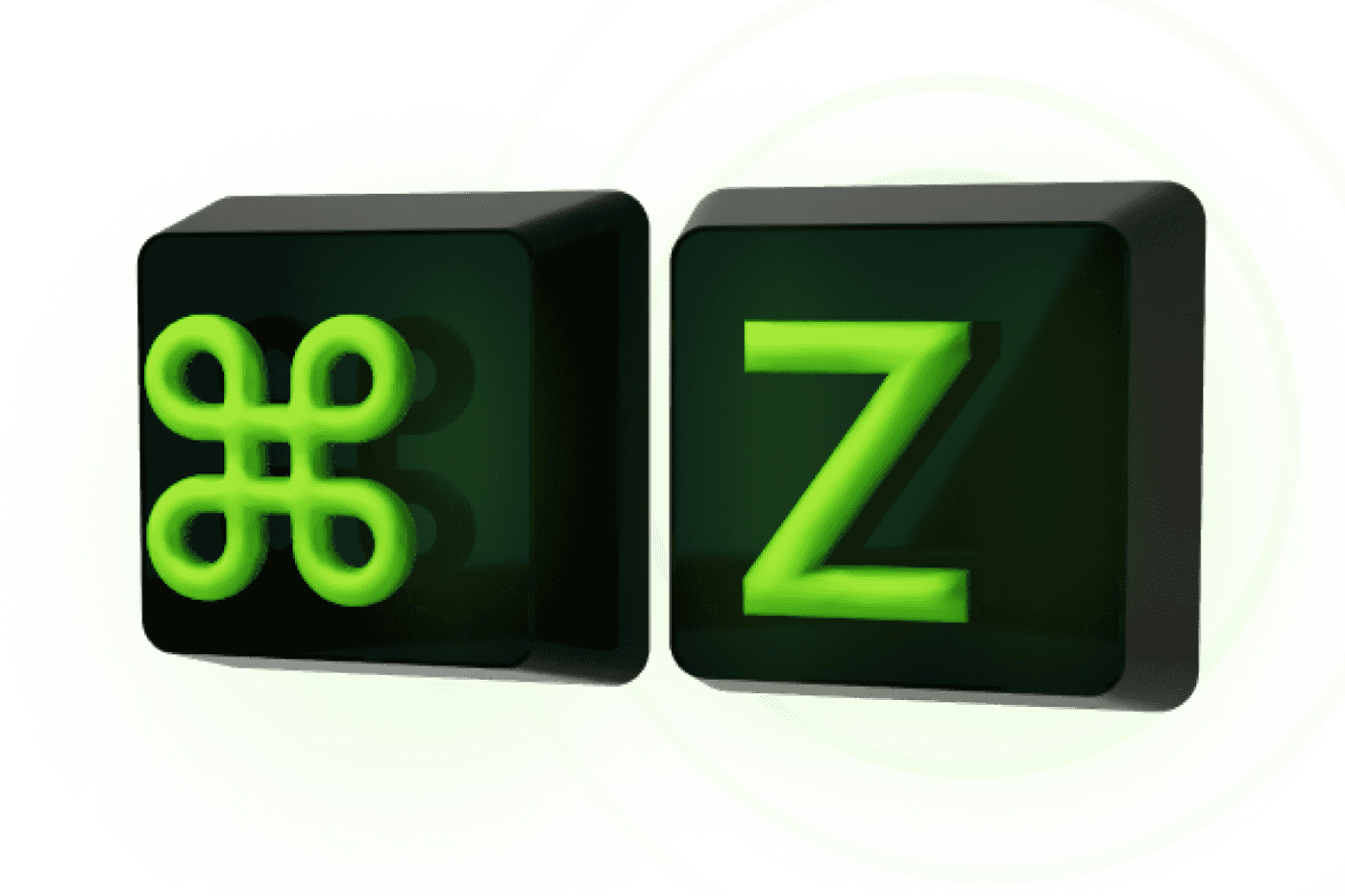
You're probably thinking "C'mon Slate, undo is *barely* a feature." But you'd be suprised just how convincing we can be through the use of graphics and clever word-play.
Discover the magic that is Undo™
When you make a mistake or change your mind about a design decision, hit Ctrl+Z / Cmd+Z and revert to your previous edit. That's right, unlike life and fashion in the 80's, in Slate no mistake is irreversible; no error of judgement, irredemable.
Just Ctrl+Z to go back in time and fix any mistake. Just one step back? No. Five? You're lowballing. Undo in Slate is Limitless, theoretically speaking.
Now to the not so good news. There are many hundreds of potentially undoable things in Slate, so if you may notice something is not, uh, "undoing" – let us know and we'll be sure to add it.
August 16, 2024
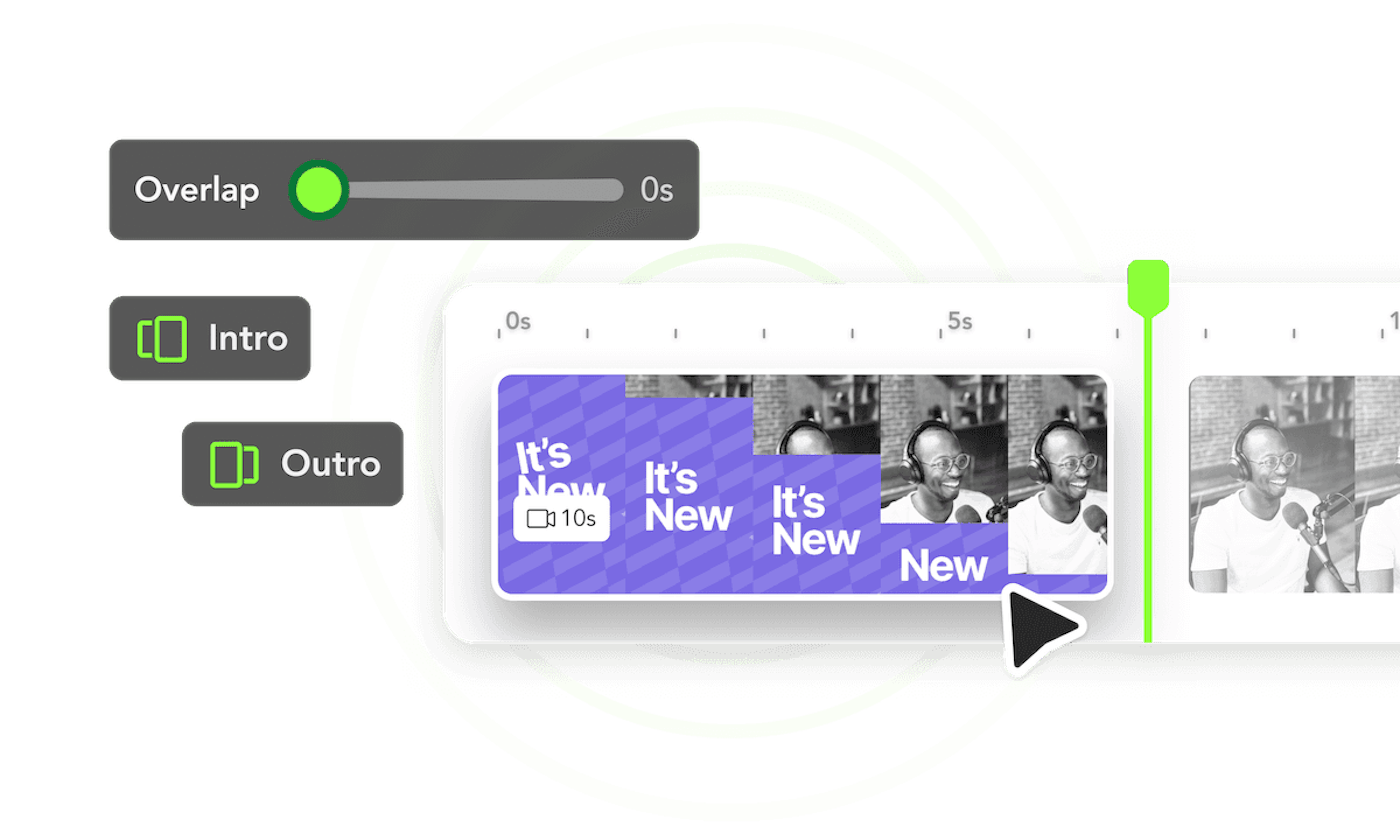
Finally you can leverage the title and logo video sequences that your video teams have created in Slate. With Intros and Outros you can maintain consistency across your video Social content.
Use Intro's as title screens and Outro's for animated logos, credits or calls-to-action. Many of our customers have been looking forward to putting Intro's and Outro's to use for Content Sponsorships – to ensure partnership content is always to spec and to brief.
Like all assets in Slate Intro's and Outro's can be managed from Brandhub, assigned to Collections and used for content creation on both iOS and Web.
August 15, 2024
Cropping is a critical tool for content creation – and we're happy to say that it's finally available to all Creators on the Web. With our first iteration you're able to crop video and images using a variety of popular aspect ratios, with more options like custom manual cropping coming soon.
August 10, 2024
Timeline on iOS continues to get better with support for images. Now creators can include images and video to their posts, or create video content using only images.
Images added to the timeline behave like video clips. You can change the duration of the image clip and use it in conjucntion with other Slate asset types like filters, sound and backgrounds
July 22, 2024
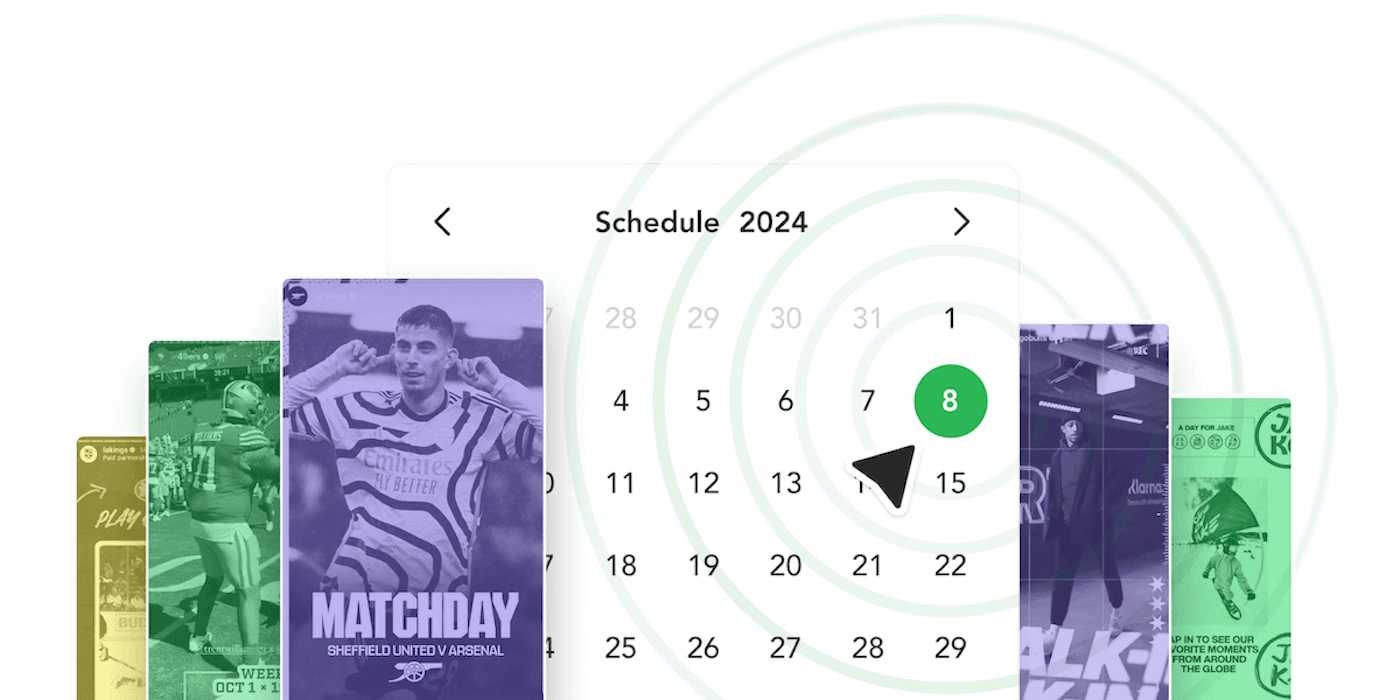
The Sprout Social integration marks a significant milestone as our very first Publishing integration. Sprout Premium customers can publish or schedule content directly from the Slate Web Editor to Sprout Social. Brand andministrators can also publish any content created across their team from the Content Hub. Support for publishing directly from iOS will be coming soon
July 12, 2024
Safe Zones is an innovative feature that provides users with the ability to preview their content in advance, ensuring that it appears exactly as intended when shared on various social platforms. This feature helps users to make necessary adjustments beforehand, thereby enhancing the overall quality and effectiveness of their posts. By offering a glimpse of the final look, Safe Zones empowers users to create more engaging and visually appealing content, tailored to fit the unique specifications and aesthetics of each social platform.
July 4, 2024
With Caption support in timeline, fine tuning your captions to picture is faster and more intuitive. In the timeline, captions now appear as a series clips, just like video, making it possible to dial in the timings of ever word.
July 3, 2024
For teams relying on imported PSD templates to drive their Slate content creation experience, your workflow has just gotten a massive speed boost. With Swappable layers, your templates can now cater for multiple scenarios, states or styles in a single file.
When importing templates admins, can now set layers or groups of layers (folders) as swappable and specify which layers can be swapped. We've also greatly improved the template uploading experience for admins with more controls over layer-level editng permissions.
June 7, 2024
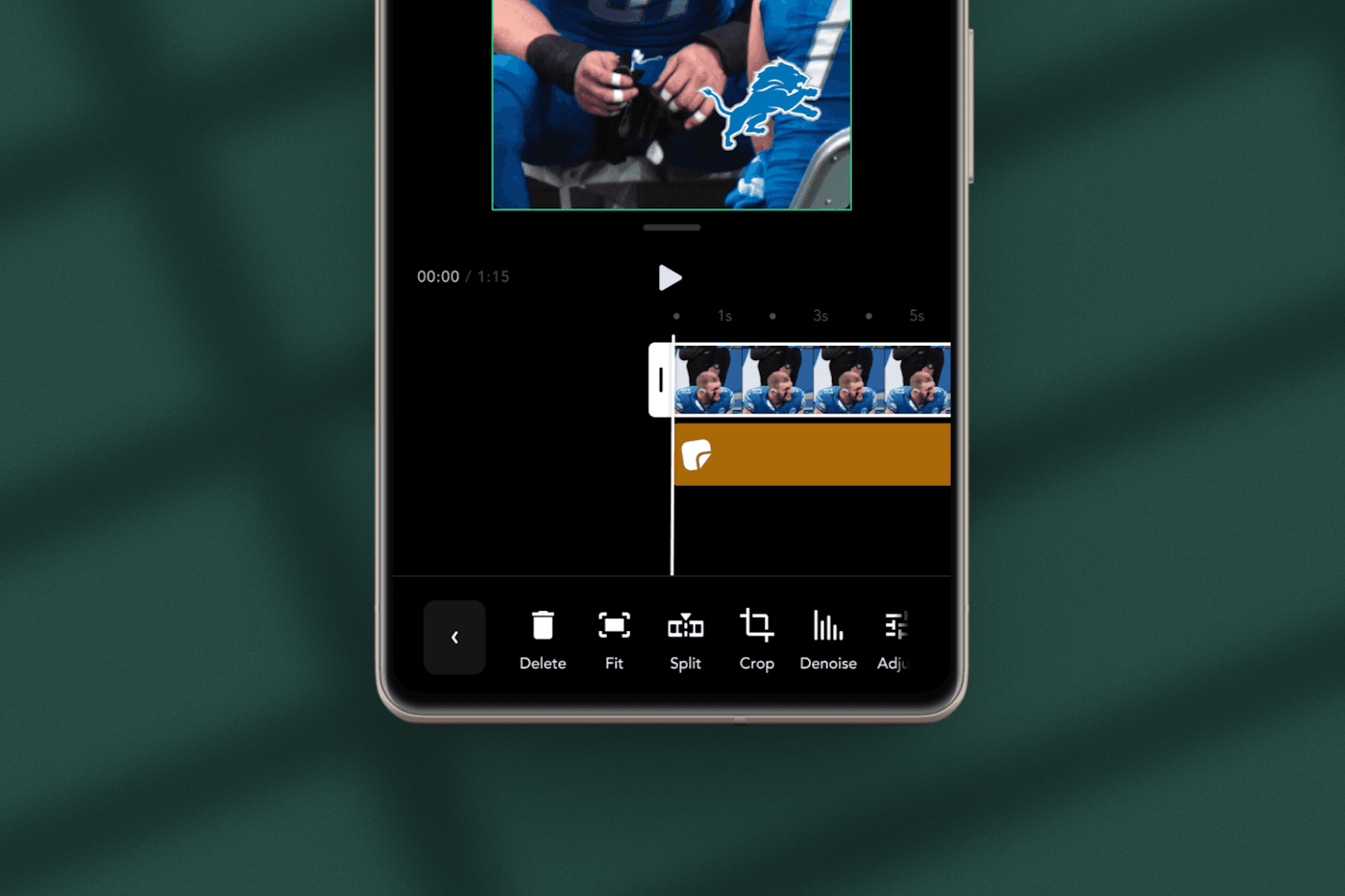
Removing the background noise allows users to eliminate unnecessary sounds and noises that might otherwise interfere with their listening experience. By utilizing advanced noise reduction technology, users are able to fine-tune and adjust the level of noise reduction to ensure that the audio remains clear and maintains a natural sound quality. This customization ensures that users can enjoy their audio content without any distracting background disturbances.
May 15, 2024
Share your content to Content Hub from the iOS app, allowing you to share not only with social media platforms but also with your account team members. This ensures that your valuable content reaches a wider audience, including those within your professional network and social circles.
May 3, 2024
Allows all Slate users to view and access content that has been generated not only by themselves but also by other Slate users within their account. This feature ensures that users can collaboratively engage with and benefit from a wider range of information and resources created within the Slate platform.
Try Slate for free and see how quickly your team can go from idea to publish.