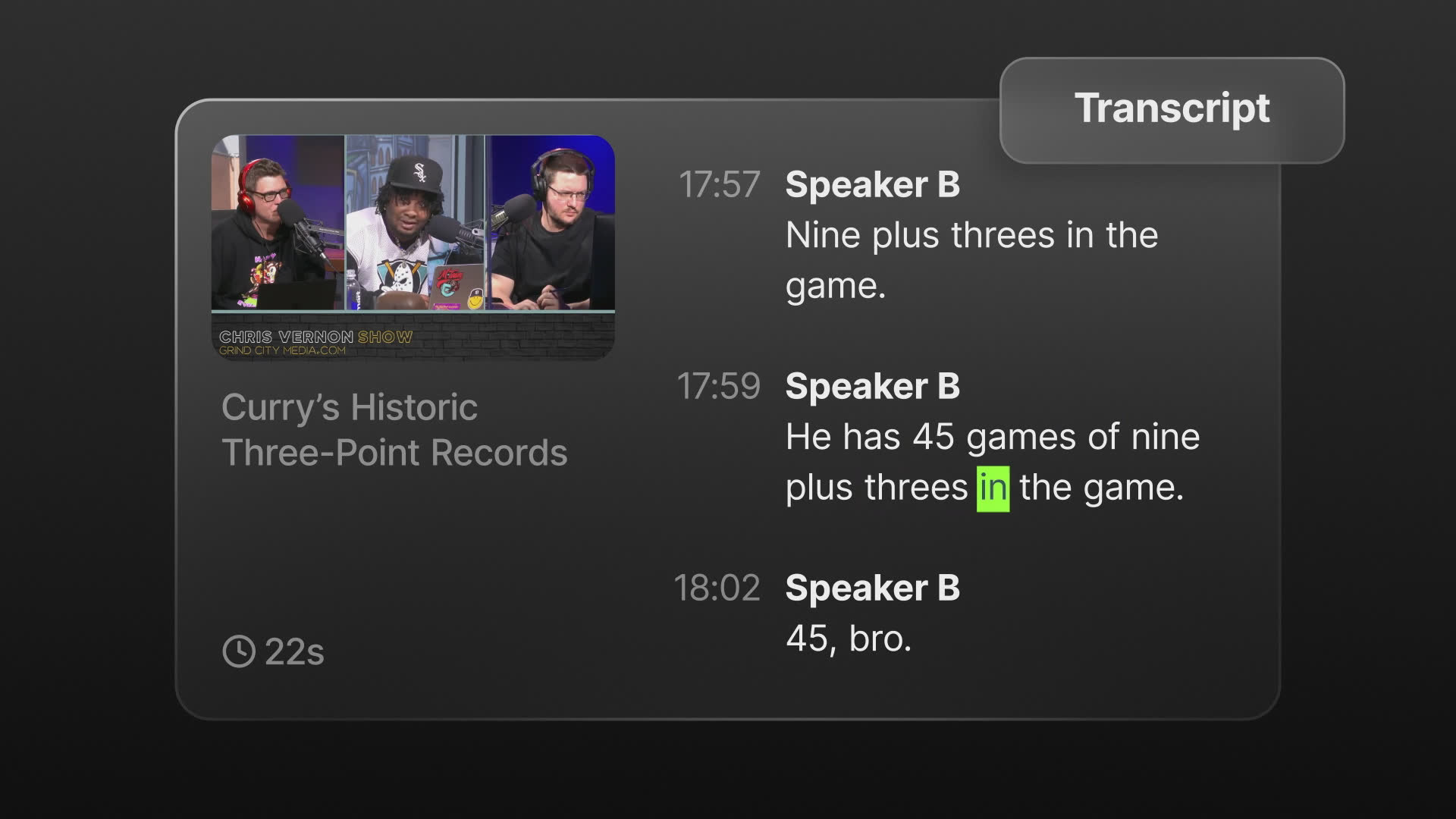


I love that it helps me with reviewing all of the footage and recommending different cuts.
Podcast, Interview & Webinar Clips
One recording. A week of posts.
Turn an hour of talking into the five clips worth posting without scrubbing the whole file. Slate reads the transcript, surfaces the strongest moments, cuts them to length, reframes for vertical, and captions them in your style. Ready for review, not for repair.
How Slate does it
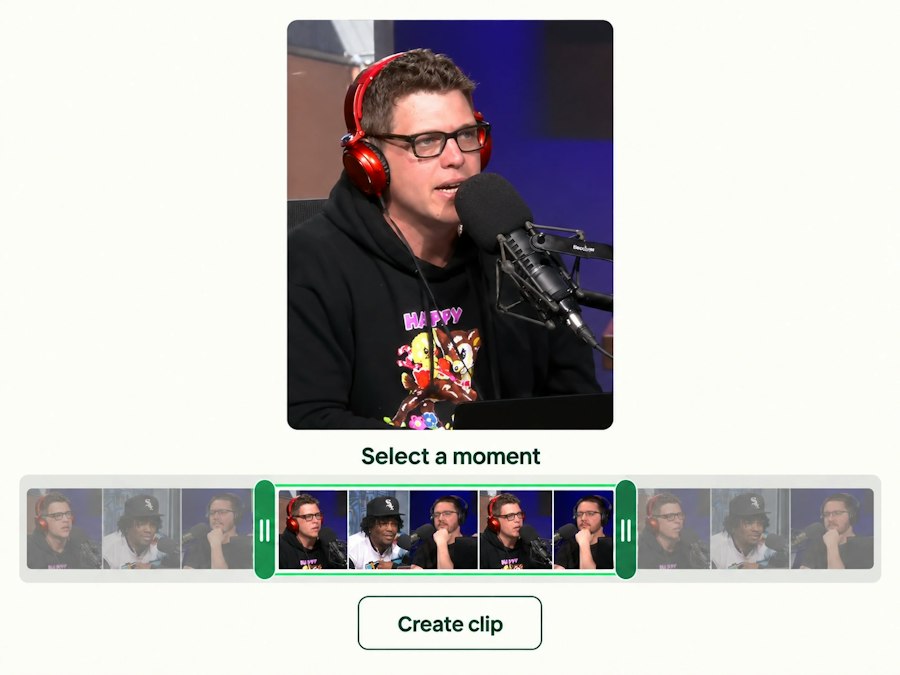
Find the moments worth posting
Drop in the recording and get the strongest segments surfaced from the transcript, cut to length, reframed for vertical.
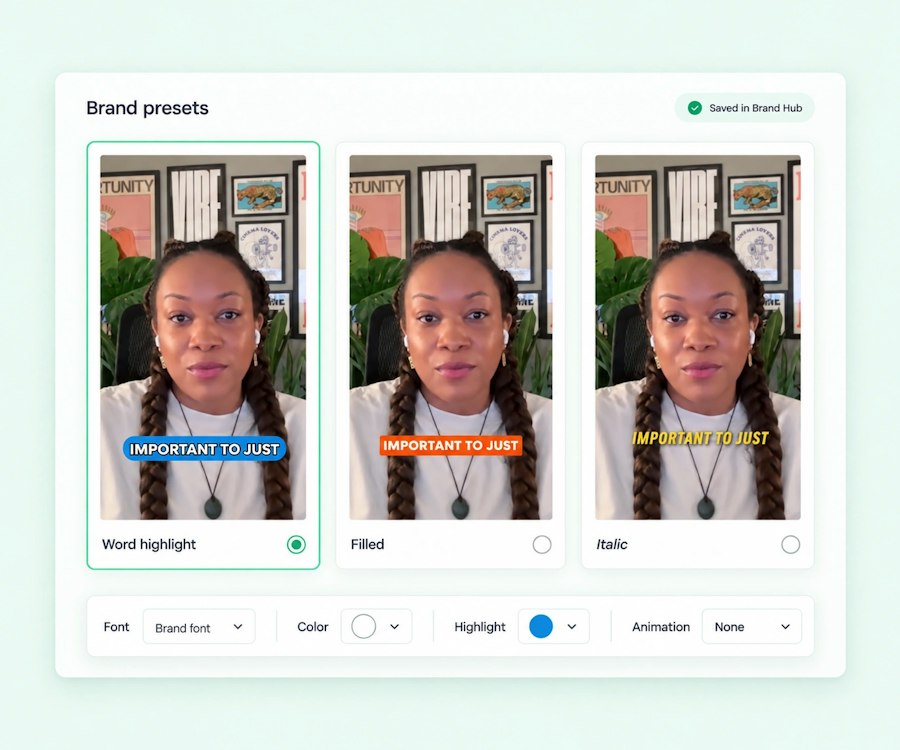
Captioned in your style, every clip
Your caption preset, your fonts, your safe zones across the whole set. Translate for other markets in a click.
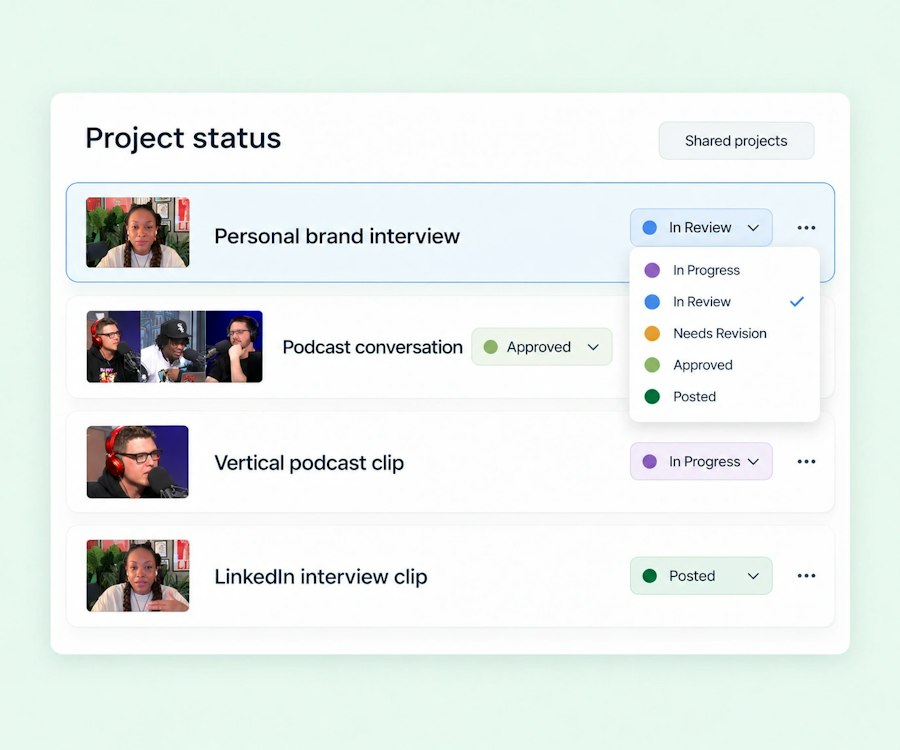
Close the feedback loop
Share the project, comment on the exact clip, approve. The set ships without a single download.
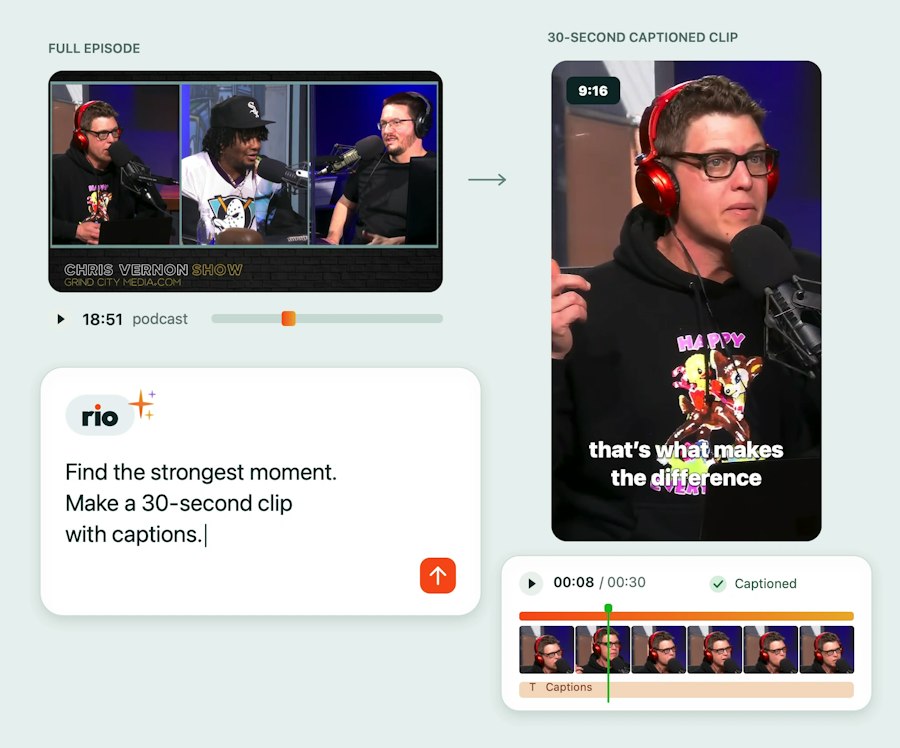
Ask Rio AI to cut your podcast, webinar, or interview
“Turn this podcast into five vertical clips for Reels.” Rio edits your real footage on a real timeline, in your brand.
The timeline editing is really good. I prefer to use Slate instead of CapCut.
Creating a short-form social clip used to take hours and several back-and-forths; now it takes minutes. It’s empowered non-video team members and freed up our team to focus on higher-priority projects.
I’ve tried Klap, I’ve tried Wistia, I’ve tried Opus... your Shortcuts is by far the best.
Customer Stories
Burton’s Shortcut to Faster, Smoother Social Content
Burton’s social team now edits, captions, and publishes videos in-house, saving time and scaling output with Slate.
Burton’s Shortcut to Faster, Smoother Social Content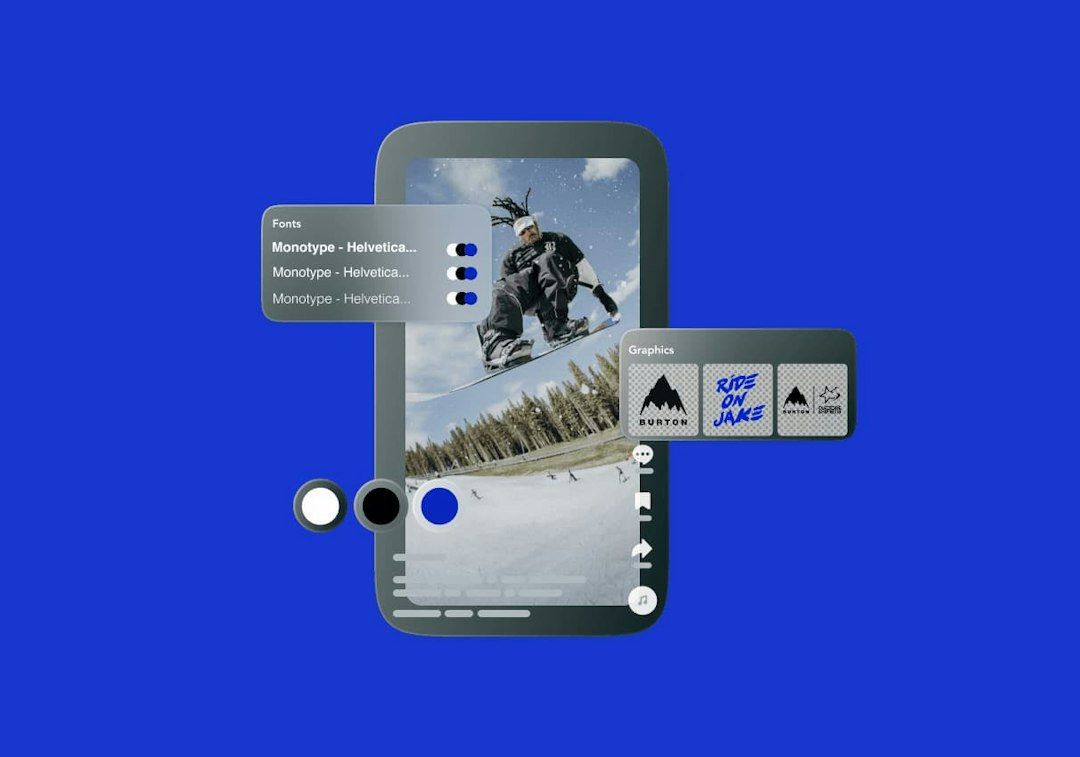

Burton
Consumer Brands
More on podcast, interview & webinar clips with Slate
How does Slate turn a long recording into short clips?
Upload the file and Slate surfaces the strongest moments from the transcript so you don’t scrub the whole thing. Pick the ones you want; each becomes a vertical clip with your caption preset and brand overlays applied, editable on a real timeline.What kinds of recordings work best?
Anything with people talking: podcasts, webinars, keynotes, customer interviews, pressers, Q&As, multi-angle interviews.Can I edit the clips Slate picks?
Yes. Every clip lands on the timeline in Creation Studio, so you can adjust in and out points, fix a caption, or swap the moment.How is this different from Opus Clip or Descript?
The biggest difference is that Slate’s AI knows your brand. Rio is connected to your Brand Hub, so when it adds captions, titles, or cards, it uses your fonts, your colors, your caption presets, and your approved assets. With a standalone tool, you get a generic result you then rework to look like you. With Slate, the first pass already looks like your brand which matters when your team ships dozens of posts a week across multiple channels or properties.
The second difference is where the work happens. Slate’s Rio works directly on your timeline, inside the same platform as your media library, your templates, and your team. You tell it what you want, “cut the dead air, make this vertical, add captions in our preset, translate them to Spanish”, and everything it does lands as normal, editable timeline edits that you can refine by hand. There’s no exporting from one tool and re-uploading into another, and the AI never locks you into a result you can’t adjust.
Finally, Slate is built for teams, not solo creators. Clip tools are optimized for one person farming highlights from their own content. Slate is a system for an organization: shared libraries, brand governance, roles and permissions, and collaboration across people and properties. The result isn’t just a faster edit. It’s a faster edit that’s on-brand, in your library, and ready to ship.