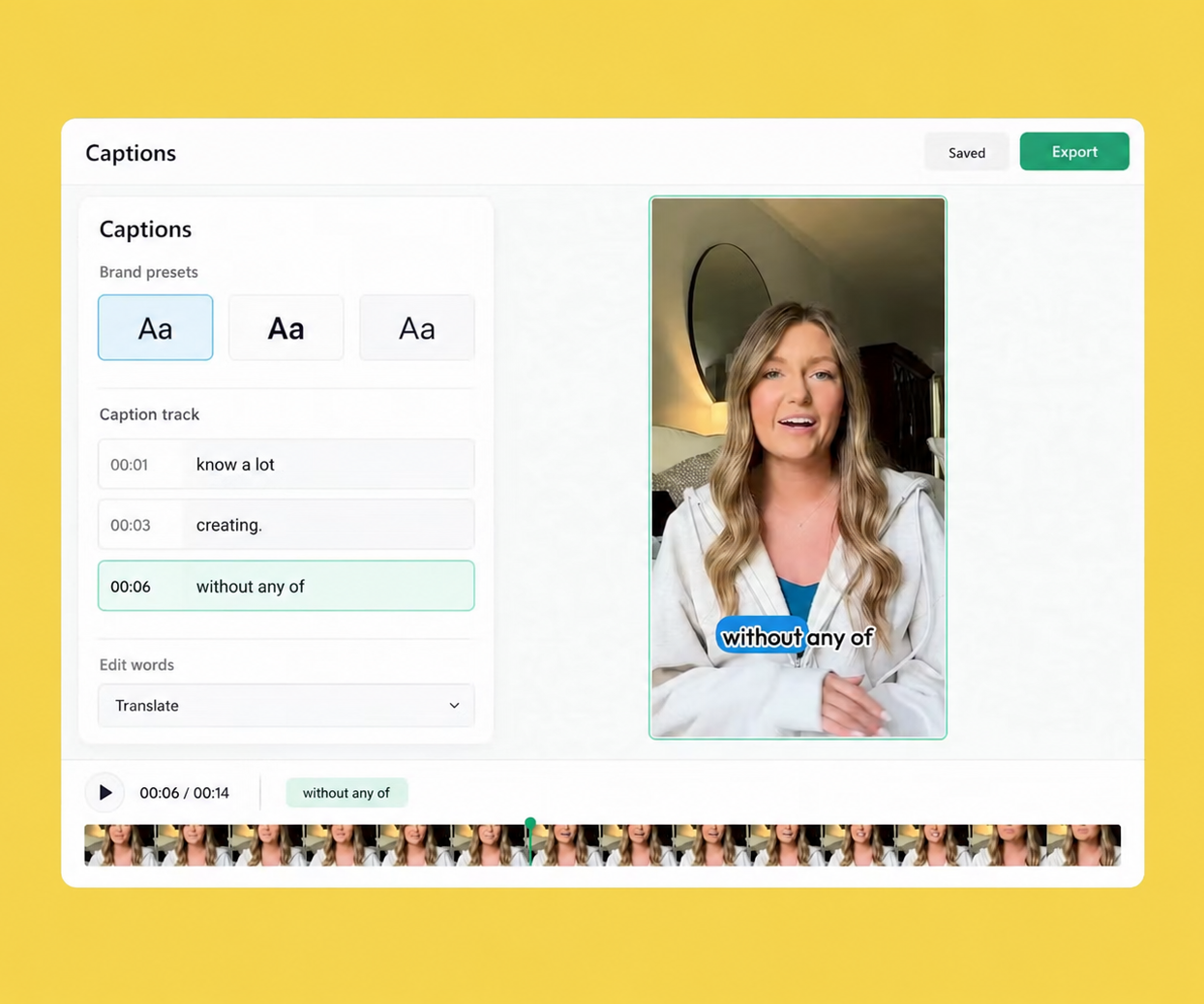
Slate has 10x’d our output and our social media channels are performing better because of the consistency they’ve been able to establish!

Gemma Donahoe
Social Media Producer at Mamamia
Branded Templates
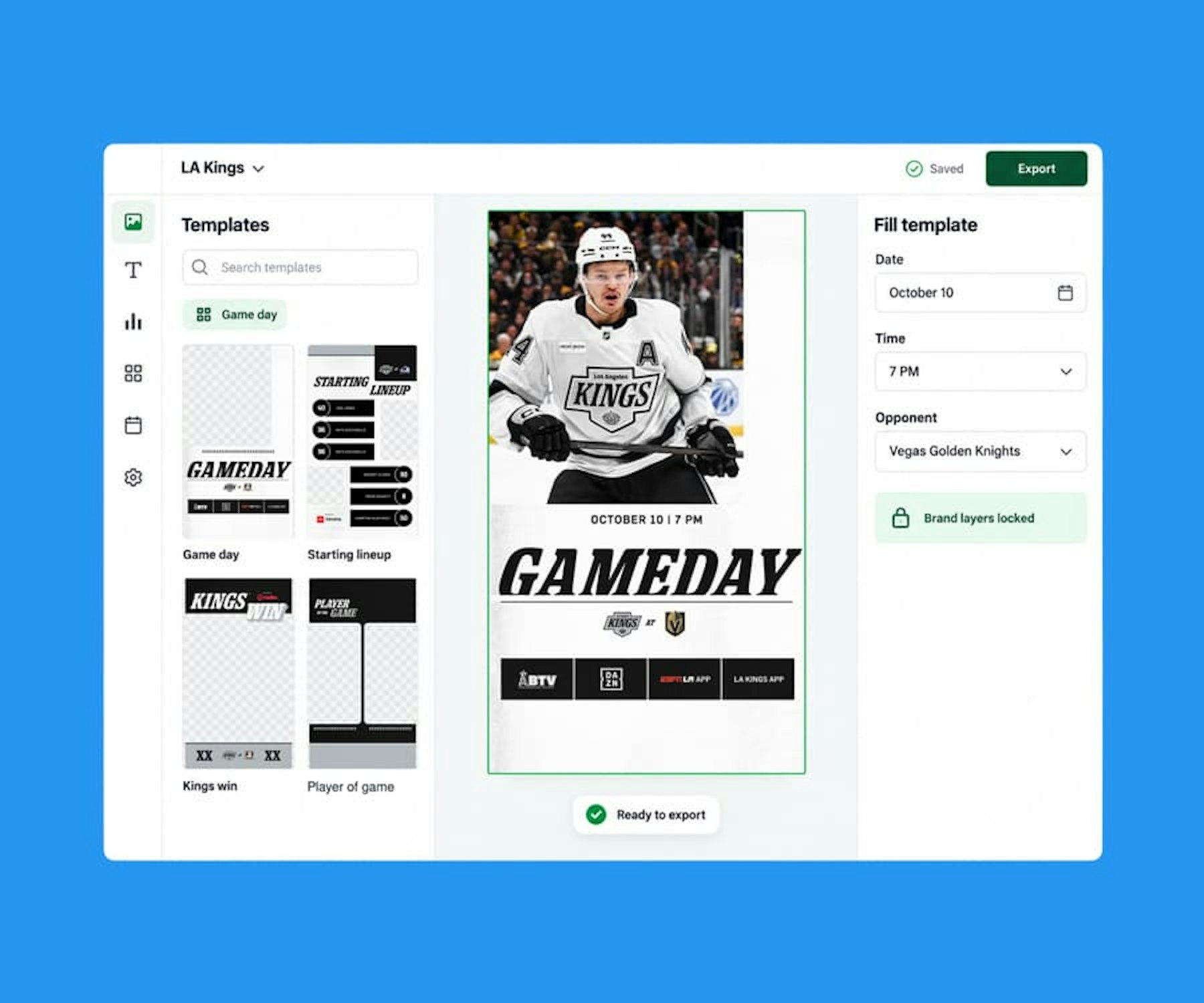
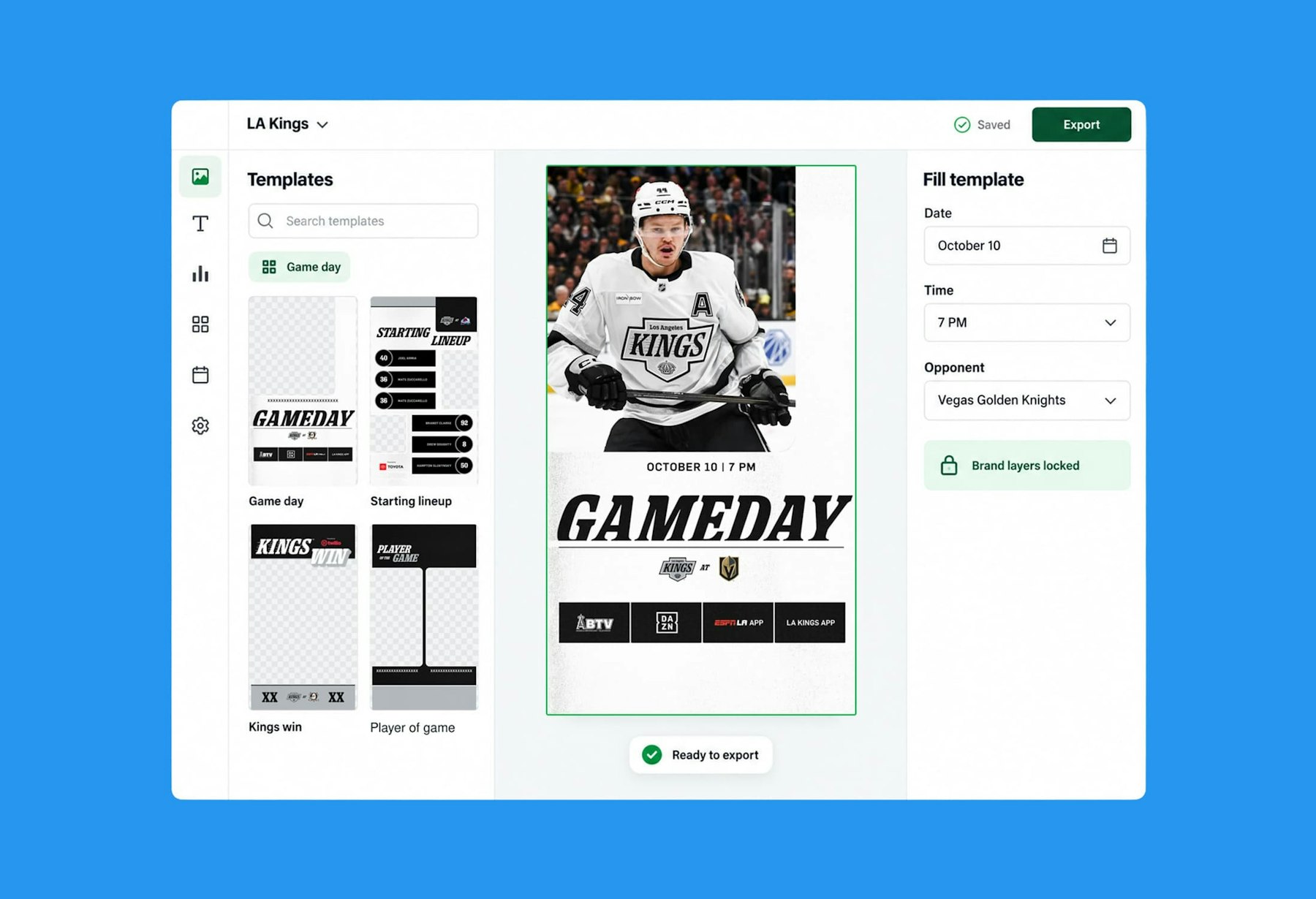
Branded Templates turn the PSDs your designers already make into layouts anyone on the team can fill. Lock the layers that define your brand, leave editable the ones that change, and ship game-day graphics, announcements, and videos without a design request or a review on every post.

Upload a layered Photoshop file and it becomes a template in Slate. No rebuilding in a new tool, no simplified version of the real design.

Designers decide which layers stay fixed and which the team can edit: the logo and layout stay put, the photo, headline, and score swap out. Brand consistency without a review step.

Game day, matchup, quote card, sale, announcement. Set up the layer options once and the team picks the right variation instead of asking for a new file.

Open the template, drop in the media, type the text, export. Works the same in the browser and in the Slate mobile app, so the post can go out from the arena or the office.

Templates aren’t only for stills. Drop a clip into a video template and it picks up the overlay, caption style, and intro and outro your brand uses.

Templates for stories, feed, carousels, custom-sized boards, and the email headers and thumbnails that live outside social. One brand system, every format your channels need.

Ask Rio for a cut and it lands with your fonts, presets, overlays, and caption style already applied from Brand Hub. The brand system does the brand work; Rio does the cutting.
PSD import with layer support
Locked and editable layers
Swappable layer options
Smart photo and video slots
Brand fonts and text presets
Carousel and multi-slide templates
Custom dimensions
Same templates on web and iOS
Slate has 10x’d our output and our social media channels are performing better because of the consistency they’ve been able to establish!
Gemma Donahoe
Social Media Producer at Mamamia

What would have taken days, I finished in just a few hours without sacrificing quality using Slate.

Angela Leaf
Product Communications at Atlassian

It is clear Slate was made by people who understand the needs of social media teams.

Sarah Morse
Director of Social at Vanity Fair

Slate helps our social team move faster without relying on a designer. We’re now producing 5x more videos a week, testing and optimizing in real time.

Chas Truslow
Global Head of Organic Social, Burton at Burton

Slate is a total game changer for our content team

Adena Jones
Director of Social & Digital at New York Knicks

This tool is incredible. This is actually incredible.

Julia Stern
Social Media Lead at Amazon

We did one season without Slate and it changed our lives when we got it.

Daniel Venn
Social Media Manager at St. Louis Cardinals

We couldn’t have done everything we’ve done without Slate. Our social engagement is up across the board, and more of our team can now contribute creatively.

Slate helps us move fast. When the Knicks won the NBA Championship, I captured their return to New York and edited it in Slate. FOS was first to post, and that speed made all the difference.

Christine Thuruthiyil
Director, Social at Front Office Sports

Slate is a tool that allows us to move very quickly and on brand when it comes to social creation.
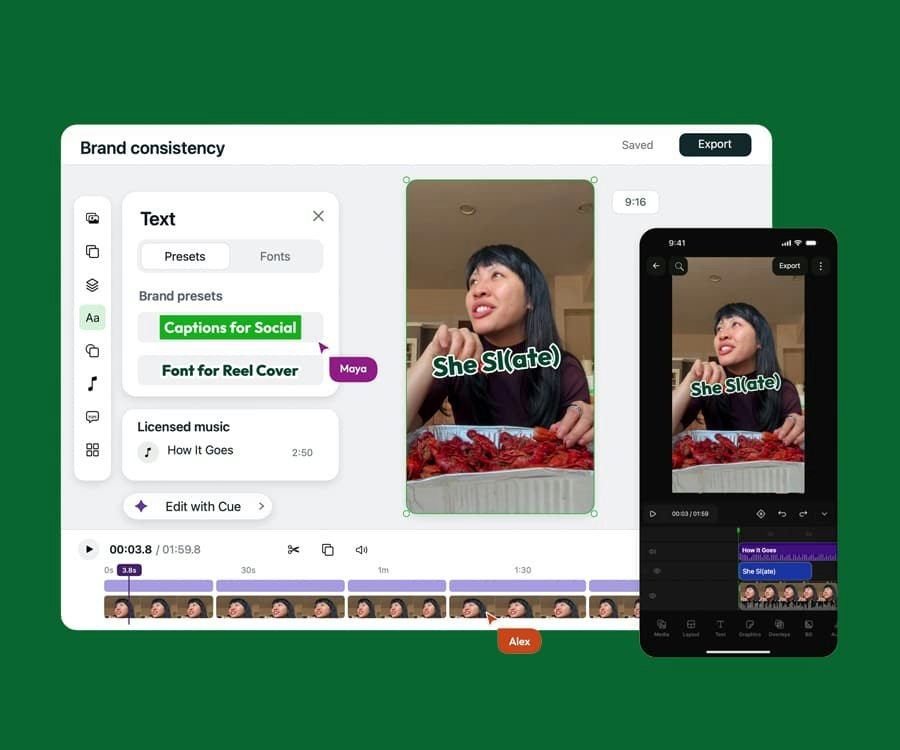
Video and graphics in one on-brand editor with AI built in, on desktop and mobile. Built for the pace of social.
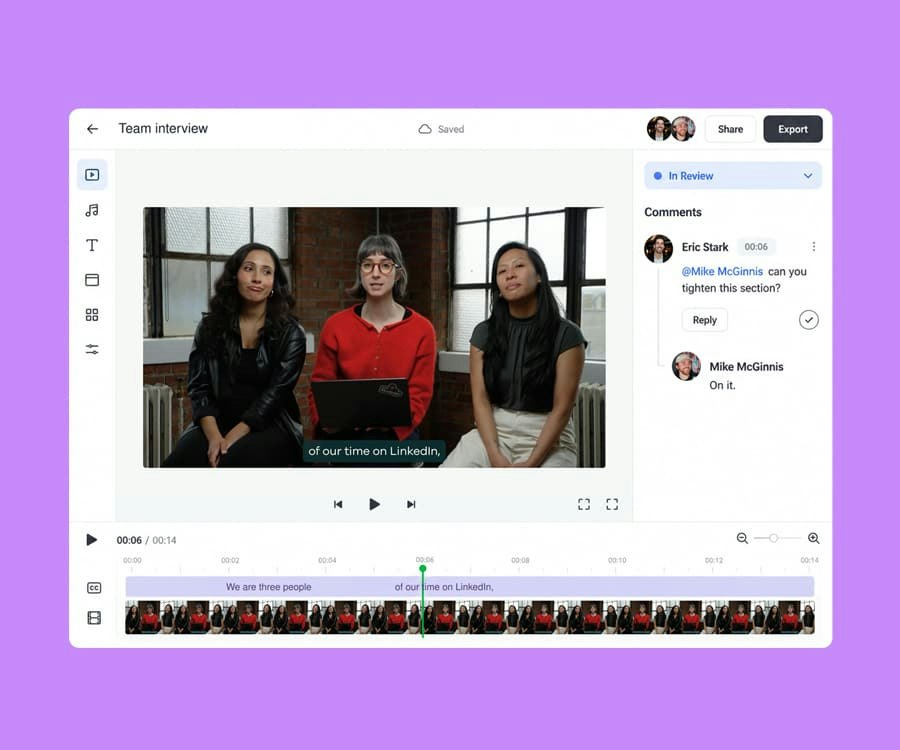
Shared projects, external review links, frame-level comments, statuses, and approvals, all where the content gets made.
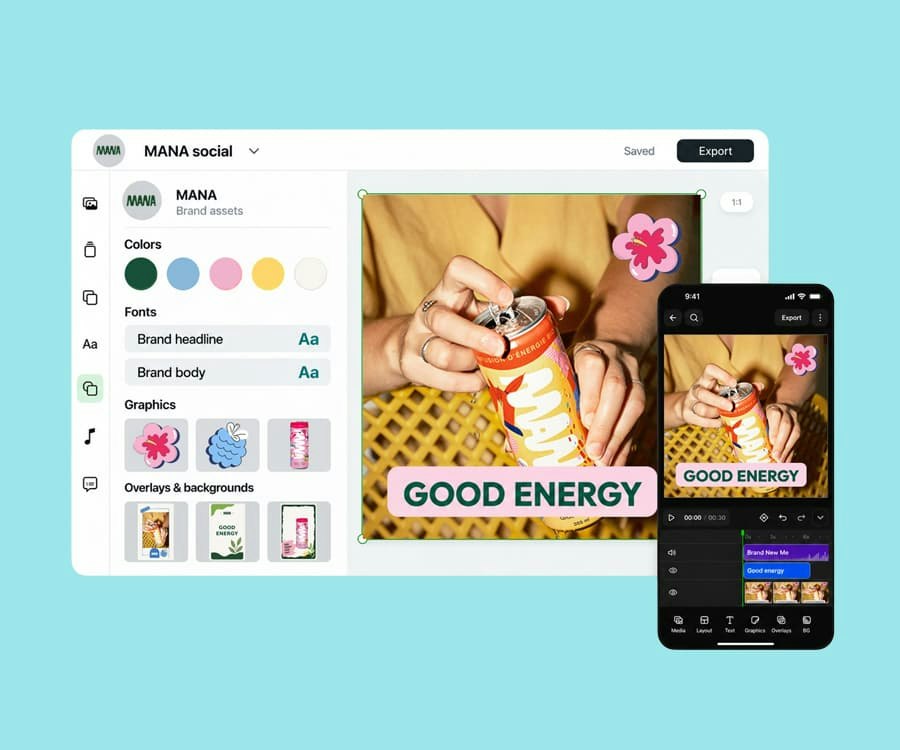
Fonts, colors, templates, presets, and licensed audio in one place, applied automatically in every project.
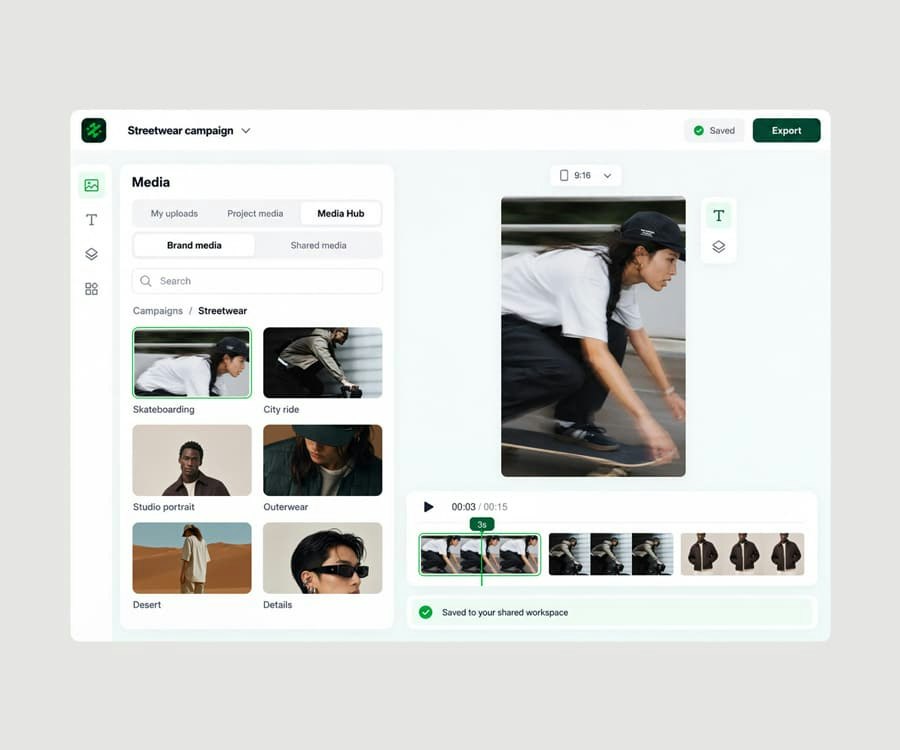
A shared media library, connected to your sources, one click from every project.
Try Slate for free and see how quickly your team can go from idea to publish.