September 3, 2025
Meet the redesigned timeline for effortless editing
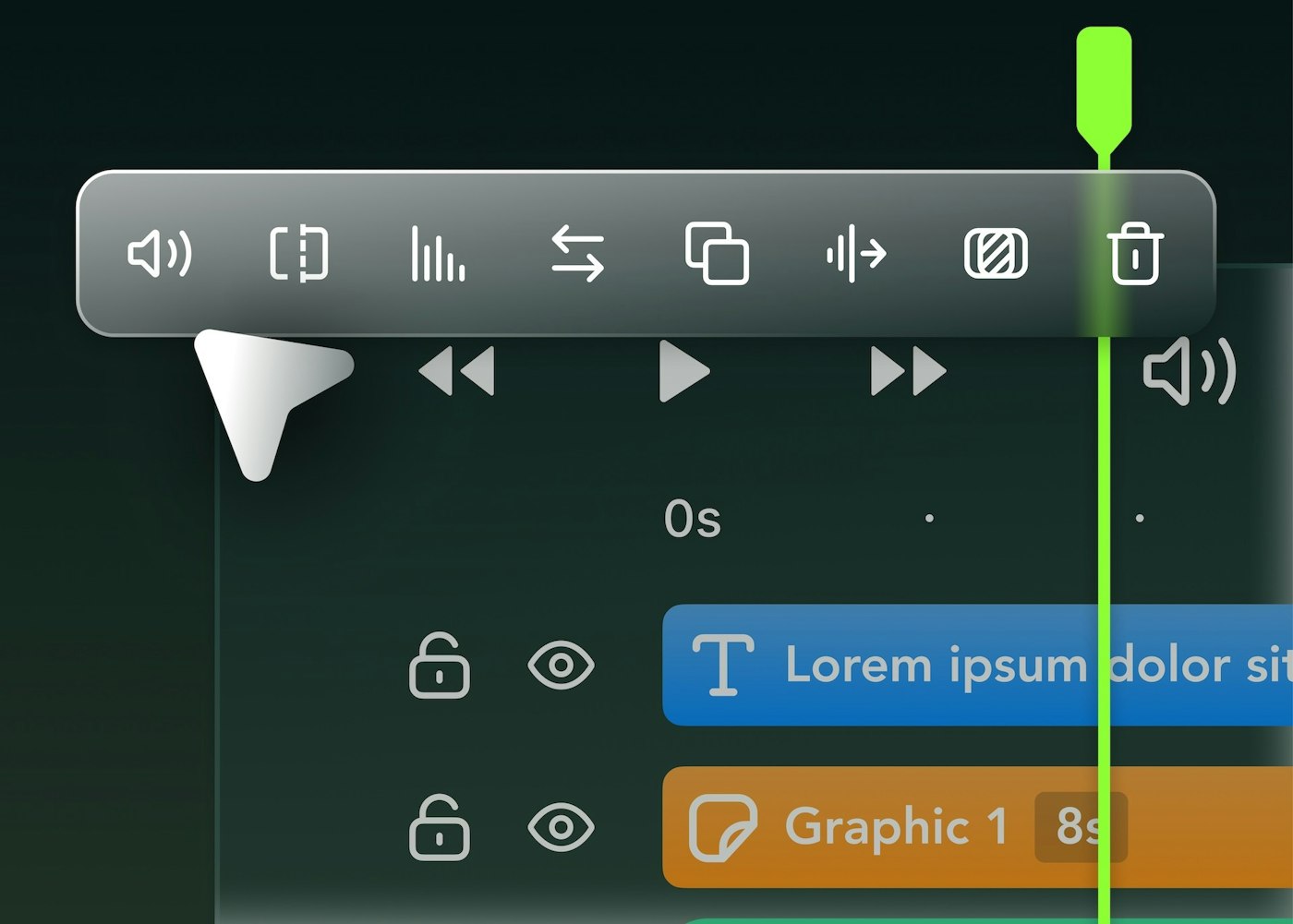
This Summer we’ve zeroed in on overhauling the editing experience on Web, with a number of “little big” changes to shave every second out of your edit session
New Look
Timeline toolbar surfaces contextual actions based on the clips you’ve selected, even if they’re different combinations of clip types.
Multi-Select Magic
Select, edit, copy, and paste multiple clips across your timeline
Lasso selection: drag to select multiple clips
Hold down the "shift" key and click the first and last clip to select everything between
Hold "command" key while clicking to add specific clips to your selection
Bulk editing additions like copying and pasting will cut down edits times to single digits
Timeline Upgrades
Split clips without selecting them first. Use one hand to drag the the playhead and hit
sto cut everything – perfect for first passes and rough cutsClip-snapping with visual guides makes precise alignment a snap.
We’ve Improved timeline and canvas zooming performance
Bring Your Own Audio
You can now use your own audio files in Slate in conjunction with audio files published from the Brand Hub
Audio uploaded from your computer lives in the Uploads drawer – renamed from media Drawer
Mind your Gaps
Insert clips between existing content without disrupting your flow
Click on gaps between clips to remove them or remove all gaps in a lane with a single click
Trimming a clip respects the relative spacing of clips that follow it; meaning you can dial in the first frame, without any impact to your other clips positioning in the timeline.
Zoomable Captions
By default, captions now appear as a single unit making it easier to apply styling to all captions.
To edit the timing and styling for specific captions, zoom in your timeline. The captions will break up into phrases.