


Rio finds the clips and gives me a first cut I can refine, instead of starting from zero.
Post more. Edit less.
Post more. Edit less.
Hand off the tedious parts of editing to Slate’s AI. Ask Rio to cut the pauses, reframe speakers, or find a different opening. You direct. It edits.
One prompt away from your next edit.
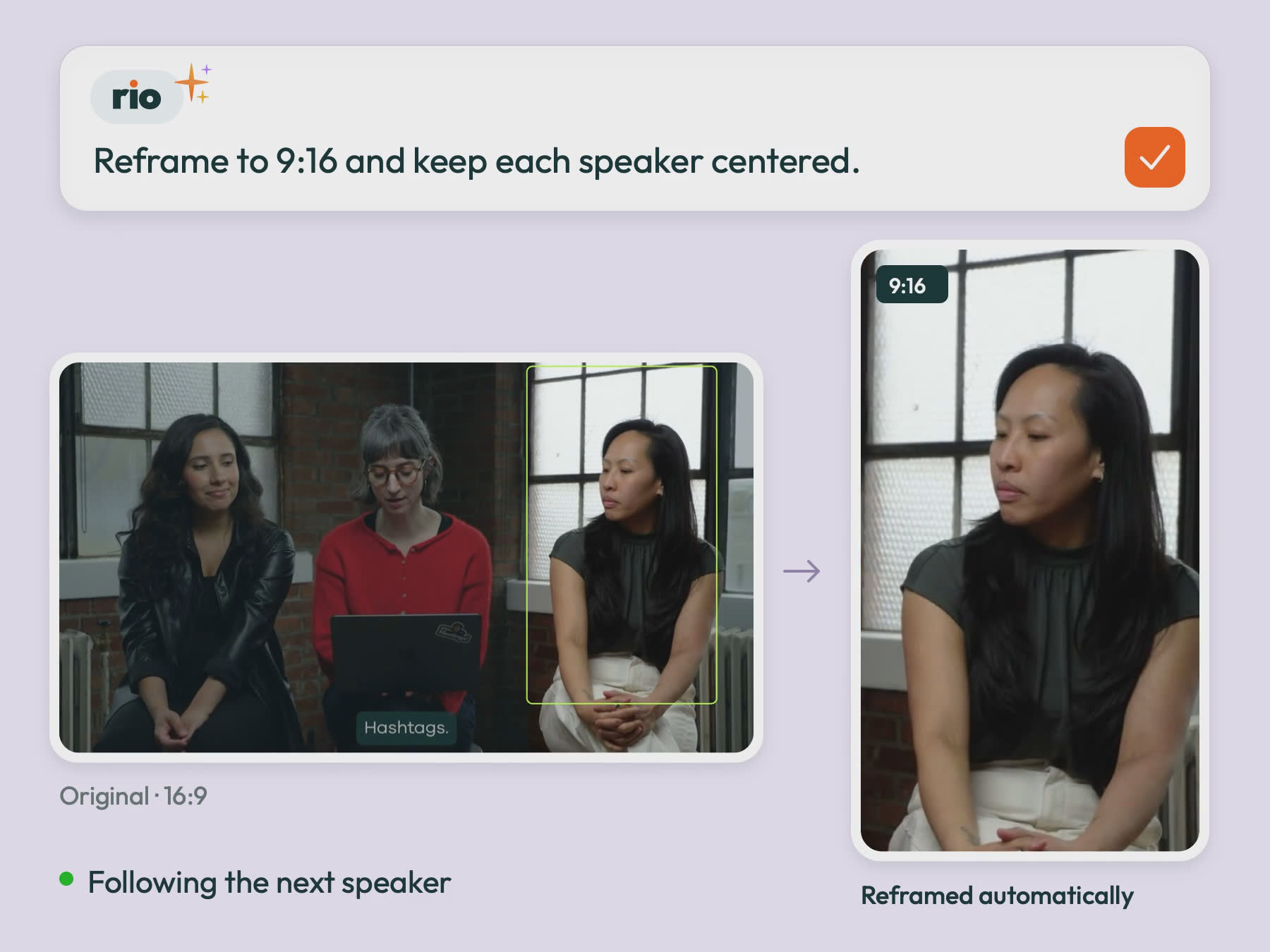
Reframe to vertical, subject in frame
Rio finds the subject you want and keeps them centered as the crop moves from 16:9 to 9:16, even when they lean, turn, or the camera drifts. Works for 4:5 and 1:1 too, with the subject tracked the whole way.
Captions in your brand style
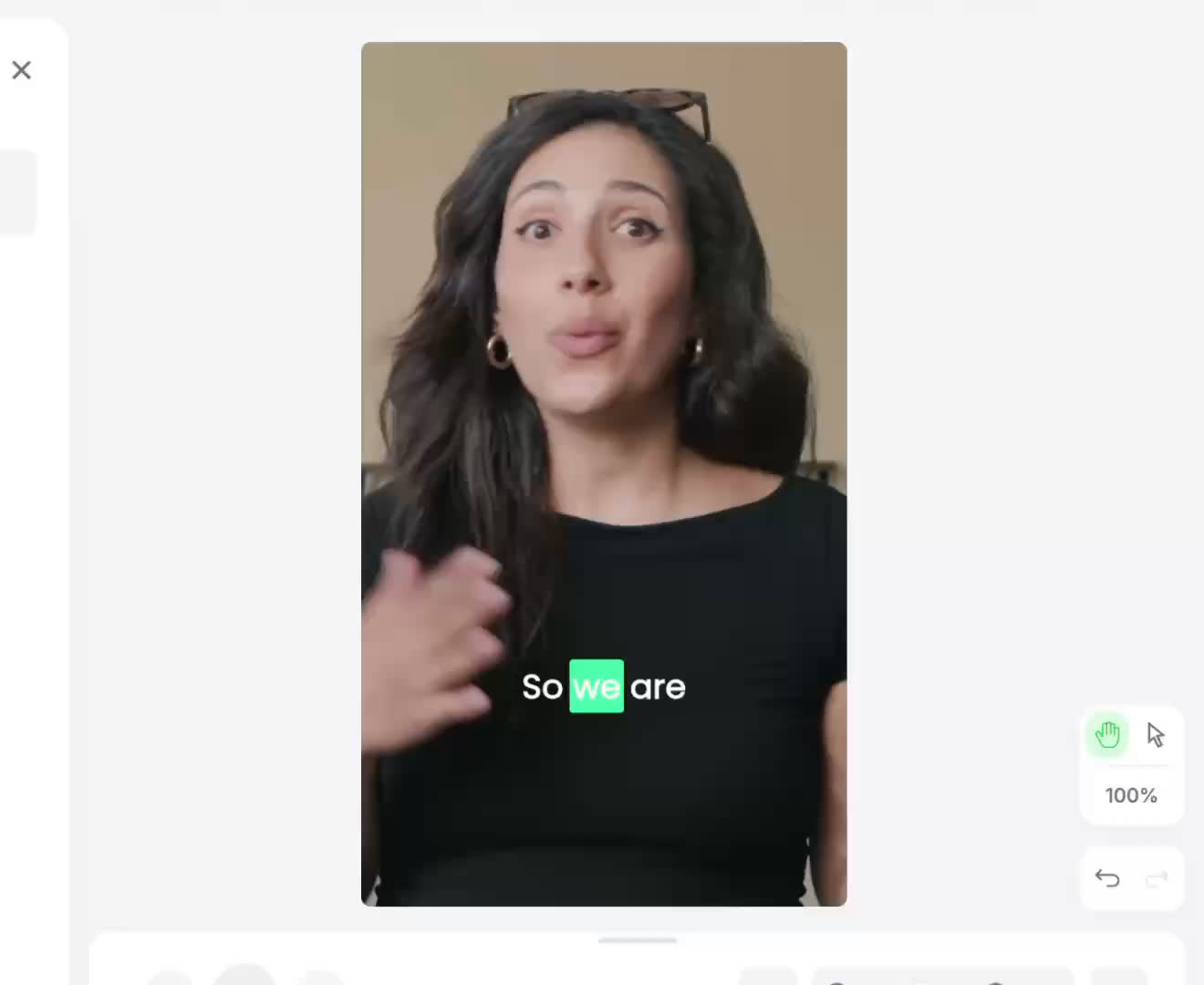
Ask Rio to caption your video. Font, color, highlight animation, and safe zones come straight from your brand. Captions land on every clip looking like yours.
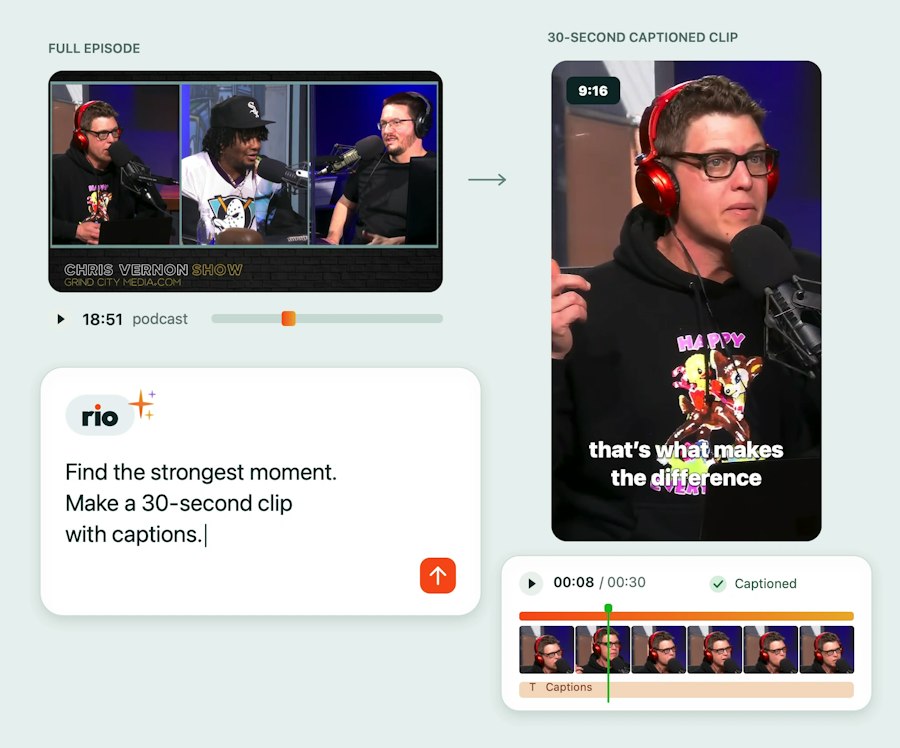
Cut a long recording into clips
Rio analyzes your entire podcast, webinar, or interview, finds the strongest moments, trims them to length, and edits them into single short clips or cut down compilations based on your direction.
Cut several clips into one tight edit
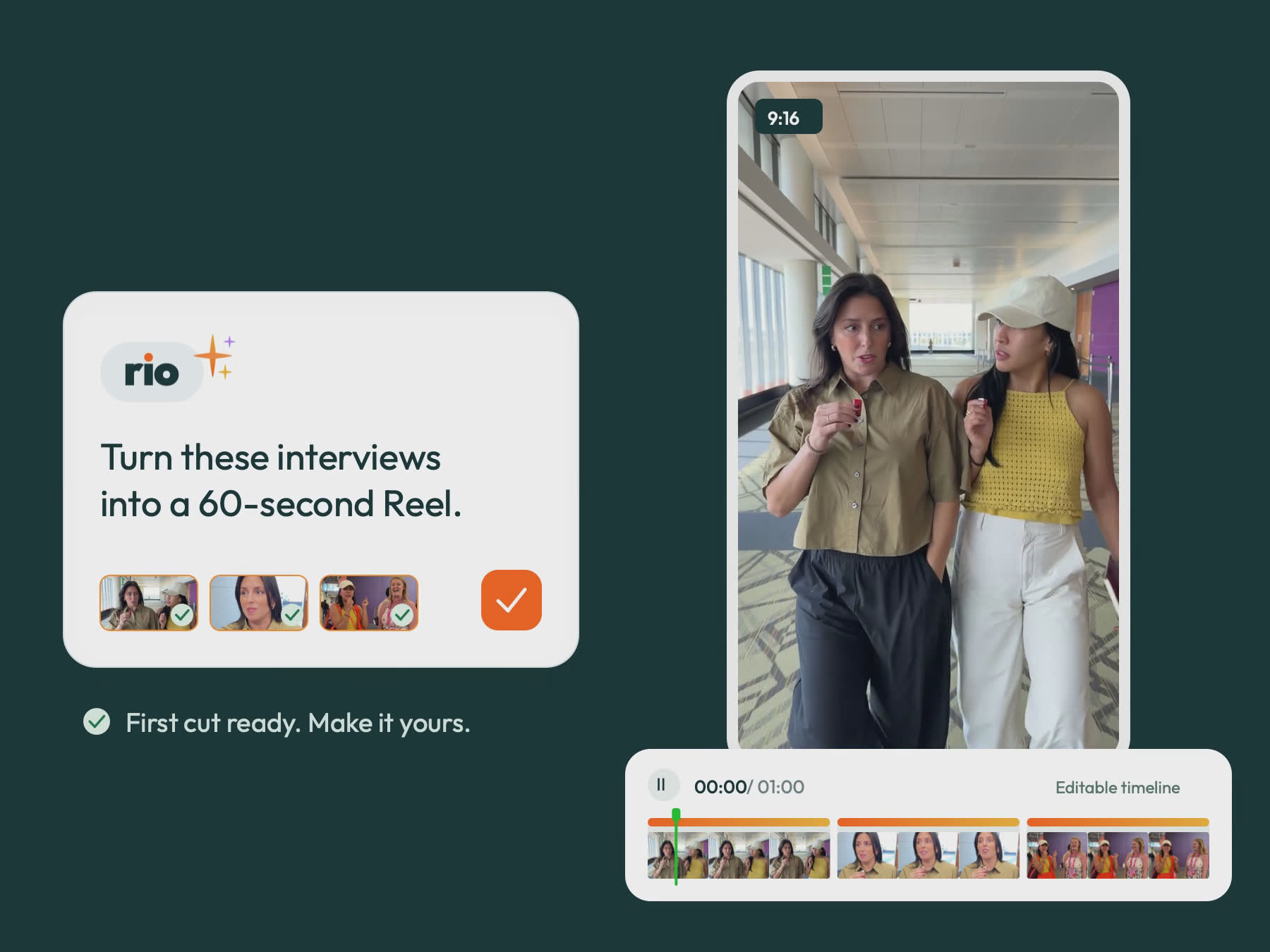
Drop in raw clips and Rio picks the best of each, orders them, trims the handles, and intercuts them into one piece. It can alternate between two takes on request.
Remove dead air, bad takes, and filler
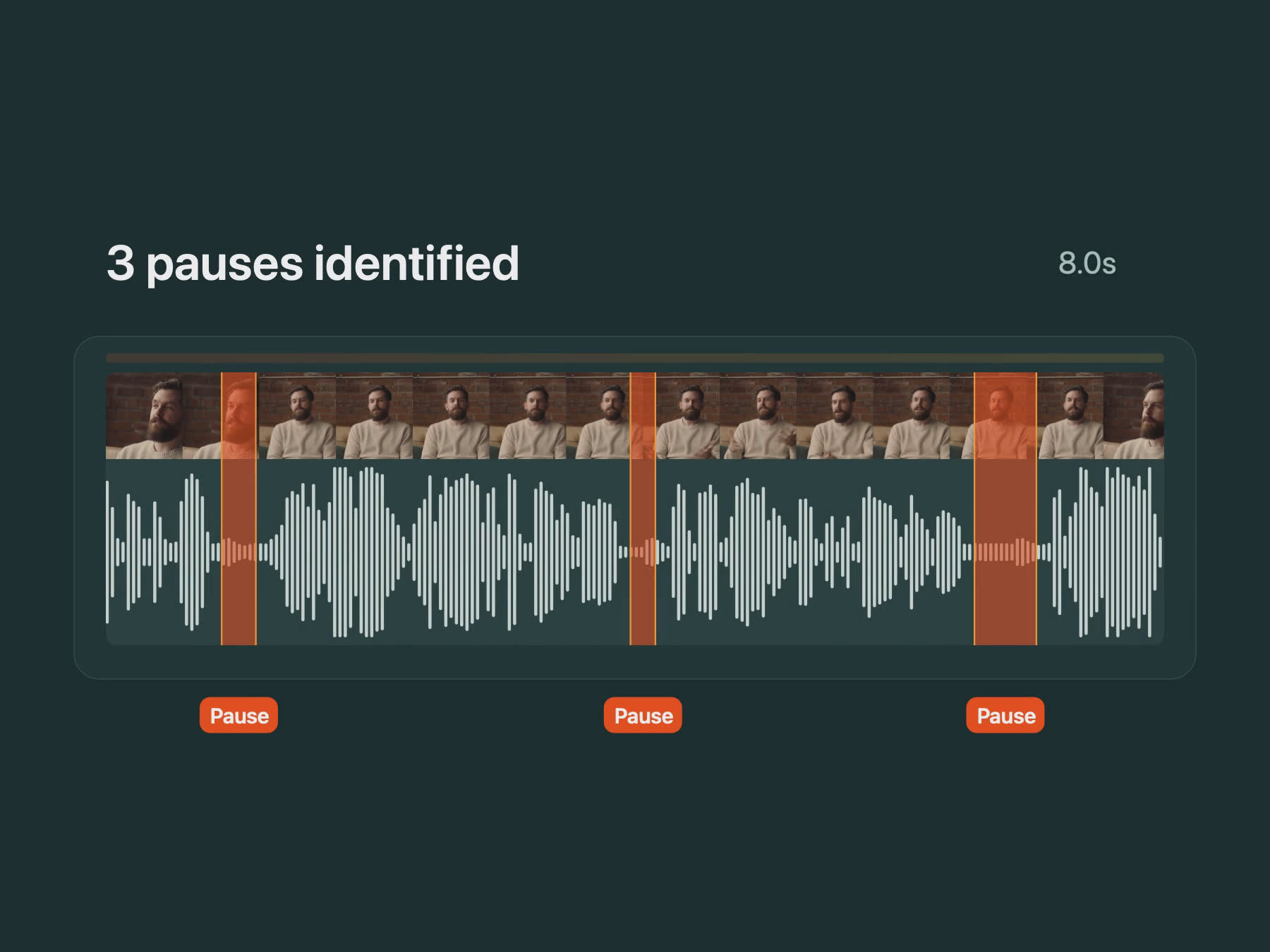
Pauses, ums, restarts, and the thirty seconds of setup at the top are cut while the pacing stays natural. Rio recommends options based on the pace you want and delivers the edit to your preference.
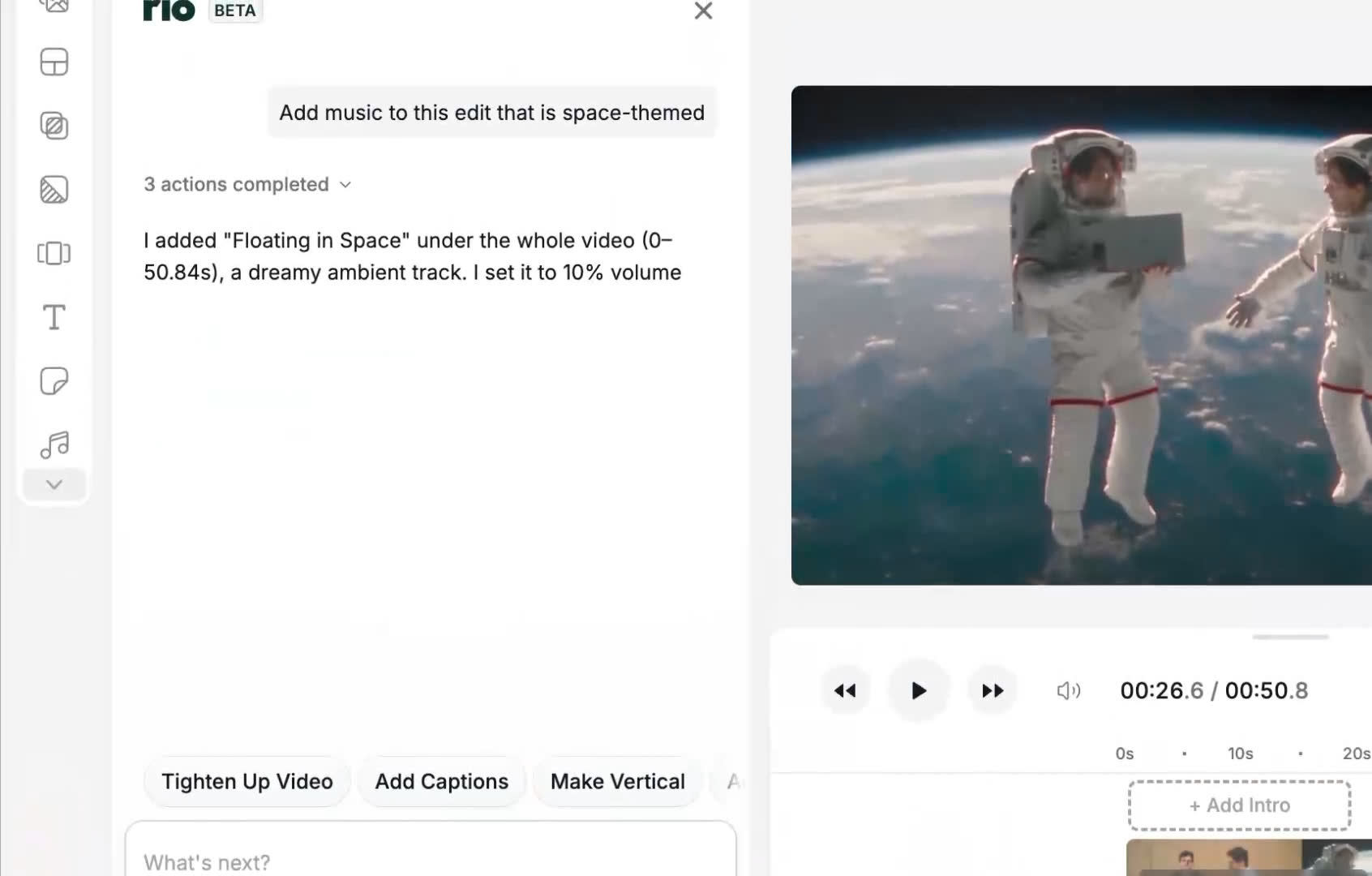
Add music and soundfx, adjust audio levels
Rio identifies the right licenses tracks and sound effects from Slate's massive library, places it under the edit and levels it so the speaker stays clear. Ask for a mood, a genre, or a beat to cut to.
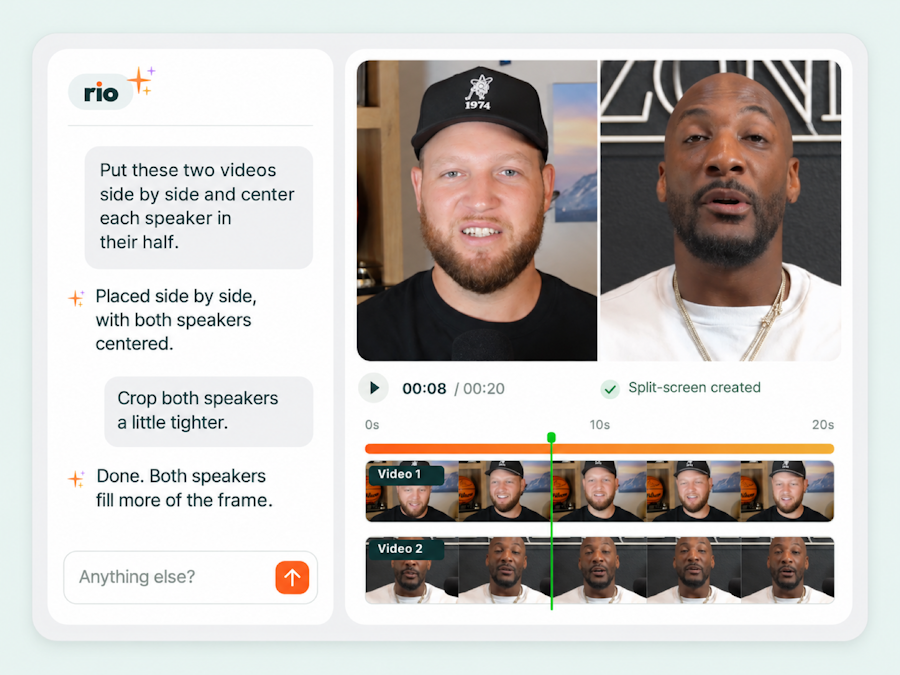
Build layouts that change with the conversation
Put speakers side by side, stack them above B-roll, or bring four clips into one frame. Rio builds the layouts you describe, reframes each clip to fit, and switches between layouts as the conversation moves.
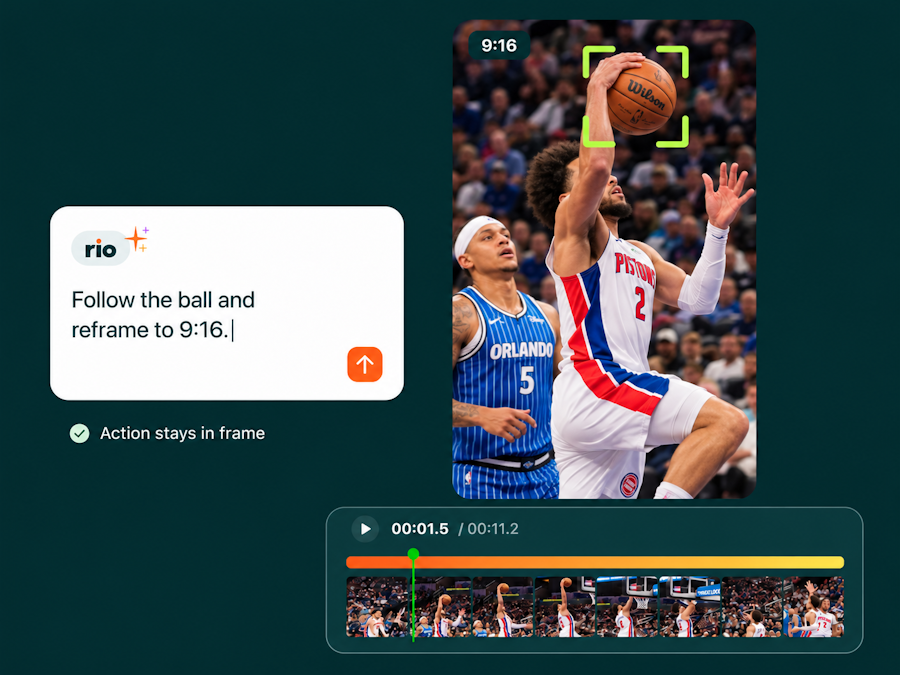
Keyframe to follow the action
Ask Rio to follow a subject, or the ball, to keep dynamic action front and center on a vertical canvas.
Coming Soon
Watch it workStart for free
It edits on a real timeline, in front of you.
Rio doesn’t hand you a finished file. It makes the cuts on Slate’s timeline while you watch, then tells you what it changed: the clips it trimmed, the moments it picked, the audio it leveled. Every edit is a layer you can move, undo, or finish by hand.

Inside your brand systemRequest a demo
Your brand, already loaded.
Fonts, colors, text presets, overlays, safe zones, and licensed music are in the Brand Hub before you open a project. Rio uses them on every edit, so the first cut already looks like your team made it. It edits the footage you shot and never generates video.
COMING SOON
It learns how you edit
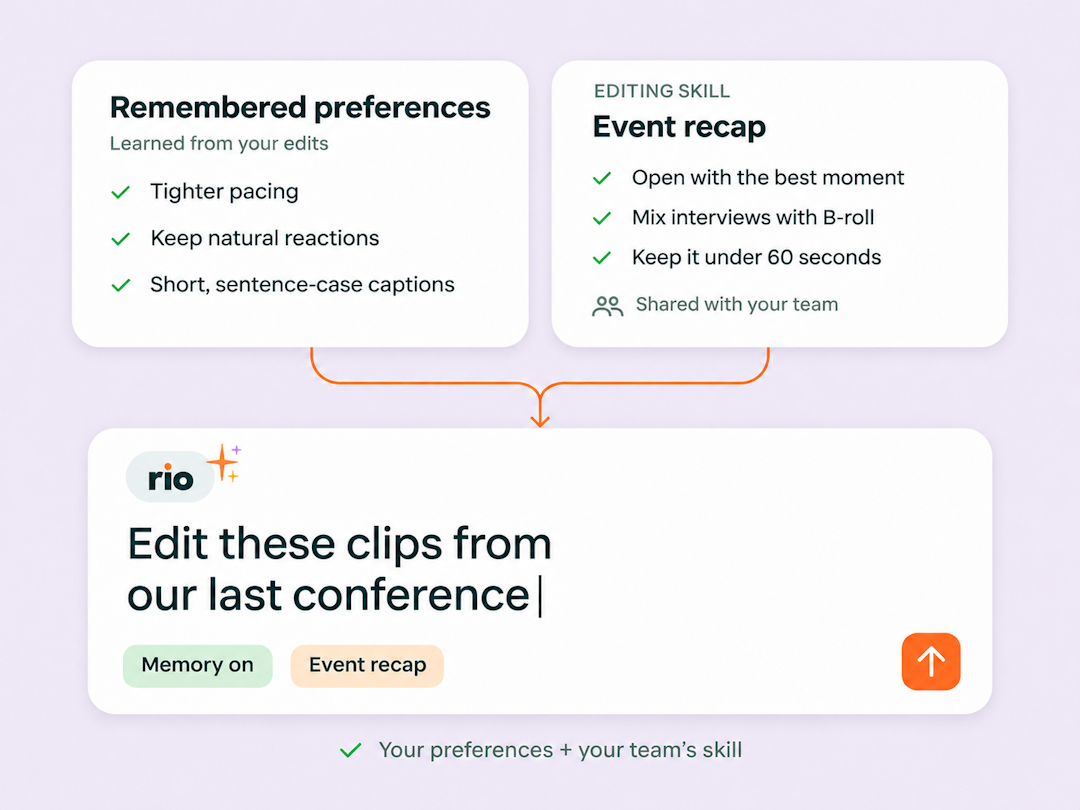
Rio remembers your preferences and applies them to future edits. Save repeatable instructions as Editing Skills your whole team can use—from how you open a recap to how you pace an interview. Less explaining. More edits that feel like yours.
A short-form social clip used to take hours and several back-and-forths. Now it takes minutes.

This tool is incredible. This is actually incredible.

Julia Stern
Social Media Lead at Amazon
It helps me review all the footage and recommends different cuts.
Wow. Okay. I’m impressed. That was exactly what I wanted.
That’s sick. I can just type and it tells what to do. This is amazing.
Make it together
Rio lives in the same workspace your whole team already uses. Share a project, save an editing style, leave timestamped feedback, and pick up where anyone left off.
Request a demo- Timestamped video feedback
- Frame-level comments
- Real-time project comments
- External review links
- Project status updates
More about Rio
Does Rio generate video?
No. Rio edits the footage, photos, and audio you give it. It doesn’t create footage, b-roll, or avatars, which is why teams with strict AI policies have cleared it.What is Rio?
Rio is Slate’s AI video editor, built into the Slate platform: a video editing assistant for social media teams. You drop in raw footage, describe the edit in plain language, and a first cut lands on a real timeline in Slate’s full editor, in your brand’s fonts and presets.Will Rio pass our AI governance review?
Rio is built for it. It is non-generative: it edits existing footage and cannot create footage, b-roll, or avatars. Every change is visible and reversible on the timeline, and a human reviews and approves before anything publishes. Enterprise customers with strict AI policies have cleared Slate for exactly this use. Share your policy with us and we’ll walk through it.Will Rio over-edit my footage?
No. Rio makes a first pass that gets you most of the way there and stops. You keep prompting, accept its suggestions, or finish by hand. It’s built to save you work, not create work you have to undo.Can I take over and edit manually?
Any time. Every edit Rio makes is a real cut on an exposed timeline in Slate’s editor. Grab it, move it, undo it, or finish the edit yourself.Do I need to learn how to prompt?
No. Talk to Rio the way you’d brief a teammate: “find the funniest hook and bring it up front,” “cut the bad takes,” “make it vertical.” Casual, imperfect asks work.How does Rio know my brand?
Rio edits inside your Slate brand system: approved fonts, caption presets, safe zones, approved assets, and Slate’s licensed music library. There’s nothing to configure per edit.How is Rio different from CapCut or Opus Clip?
Most AI clip tools hand you a rendered file: you take what you get or start over. Rio works on an editable timeline inside Slate, applies your brand system automatically, and keeps your whole team’s projects, assets, and review flow in one place.What can Rio edit?
Almost anything a social team shoots. Rio is strongest wherever people are talking: interviews, pressers, podcasts, webinars, keynotes, mini mics, customer calls, and talking-head explainers, because it reads the transcript to find the moments. It also builds multi-clip reels and recaps from the clips you hand it, cuts behind-the-scenes and skit footage for timing, and reframes any of it for vertical. If it was shot by your team, Rio can work with it.How do I get started?
Rio is available with a self-serve trial inside Slate. Usage runs on AI Credits, and each plan comes with a credit allocation.