Slate Team
March was one of our biggest months yet. We shipped updates across both web and mobile that touch nearly every part of the Slate experience, from how your team collaborates to how you organize assets to brand new creative tools on the canvas. Here's what's live.
Search Capability
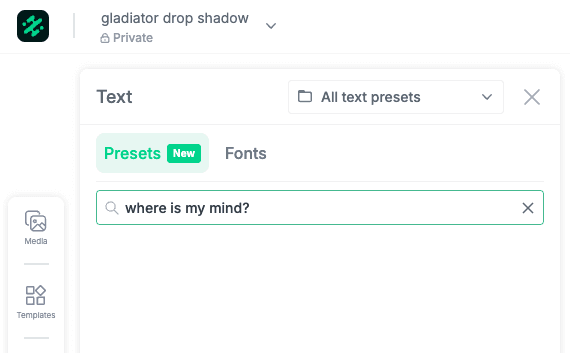
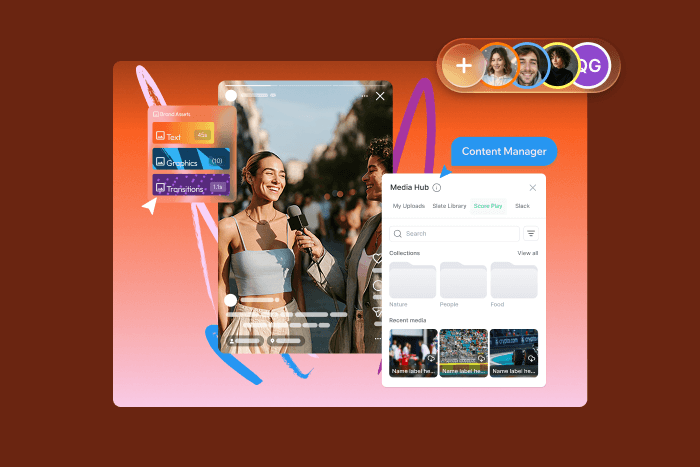
Need a logo, a font, or a clip you uploaded last week? You can now search across all your assets directly from the editor—no more scrolling through folders or switching tabs to find what you need.
Just type what you're looking for and Slate surfaces it instantly, whether it's in your uploads, brand assets, or graphics. It's a small change that saves a surprising amount of time when you're deep in an edit.
Shared Projects
This one's been a long time coming.
You can now share projects with other members of your account and collaborate on the same content — no more exporting, re-uploading, or guessing who has the latest version.
How it works:
Create a project and set it as shared or private.
Other users on your account can see shared projects on their Home page.
Take over an active project from another user to continue editing.
Changes are preserved automatically. No manual saves. No version confusion.
For teams where multiple people touch the same content (social media managers handing off to designers or producers creating clips that editors finish), this removes a lot of back and forth.
Shared Projects is rolling out to accounts now — if you don't see it yet, you will soon.
Background Removal

Remove backgrounds directly on the web canvas — no need to switch to Photoshop or an external tool.
Select any image, apply Background Removal, and Slate handles the rest. It's fast enough to use mid-edit without breaking your flow.
This is especially useful for:
Isolating players, products, or speakers for highlight graphics
Creating clean cutouts for lower thirds and overlays
Building layered compositions without pre-editing every asset
Background Removal is available now on web for all accounts.
Redesigned Content Hub
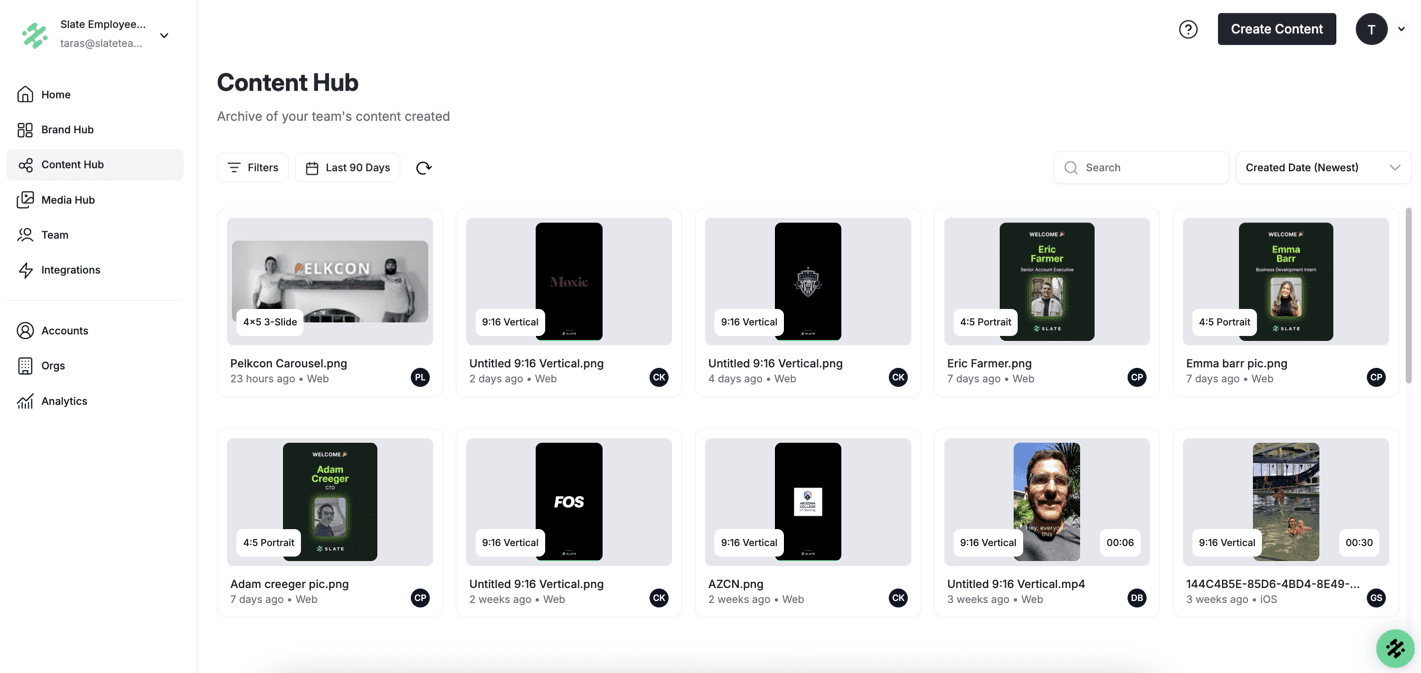
We gave Content Hub a refresh to make it easier to find and manage the content your team creates.
What changed:
Cleaner Layout with Improved Navigation.
Creator avatars now appear on media cards, so you can see who made what at a glance.
Project names are visible on cards too, so no more opening a file just to figure out where it came from.
A Toast notification links you directly to a collection page when you can create one.
For teams producing a high volume of content, these small additions save real time, especially when you're scanning through dozens of assets to find the right one
Drop Shadow
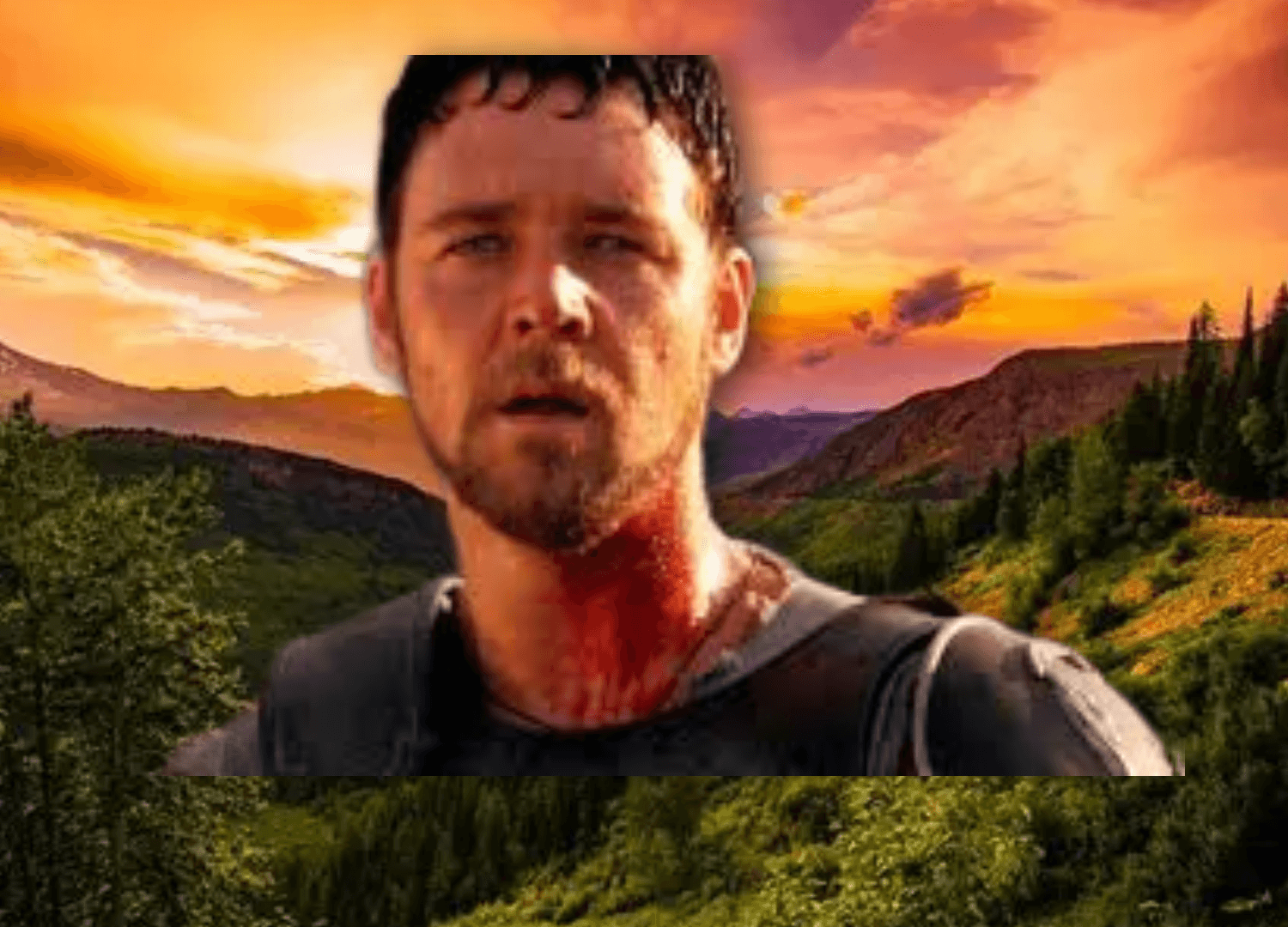
A straightforward creative tool that gives your content more depth.
You can now apply a drop shadow to any media element on the web canvas. It's a simple effect, but it makes a noticeable difference for:
Making text and graphics pop over busy backgrounds
Adding dimension to flat layouts
Giving thumbnails and social cards a more polished look.
Adjust shadow distance, blur, and opacity directly in the editor.
Scoreplay Integration on iOS

For teams using Scoreplay, you can now access your Scoreplay media library directly from the iOS app.
Browse and pull assets into your timeline through the native media picker — no downloading, no file transfers, no switching apps.
This is Phase 1 of the integration, with an updated media picker design coming in a future release.
More Updates
Reorder pinned assets — Drag and drop to arrange your pinned Brand Hub assets in the order that works for you
Hide empty collections — Collections with no items no longer clutter Brand Hub or the iOS app
Split graphics and text in timeline (iOS) — Split graphic and text elements independently for more precise edits
March was about making Slate faster to work in, easier to collaborate on, and more flexible for teams who need creative control without the complexity. We're just getting started.