Slate Team

Eight new updates landed in Slate this June, all across the web editor. Faster timeline editing, smoother animation and audio, and collaboration tools that turn solo projects into team ones. Here's what shipped:
Video speed control
You can now change the playback speed of any clip right on the web timeline. If you've ever had to slow a moment down for emphasis or speed through filler to keep a video tight, this does it without first bouncing out to another editor. Pick a speed from the clip menu, and its duration adjusts to match, keeping everything in sync through to export.
Comments
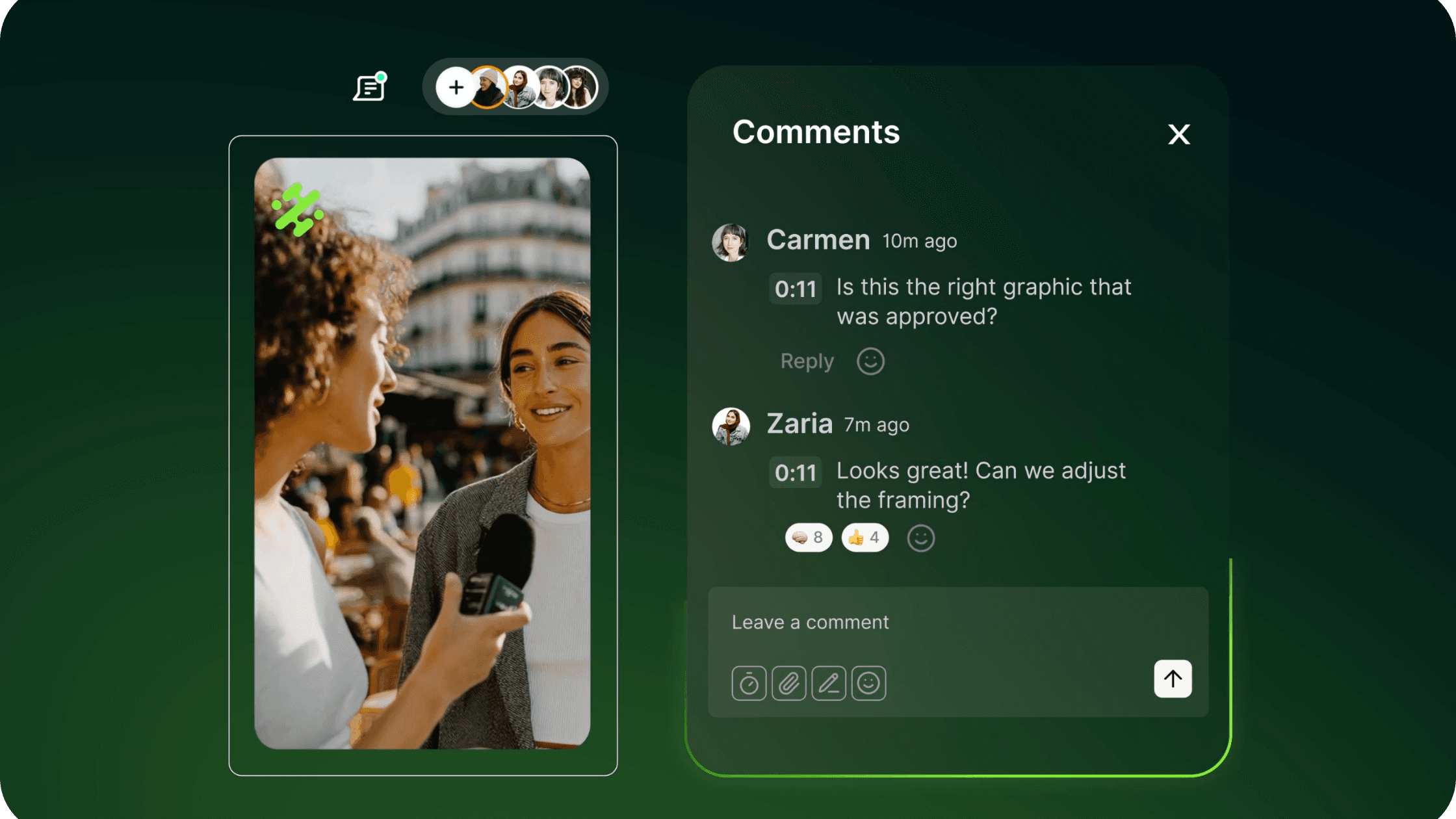
Comment directly on a project in the web editor, pinned to the canvas or to a moment on the timeline. If you've ever given feedback by screen recording or pasting timestamps into a chat, this keeps the conversation focused on the work itself. Tag a teammate to loop them in, and resolve comments to tuck them away so the feed only shows what still needs attention.
Animations
You can now animate text and media on the web canvas, bringing elements in and out rather than everything appearing at once. If you've ever wanted a title to slide in or a logo to fade up without rebuilding the whole thing elsewhere, it's built right into the editor. Preview the motion as you work, so that what you set exports.
Waveforms on the timeline
Video clips now show their audio waveform right on the timeline. If you've ever scrubbed back and forth hunting for the exact beat or the start of a sentence to cut on, the peaks are now visible at a glance. Trim and place clips against sound you can actually see, instead of guessing.
Media flip
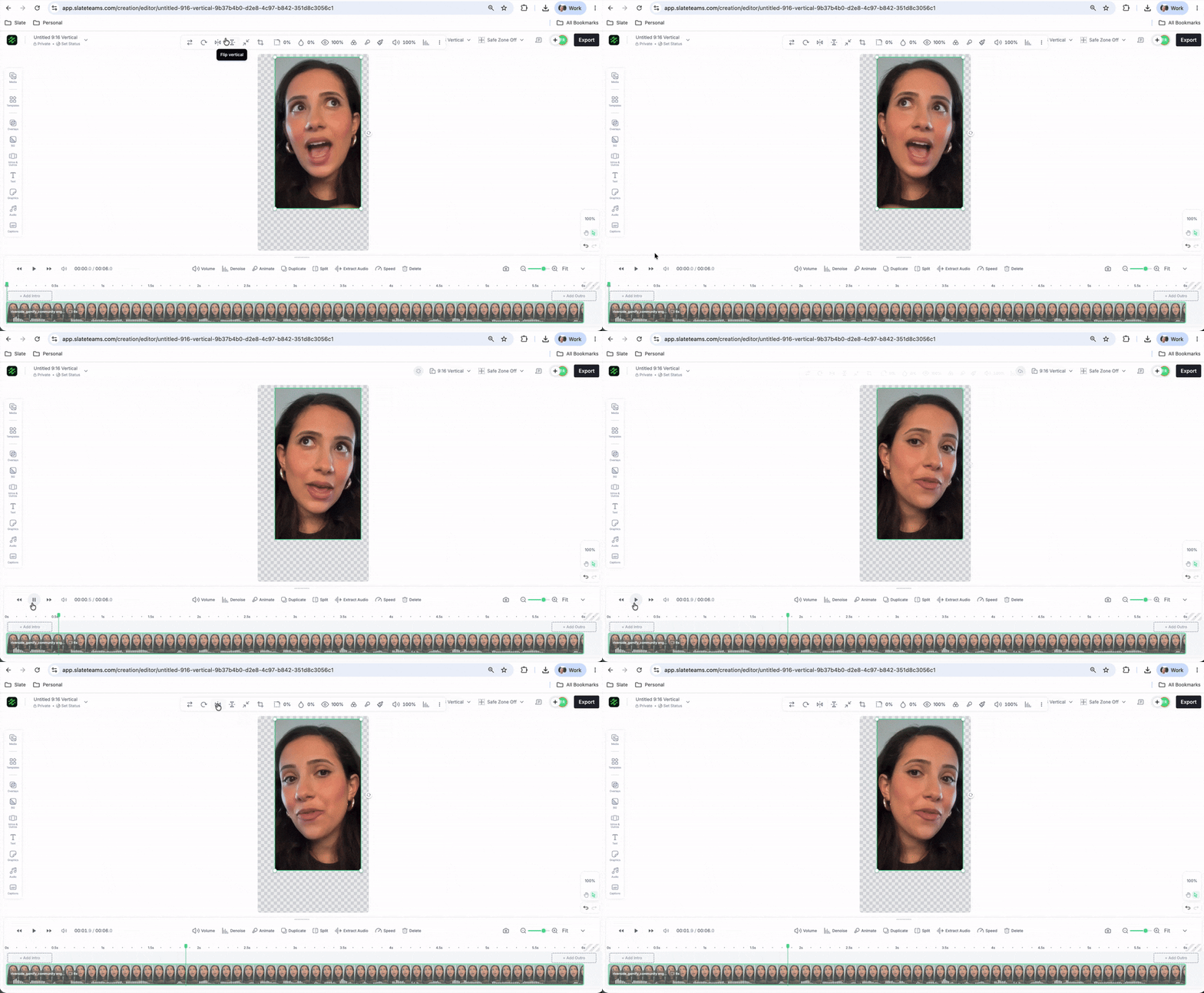
You can now flip any photo or video on the canvas, horizontally or vertically, in a single click. If you've ever needed a subject to face the other way or wanted to mirror a shot to match a layout, there's no need to re-export from another app. It's right there in the media controls.
Upload user avatar
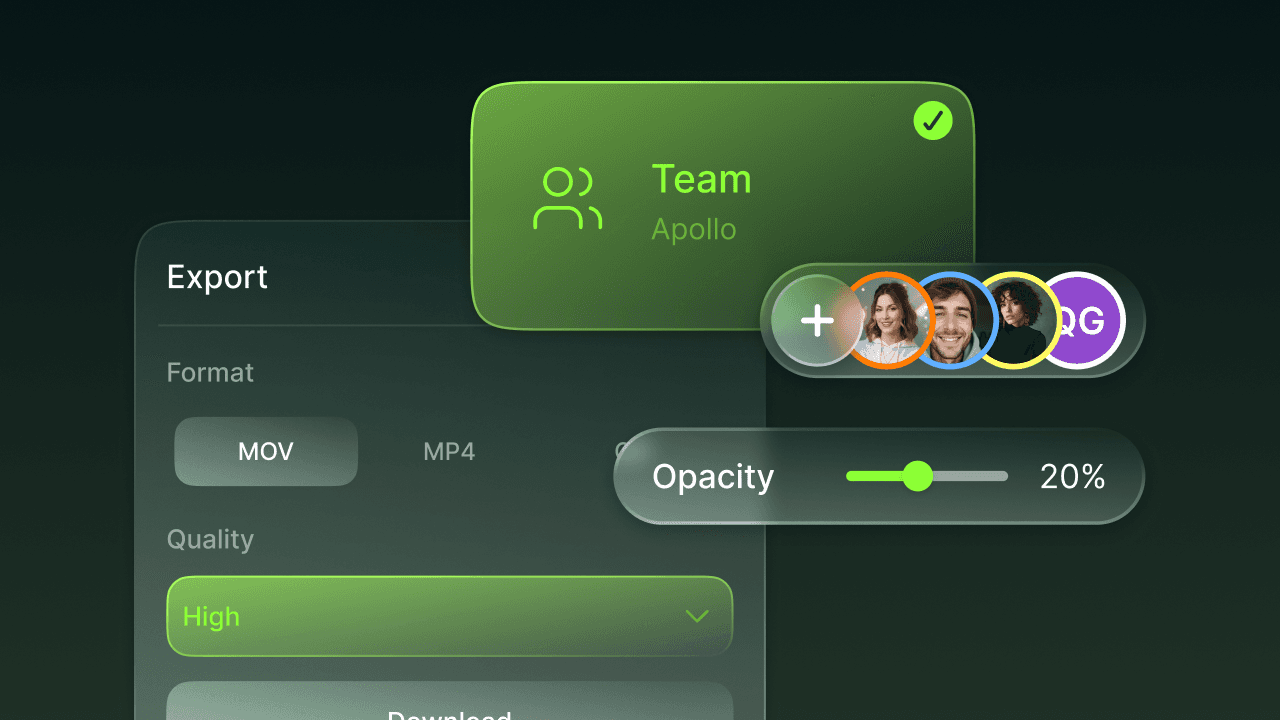
You can now upload a profile photo for your account. If you've ever looked at a shared project or a comment thread and seen a row of generic initials, faces make it easy to tell at a glance who's who. Your avatar shows up across the editor, comments, and team views.

Export frame from timeline
You can now export any single frame from a video straight to an image, right from the timeline. If you've ever needed a still for a thumbnail, a cover, or a quick graphic and ended up screenshotting your own export, this saves the exact frame at full quality. Park the playhead on the moment you want and save it as a photo.
Account ID in shared links
Shared project and folder links now open straight to the right place, even across accounts. If you've ever sent someone a link only for them to land in the wrong account and have to switch manually, that friction is gone. They click, and they're exactly where you meant to send them.
Also in June:
Copy timeline elements — Easily duplicate timeline elements by holding "option" while dragging.
Default timeline scaling — Timeline able to scale projects by default.
Content Hub assets fetch improvement — Removed the cap on the number of fetched assets, allowing older exported media to be accessed.