Slate Team
May was chock-full of feature launches to continuously upgrade your experience in Slate. Eight updates shipped across the web and iOS. New creative controls, smarter workflows, and a rebuilt mobile experience that raise the bar for what fast editing looks like. Here's what's new:
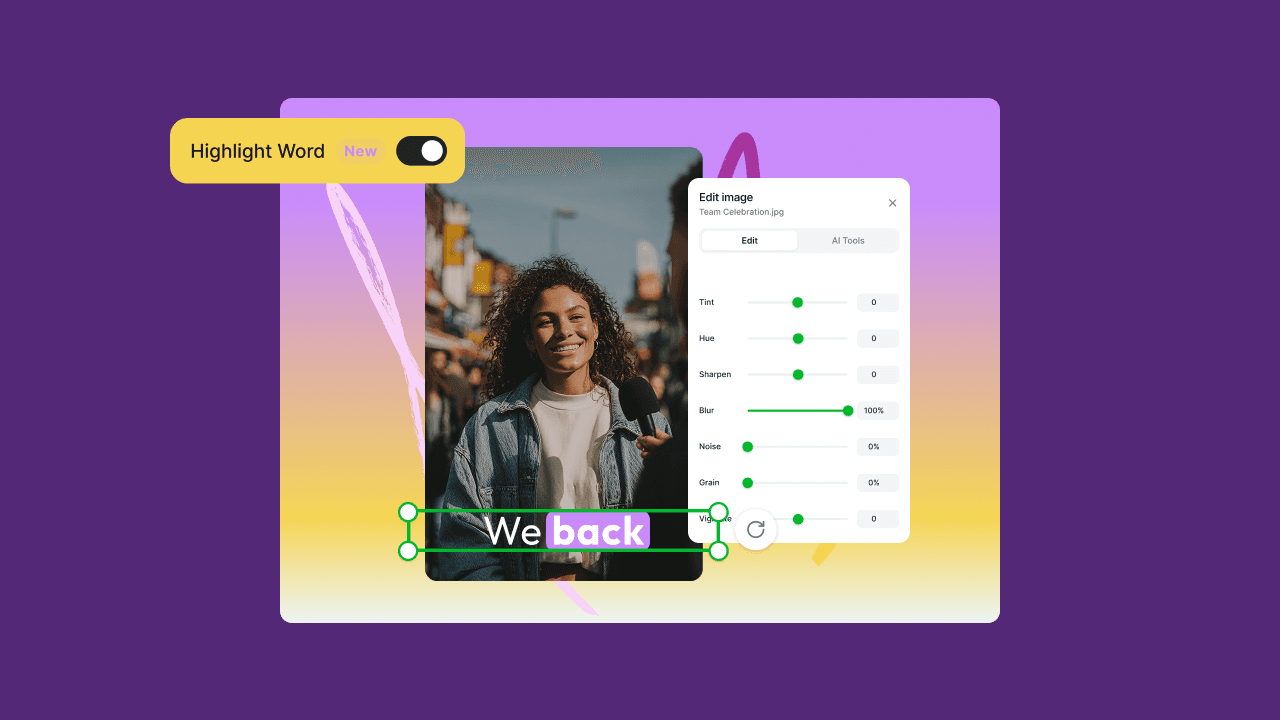
Text Outline & Drop Shadow on Templates: Web & iOS
You can now add outline borders and drop shadows to text inside templates. If you've ever had text get lost against a busy background, this is the fix. The same polish tools available on free-form text editing are now available everywhere templates are used.
Video Thumbnail Hover Preview: Web
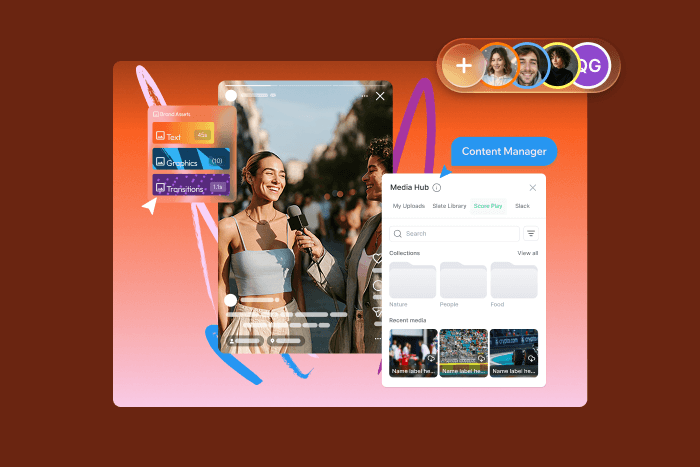
Hover over any video thumbnail in your project library or Brand Hub, and you'll see a scrubbing preview instantly without needing to click into the asset. For teams managing large asset libraries, this one meaningfully speeds up content selection. Finding the right clip no longer means opening everything to check.

Copy/Paste Media from Your OS Clipboard: Web
Copy an asset from anywhere on your computer and paste it directly onto the Slate canvas, just like you would in a doc or a slide deck. No downloading, no uploading, no interruption to your editing session. It's a small change that adds up fast when you're moving quickly.
Option/Alt+Drag to Duplicate Assets: Web
Hold Option (Mac) or Alt (Windows) while dragging any asset on the canvas to instantly duplicate it in place. If you've used other editing tools, this one will feel immediately at home. Faster layouts, faster iteration, fewer extra steps.
Redesigned Media Picker: iOS
The iOS media picker has been completely rebuilt with a cleaner interface, smoother navigation, and noticeably better performance. Mobile editing sessions should feel faster and more reliable across the board. Less loading lag, fewer hiccups when browsing through your library.
Smarter Timeline Lane Placement: Web
When you add an asset to the timeline, Slate now automatically finds existing space in a lane instead of always stacking a new track. Timelines stay compact and easier to manage, especially on longer or more complex projects.
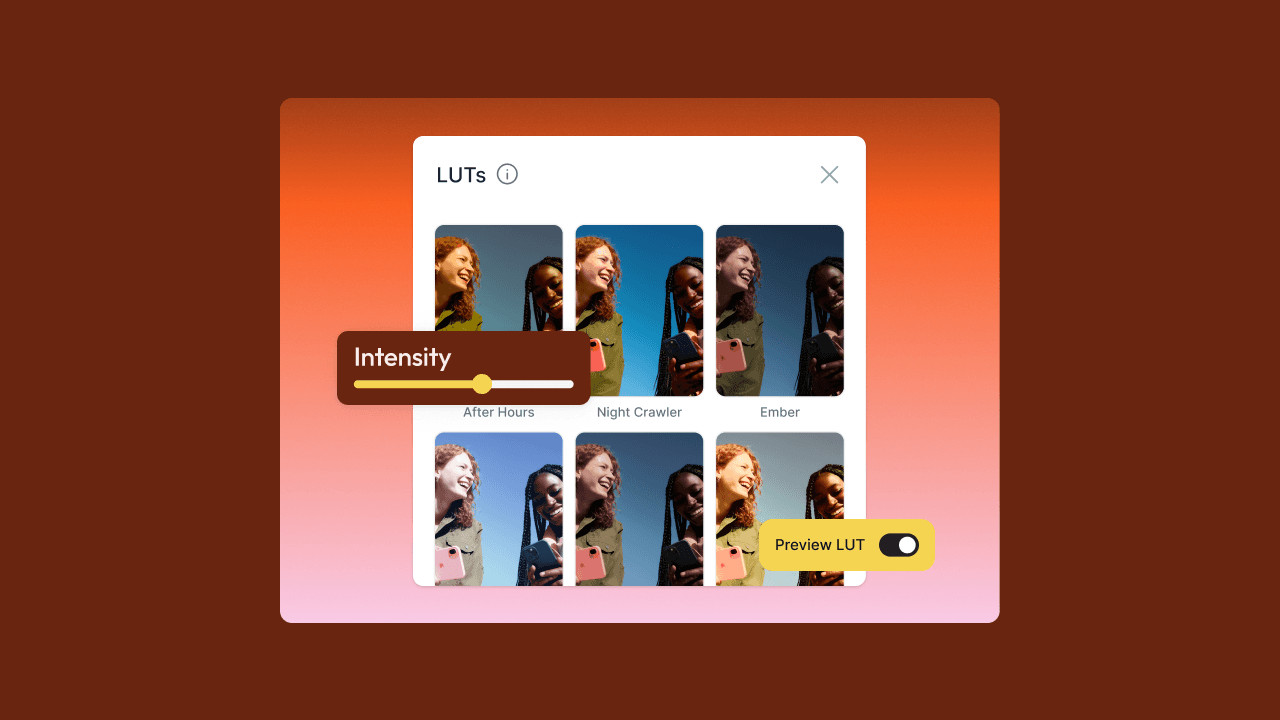
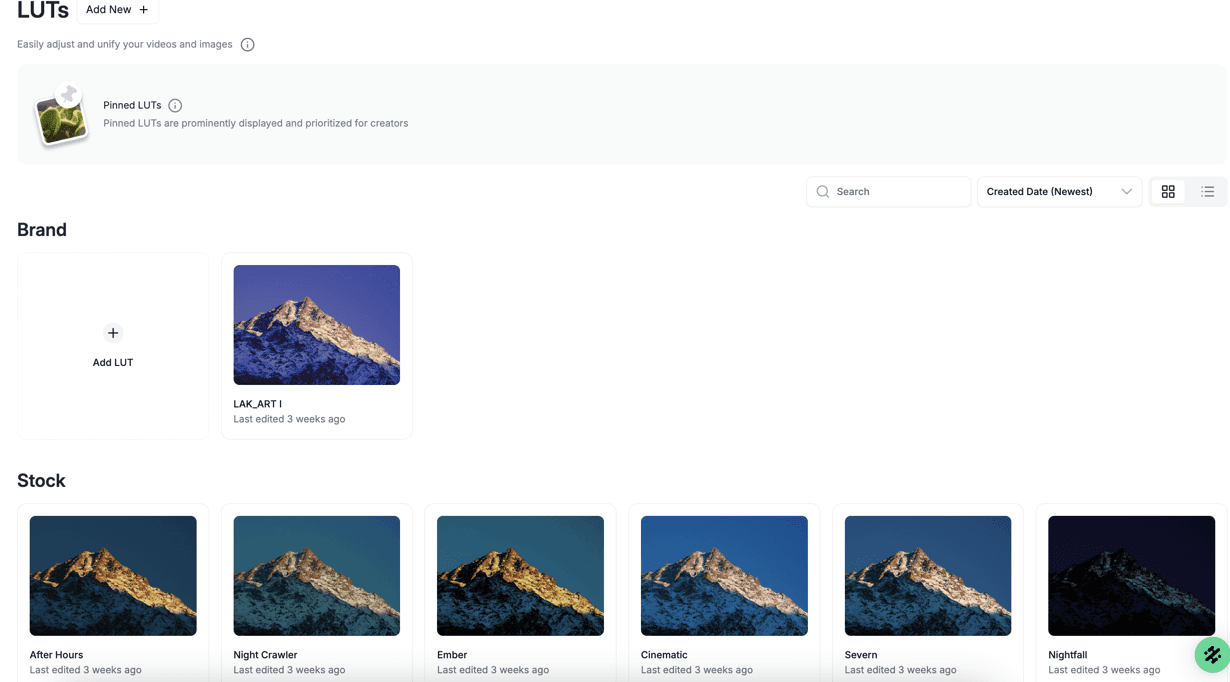
LUT Color Grading Filters: Web & iOS
Apply ready-to-use cinematic LUT filters to your images and videos directly in Slate, or upload your own. LUTs give your content a consistent, polished look without any external editing. Pick a grade, apply it to your assets at once, and done.
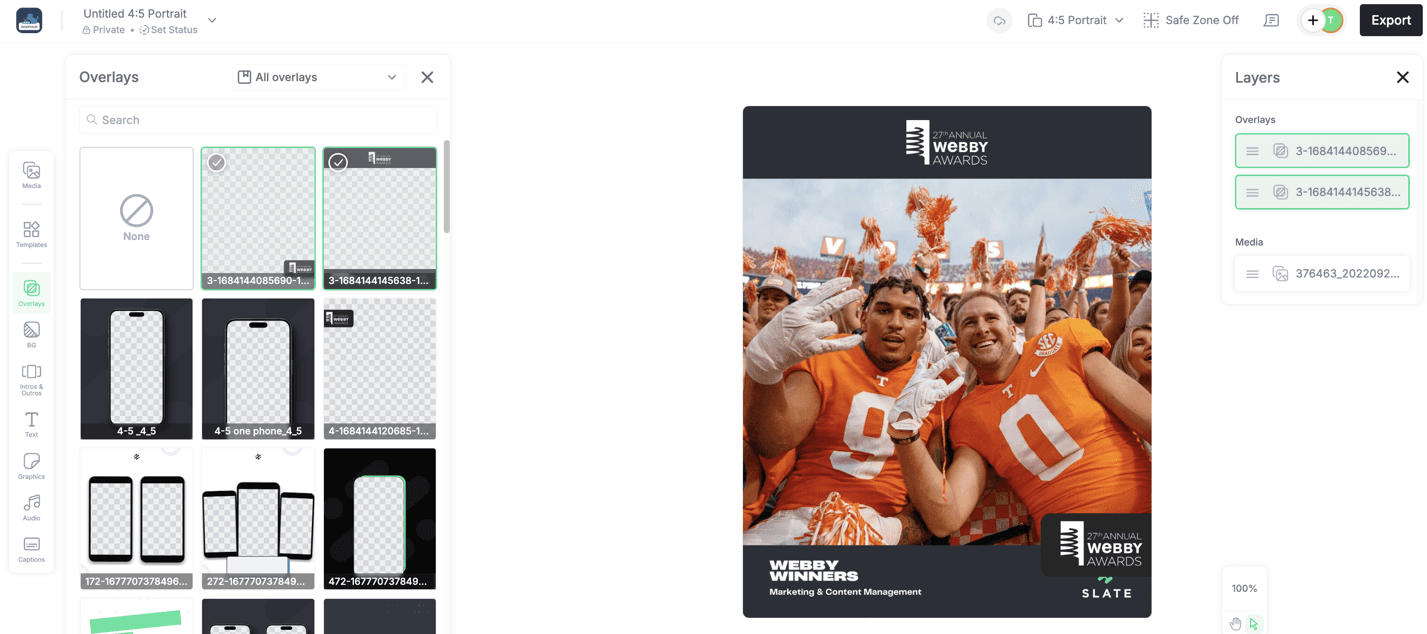
Multiple Overlay Stacking: Web
Stack multiple overlays on the canvas at once. More creative flexibility for teams building layered, visually complex content without having to work around single-overlay limits.
Also in May — iOS App Updates
The May iOS releases also included:
Replace for Stickers — swap stickers in a project without removing and re-adding them
New Layout Options — additional layout presets for faster project setup
Clip Speed voice fix — resolved an issue where slight speed adjustments could trigger an unintended pitch shift