Slate Team
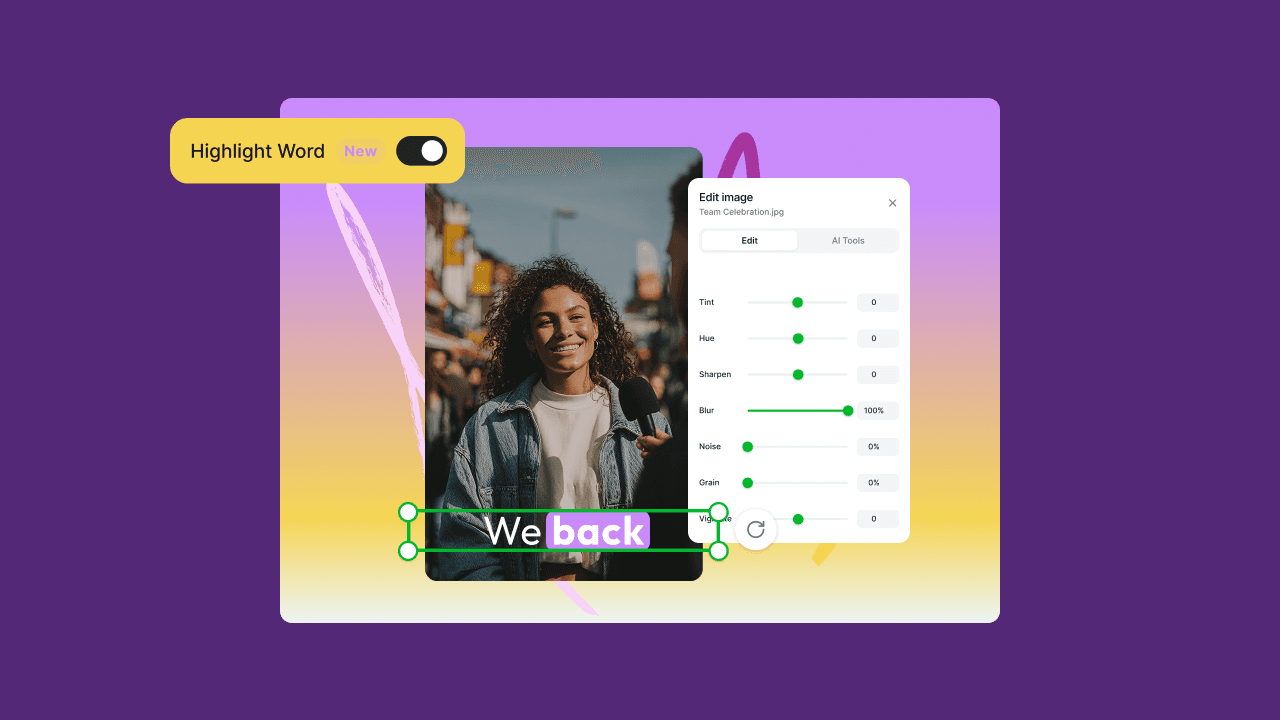
August brought a mix of updates across Slate, focused on smoother collaboration and more control inside the editor. You can now share projects with specific people, organize work in a new board view, and fine-tune color, tone, effects, and audio without leaving Slate. Here’s what shipped.
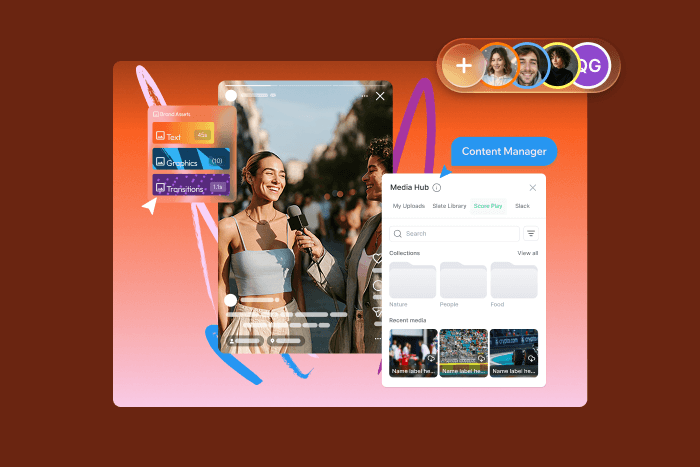
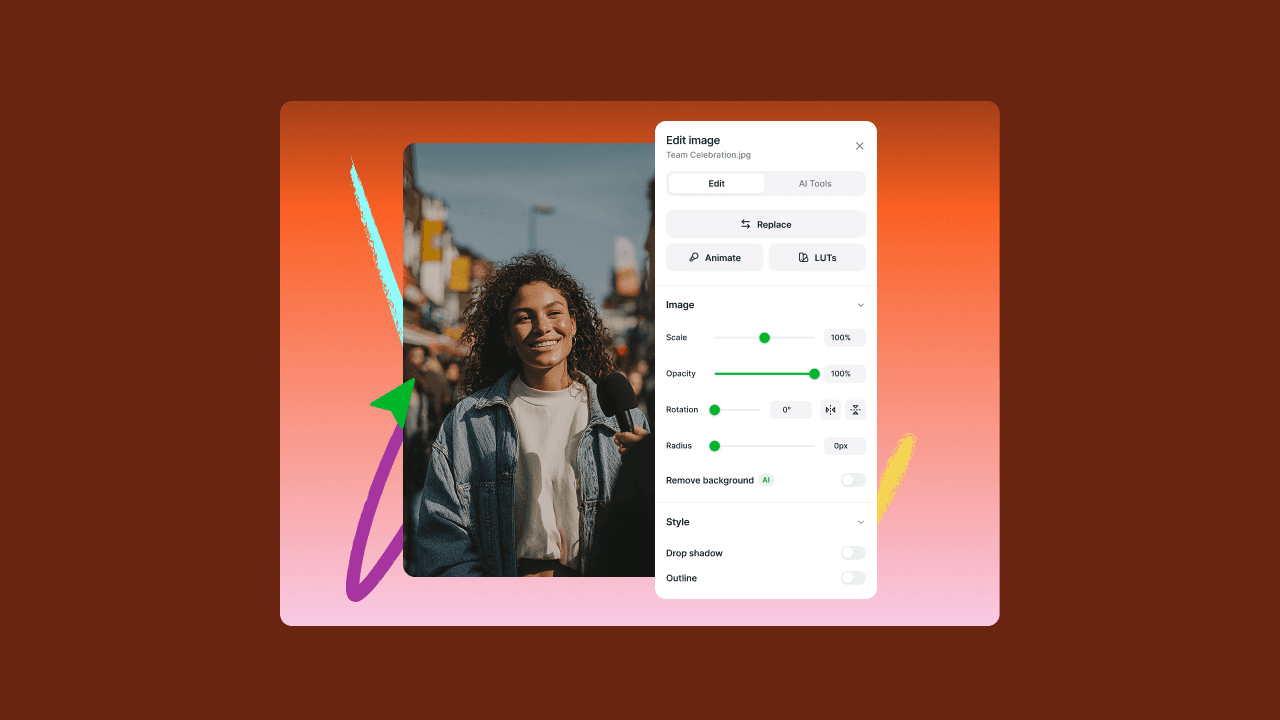
Right panel for media and asset settings
Settings for the media and assets you are working on now sit in one right hand panel. Adjust a clip or asset right where you are looking, instead of hunting for controls in different places.
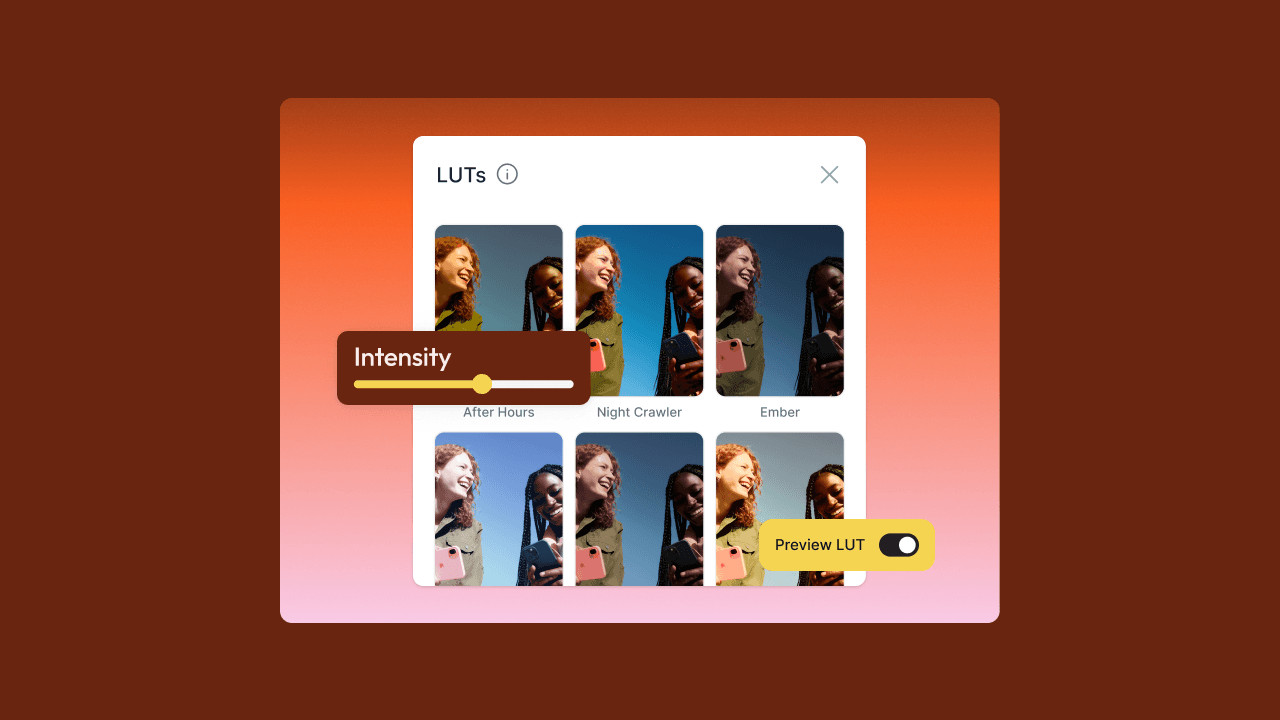
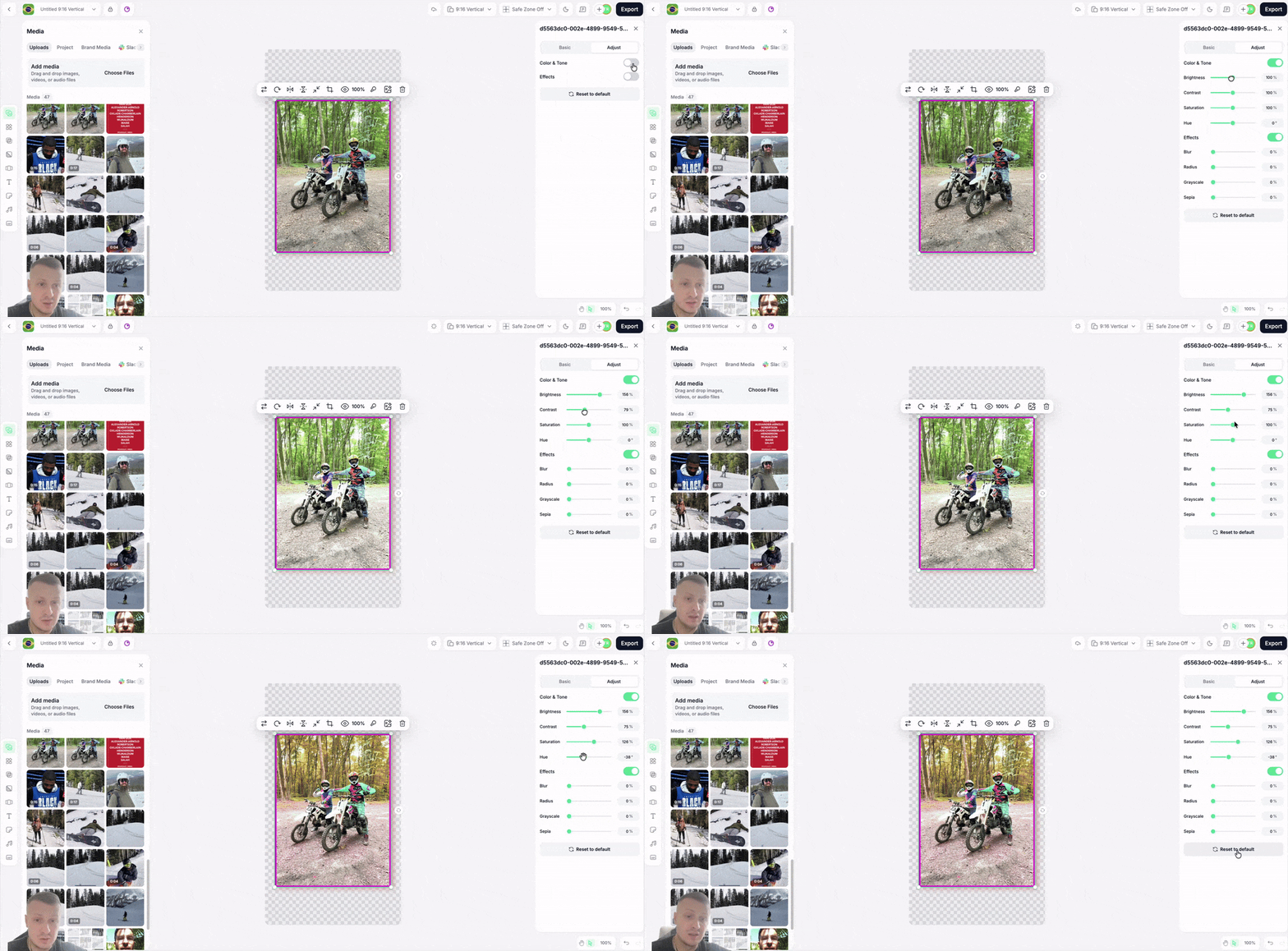
Adjustments for color, tone, and effects
You can tune your footage's look inside Slate. Push color and tone, add effects, and get the shot closer to what you pictured without exporting to another tool first.
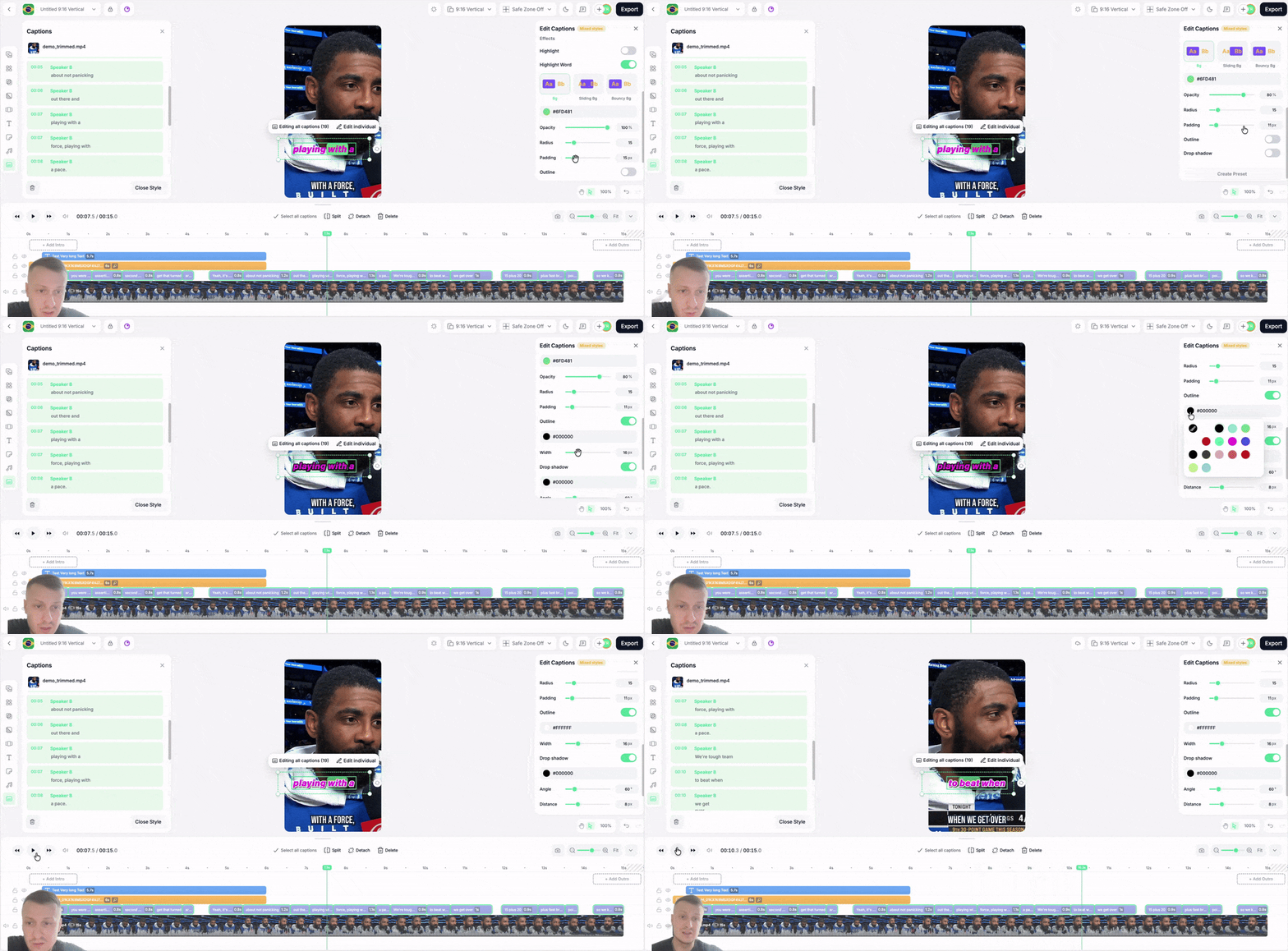
Captions highlight animation
Your captions can light up word by word as they are spoken. It is the karaoke-style emphasis people stop scrolling for, and you get it without animating anything by hand.
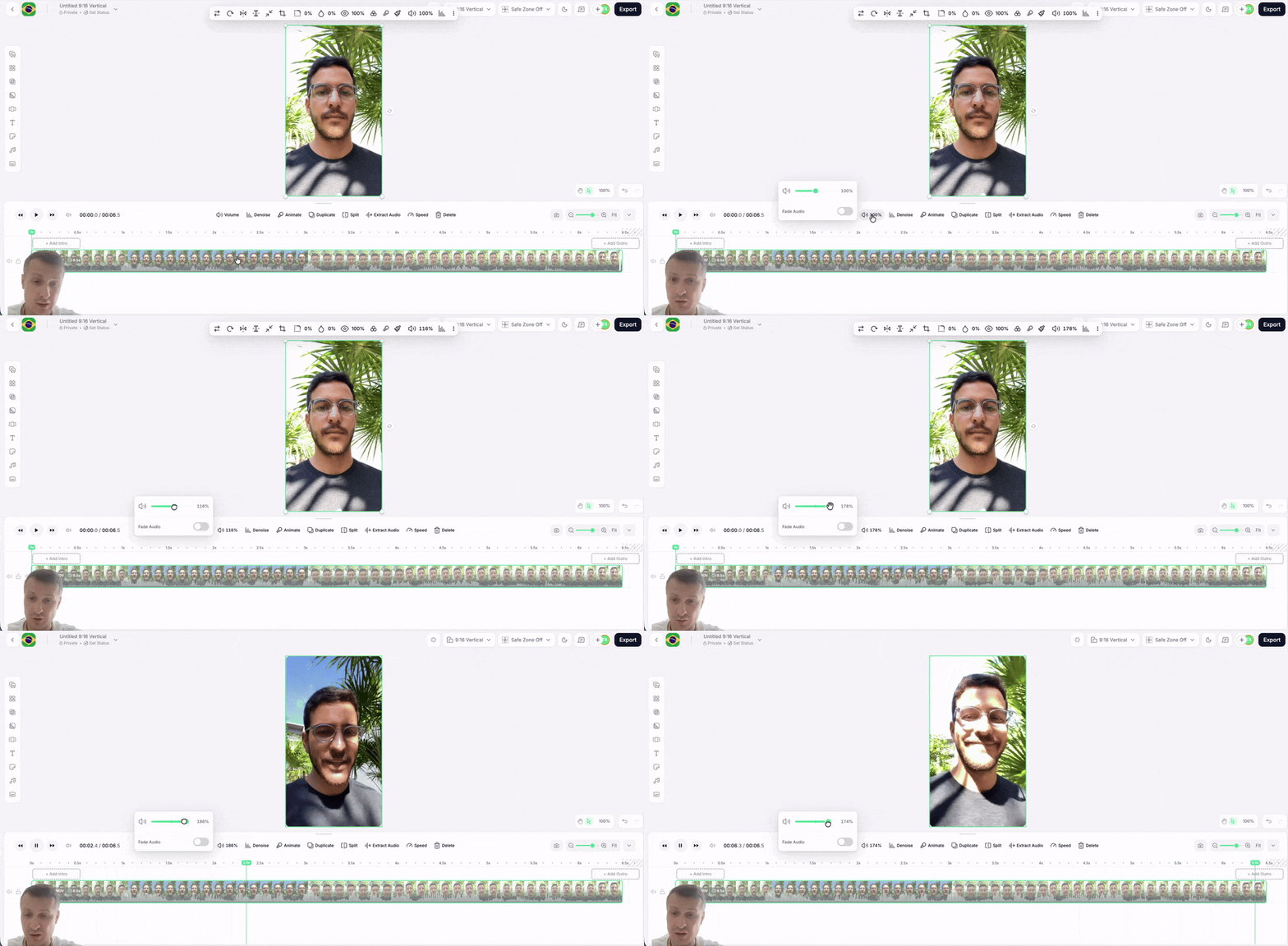
Audio fade in, fade out, and volume boost
You can fade audio in and out on a clip and lift quiet audio without leaving the editor. Your cuts land softly rather than starting and stopping abruptly, and low recordings are easier to hear.
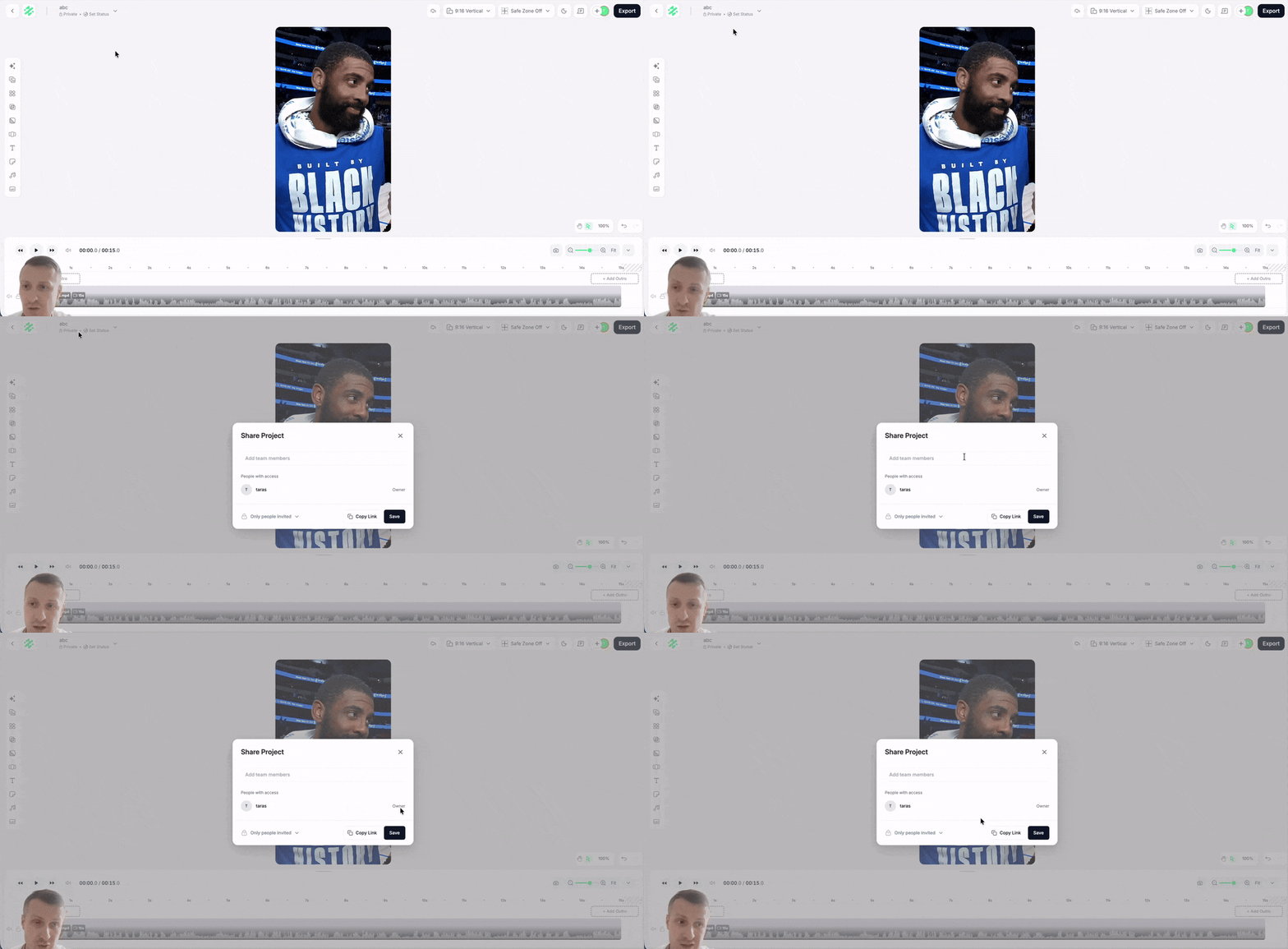
Per-user project sharing
You can share a project with specific people instead of your whole account. They see it in their own projects list, and everyone else can't access it.
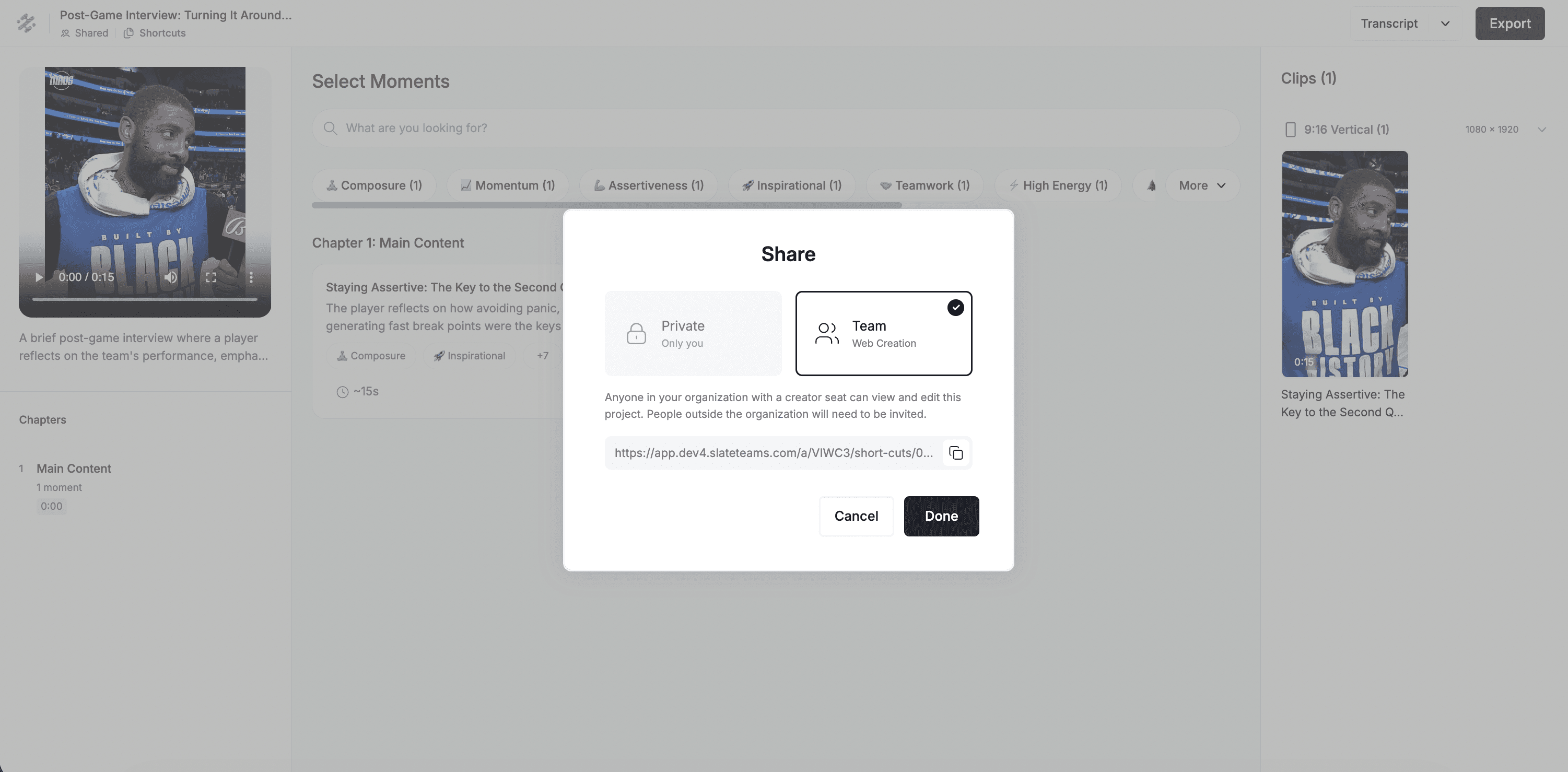
Shortcuts project sharing
Projects you start in Shortcuts can be shared with the rest of your account, the same way you share a regular project. Work started in Shortcuts no longer sits with one person.
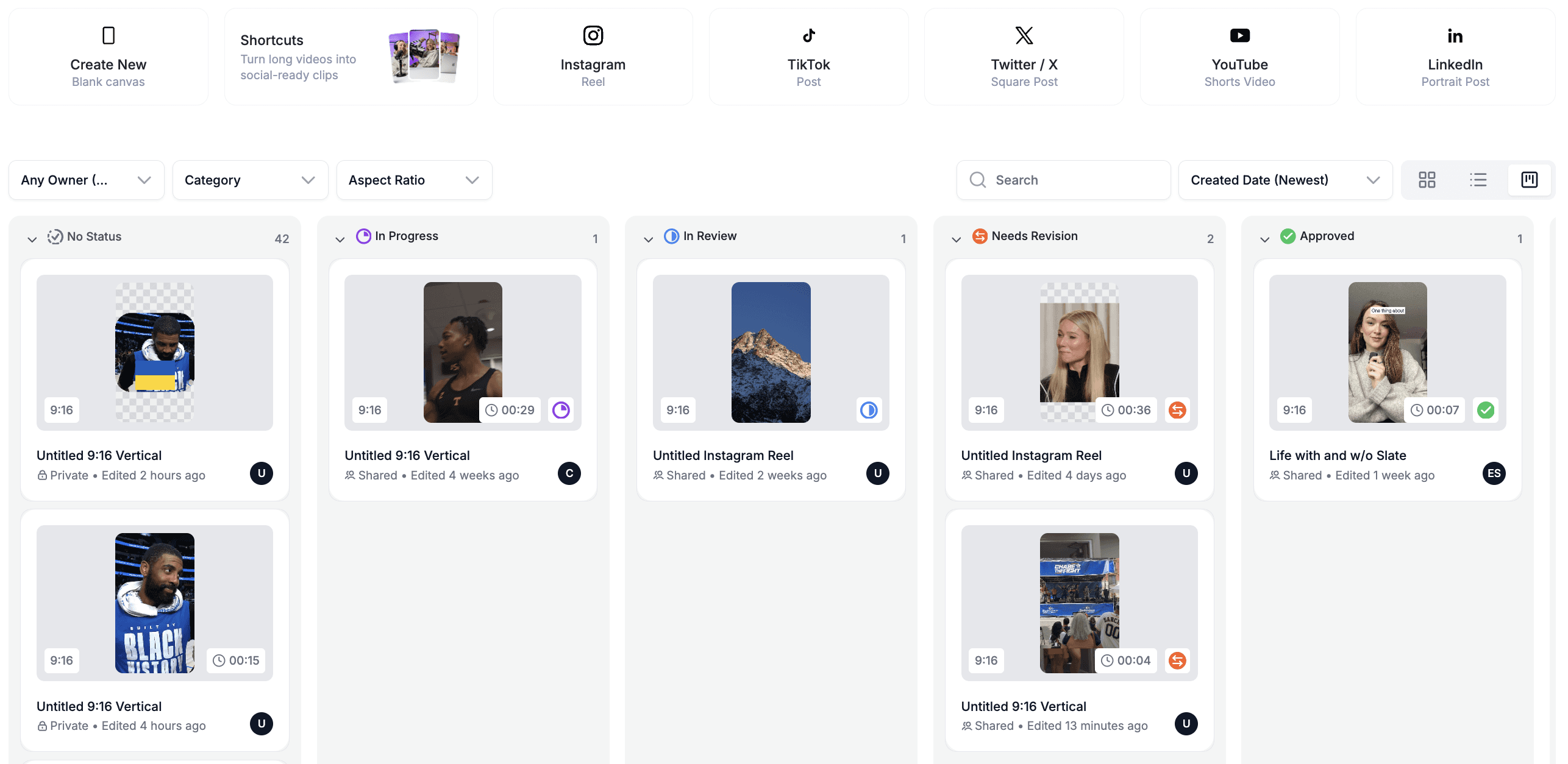
Kanban view on the home page
You can see your projects as cards on a board instead of only a list. Drag work between columns to track what is in progress and what is done, so the state of everything your team is making is visible at a glance.
Also in August:
Media upload tracking on shared projects
Automatic cleanup of media files that sit unused for 30 days