Slate Team

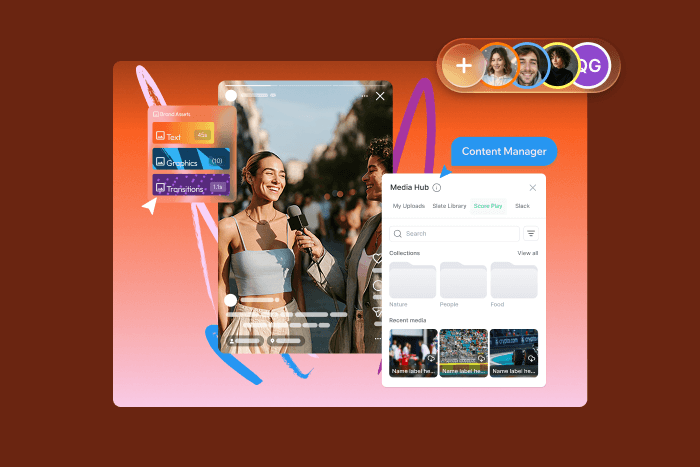
September brought a brand new stock audio library, more creative control in the Web Creation Studio, new AI Image Tools, and a couple of account updates that make it easier to sign in and share work. Here’s what shipped.
Stock Audio in Slate
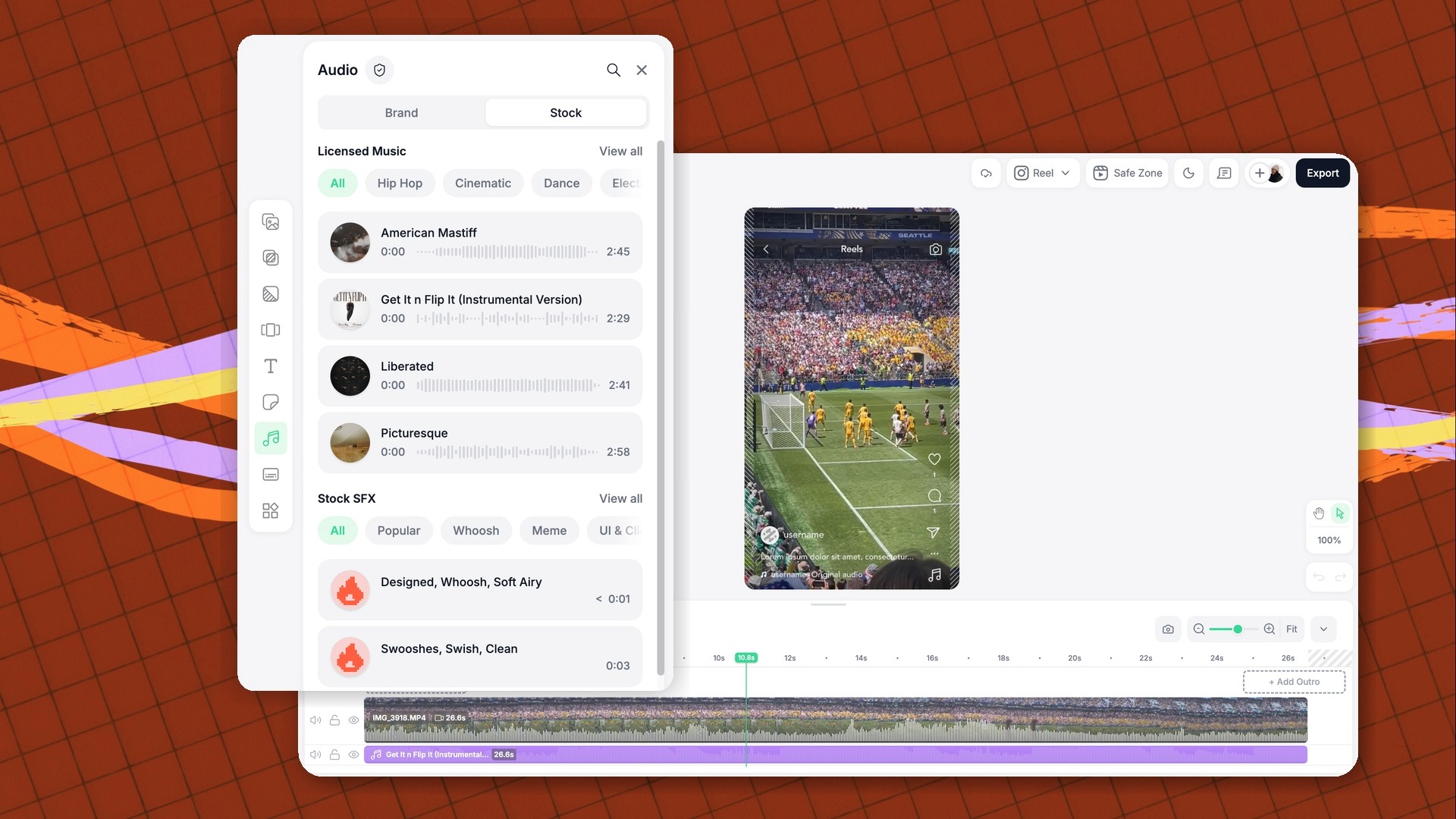
Preview, trim, and drop from over a million tracks and sound effects directly on your Web Creation Studio timeline. Every track is licensed for social and digital channels, so every post stays live, without takedowns or muted reels. Learn more about how it works and how to safelist your accounts here.
Flexible Layer Ordering
You can put any layer in front of or behind any other layer, including sending text behind your media. Lock finished layers so they stay put, hide the ones you're not using, and reorder intros and outros like any other layer.

Slate AI Image Tools
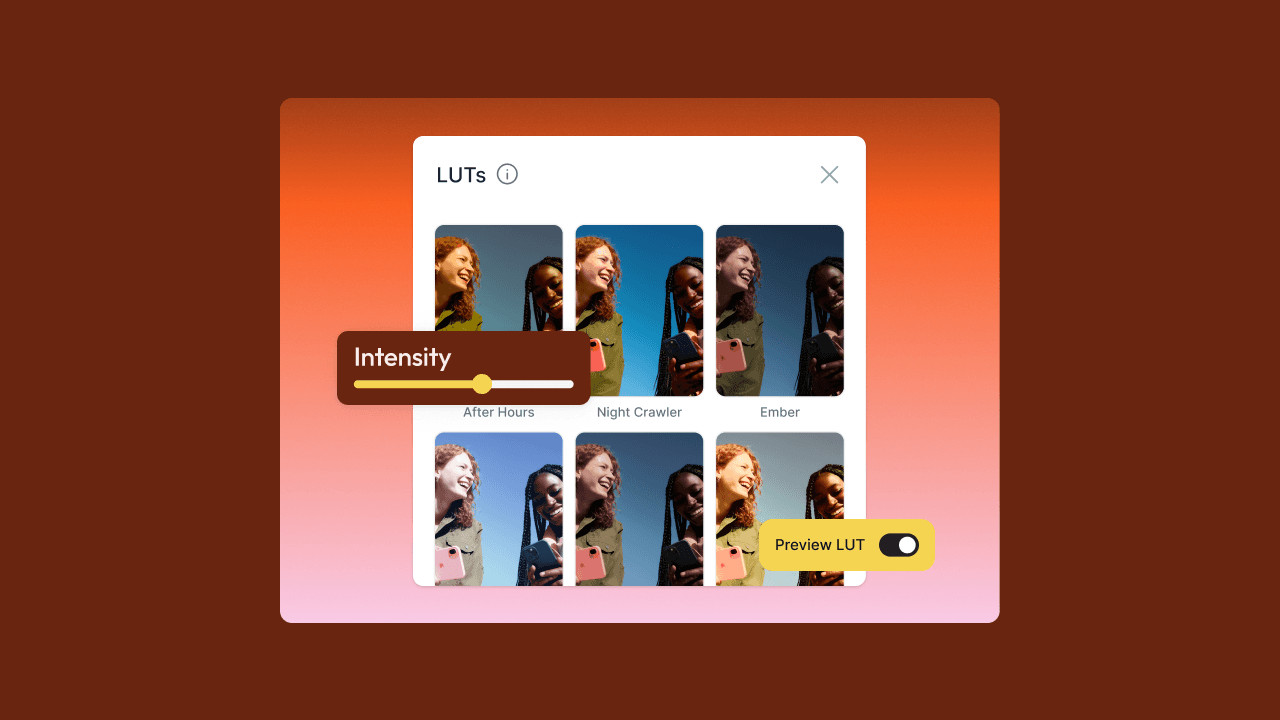
Remove backgrounds or logos, add Light Rays, change the time of day with Sunlight, or light a shot with Studio Light presets. It all happens inside the Web Creation Studio.
Some features are available only for Slate AI customers, and usage limits may be set in the future.

Default Project Visibility
You can choose whether new projects start as Private or Shared for all users across your account. Set it once in Company Settings and it applies to every new project from then on.

Google SSO
You can sign in to Slate with your Google account on web and iOS. That's one less password to remember, and new teammates can get started faster.
And a special peek at a feature rolling out now…Transitions
In the Web Creation Studio, you can add smooth transitions between clips right on the timeline. Pick a style like Cross Fade, Wipe or Zoom, set the direction and length, and preview it on your own footage. Transitions is rolling out now and will be available to everyone by October 9.