Slate Team
July was a big month for the editor and your media library. We brought your assets together in one home, gave the web editor a fresh look with real timeline control, and made a stack of everyday tasks faster and smoother. Here’s what’s new:
Media Hub
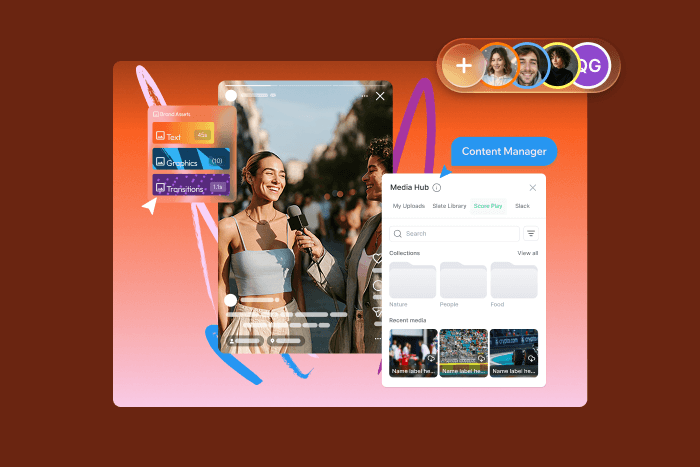
You can now manage your entire media library from a single home. Upload assets, organize them into folders, preview them, and drop them straight into the Web Creation Suite or the iOS app. No more digging through scattered files to find what you need.
Versionless assets
Say goodbye to the “Publish Changes” button. Edits you make to an asset now flow into your creation apps automatically, so what you see is always the latest version.
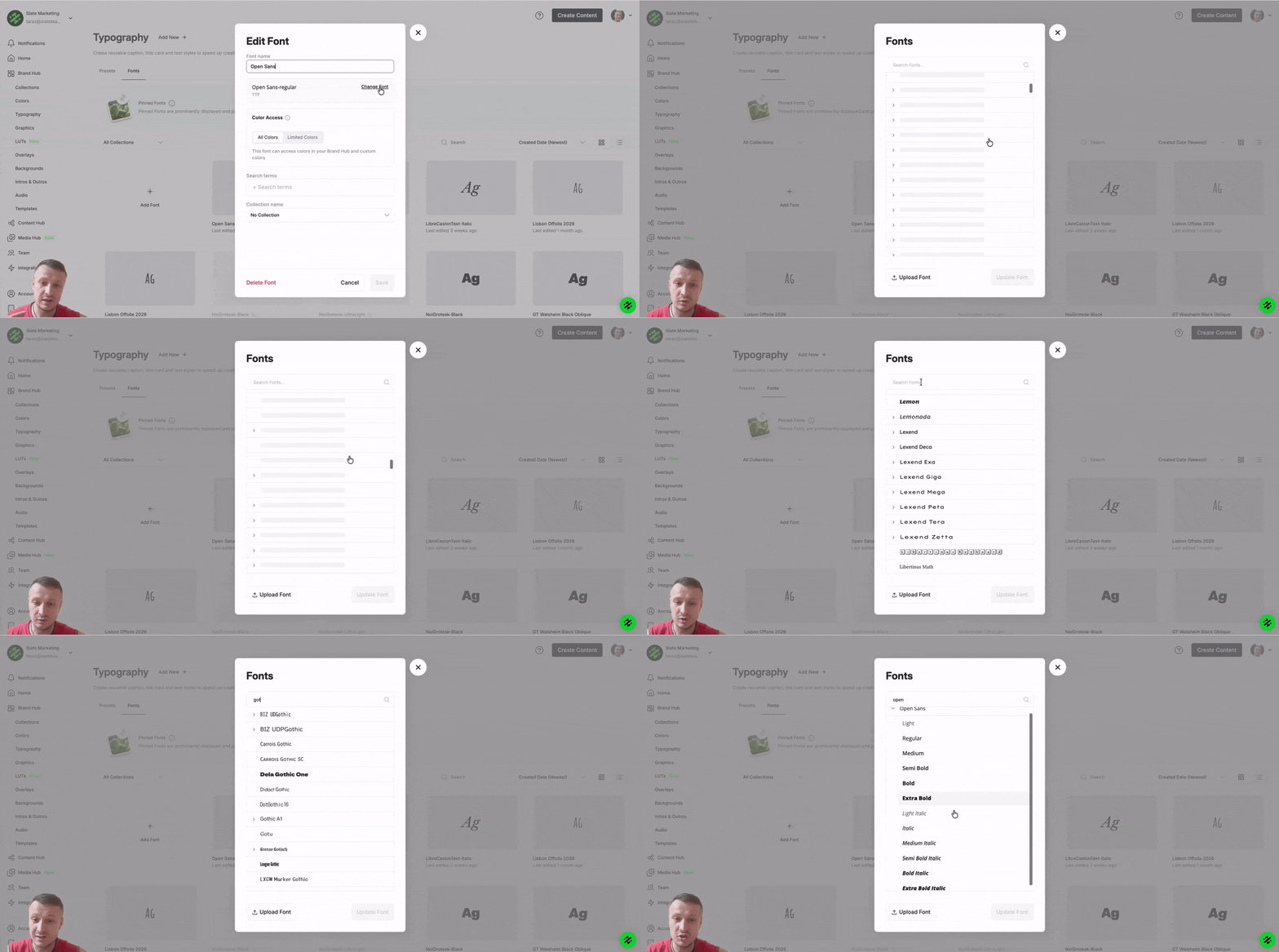
Google Fonts
The full Google Fonts catalog is now available as a font source. Your brand kits and projects can use the exact typefaces your team already works in, right out of the box.
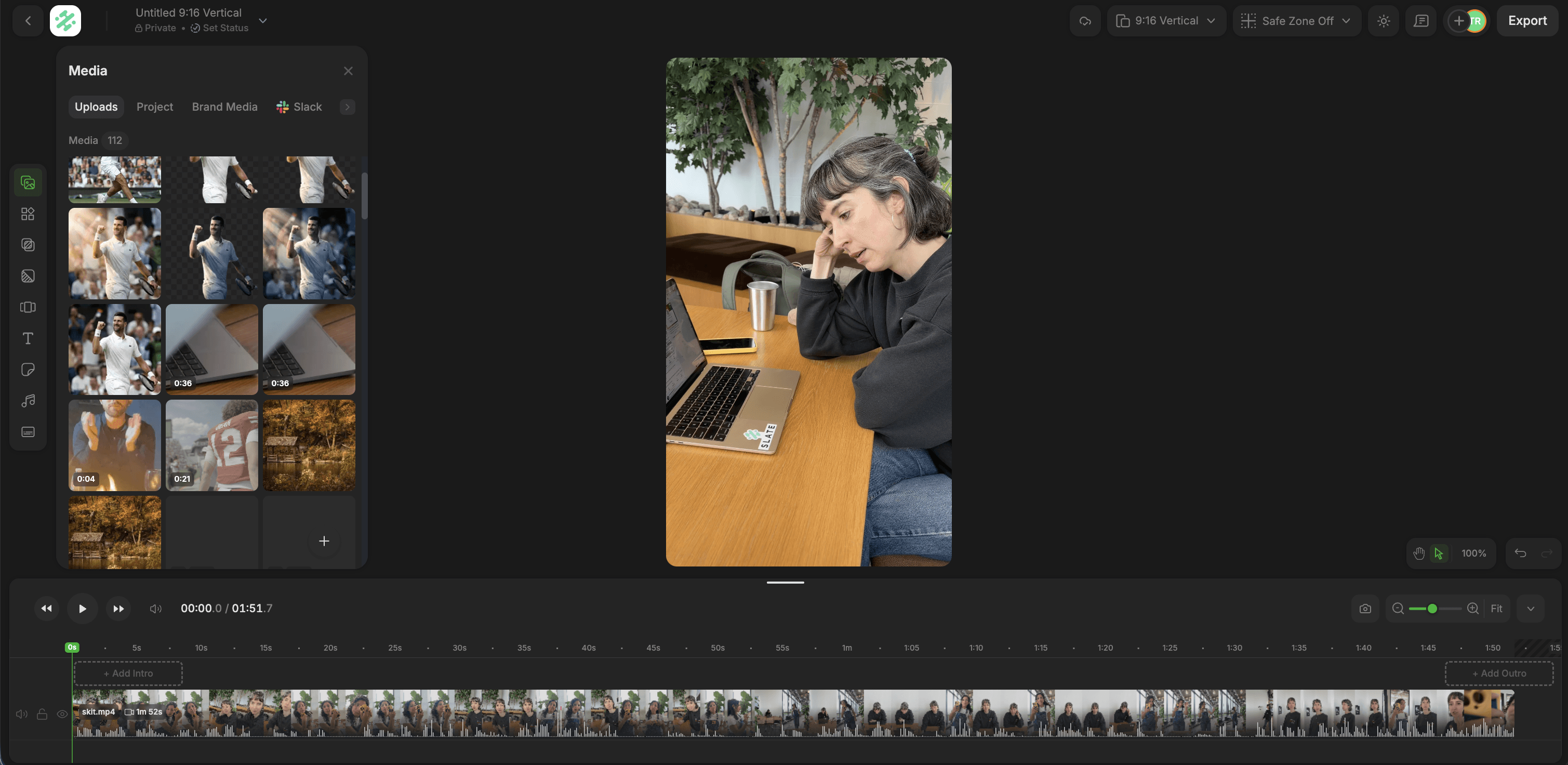
Redesigned editor with timeline lane controls
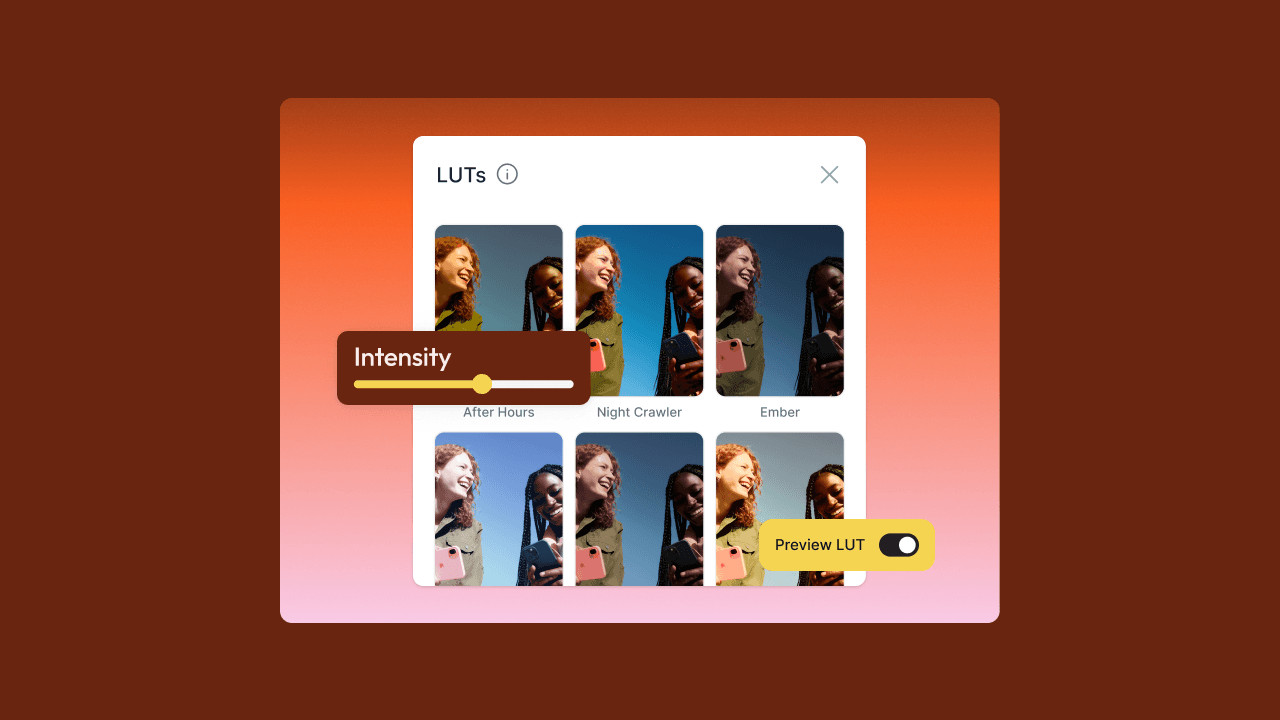
The web editor has a refreshed look with optional dark mode, along with powerful new editing controls. Manage your timeline with lane locking, hiding, and muting; copy and paste directly on the canvas; Option-drag to duplicate elements; fine-tune clip speed; toggle audio waveforms; animate text and graphics with in and out effects; and preview thumbnails right from the export menu.
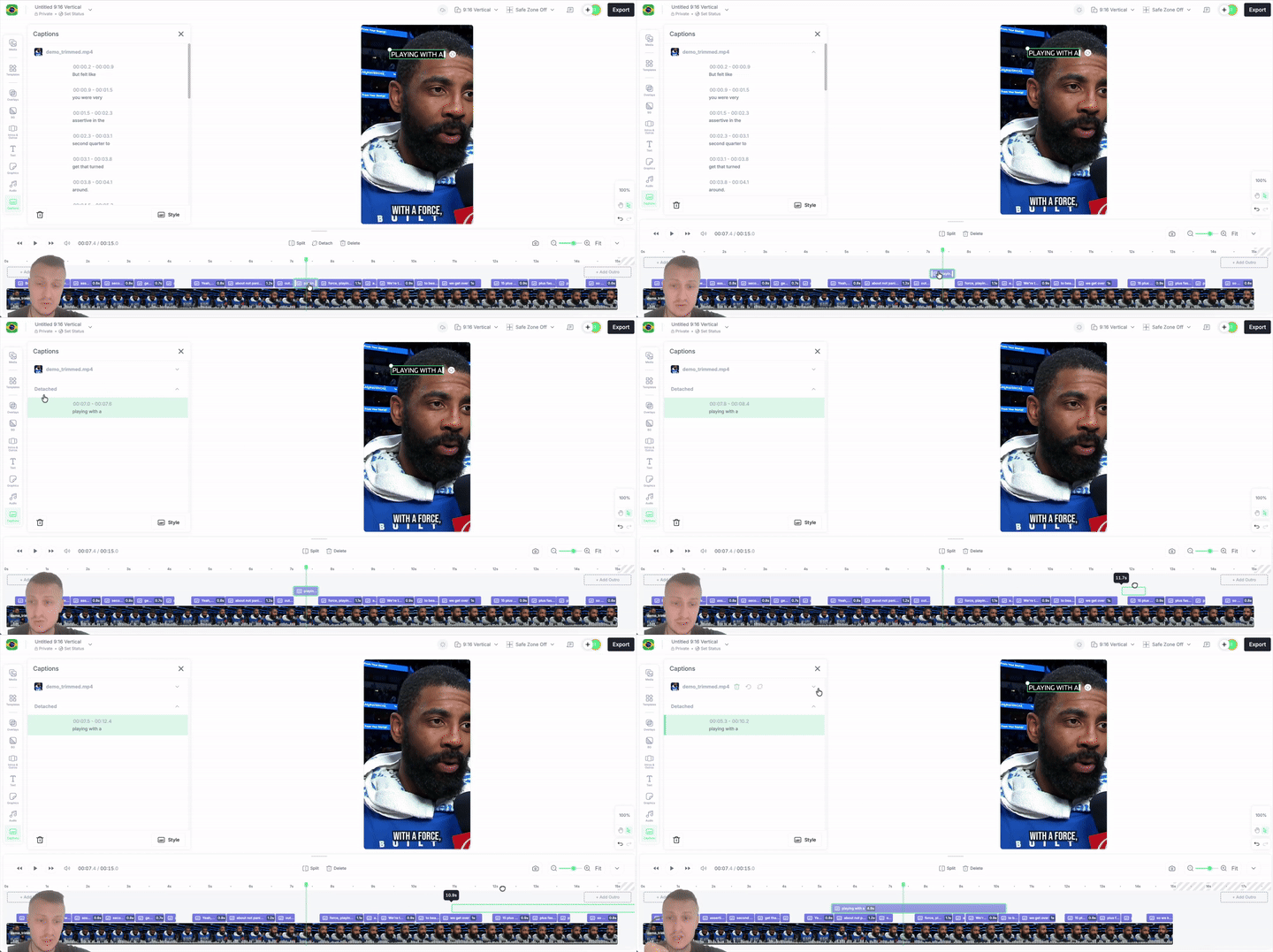
Detach captions
Captions no longer have to live on their default lane. You can now pull them off and position them anywhere on the timeline, giving you finer control over how your captions are laid out.
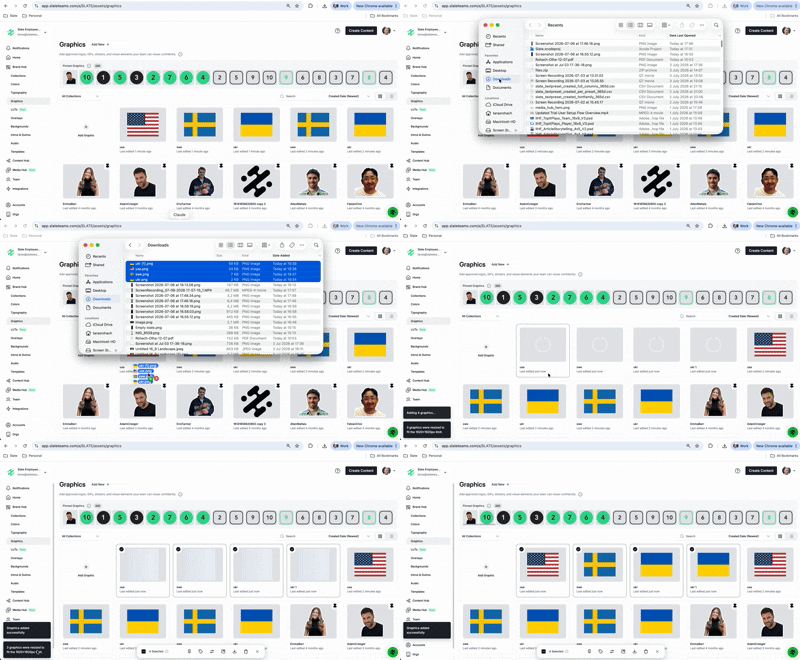
Automatic graphics resizing on upload
Drop in a graphic at any resolution, and Slate scales it to a compatible size on the fly. No more resizing files by hand before you upload.
Updated Media drawer tiles
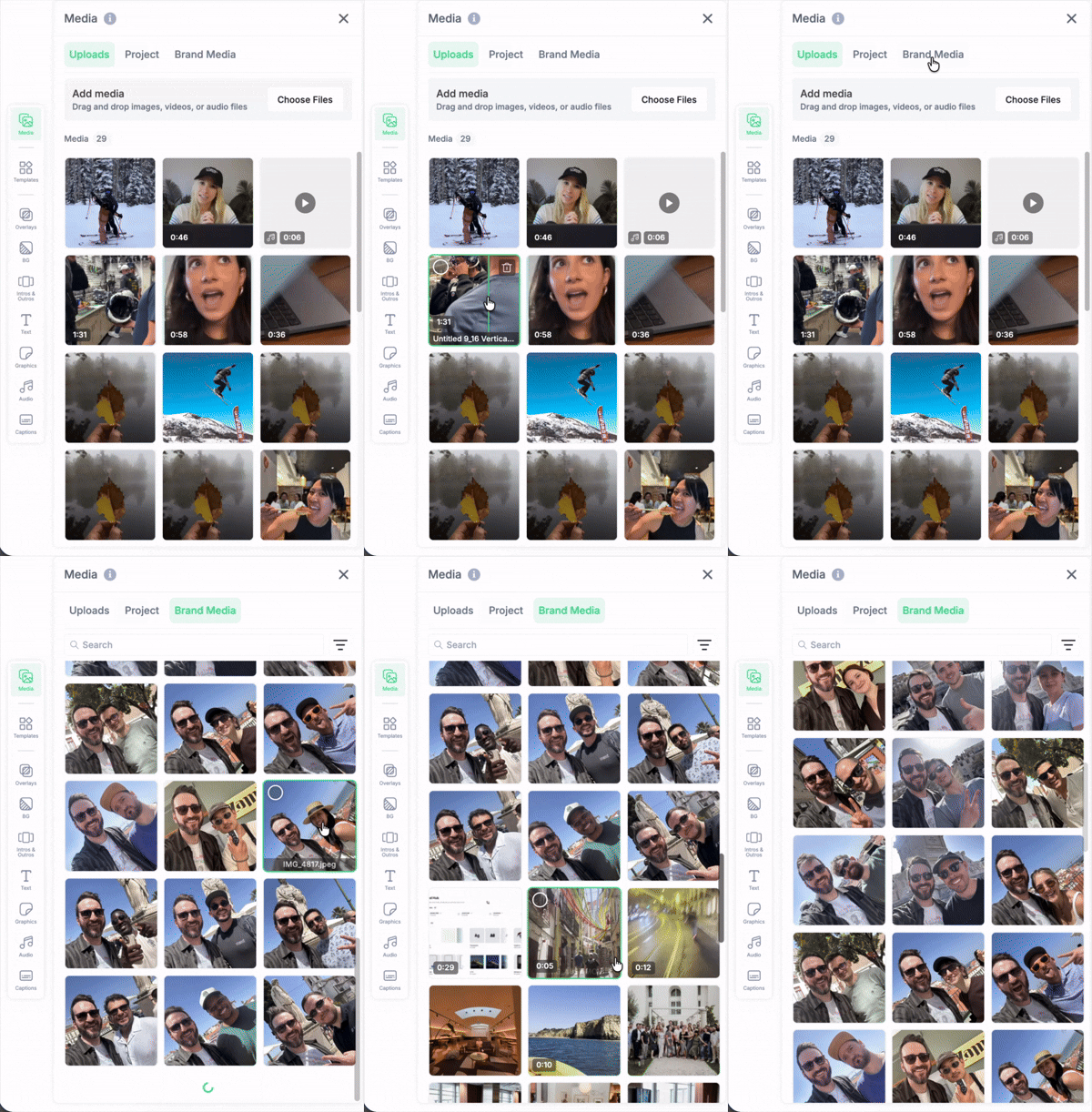
The Media drawer got a redesign, with cleaner tiles that make your assets easier to scan and find at a glance.
Drag and drop files onto the timeline
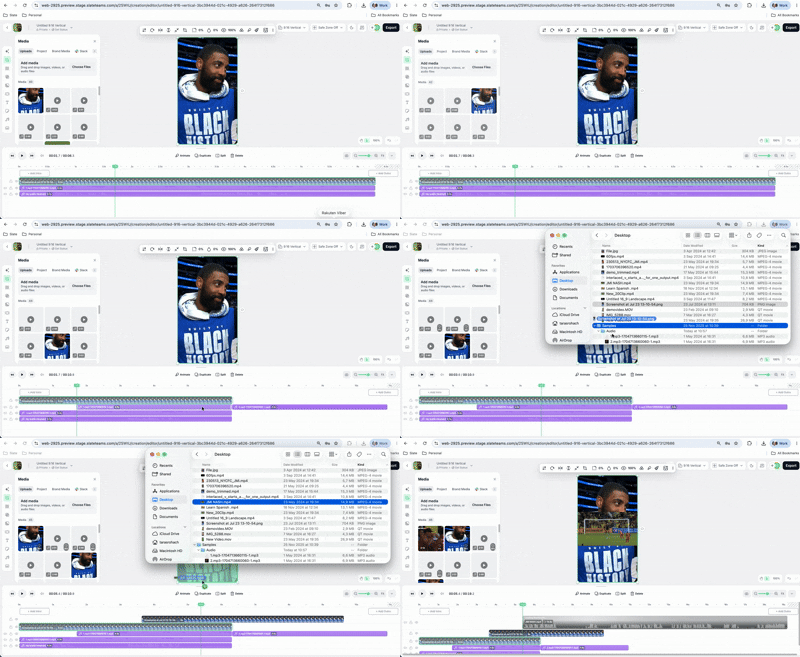
You can now drag files straight onto the timeline. Everything lands at the scrubber position, exactly the same as adding it from the Media drawer.
Drag and drop audio onto the Audio drawer
Drop audio files onto the Audio drawer and Slate automatically switches to the Uploads drawer and adds them there, the same as dropping them in directly.
Also in July:
Faster bulk uploads with an upload window that opens the instant you make a selection, deeper media fetch on Content Hub so you can reach your oldest exported and uploaded files, and a refreshed Media Picker on iOS that sorts by most recently saved.