Slate Team
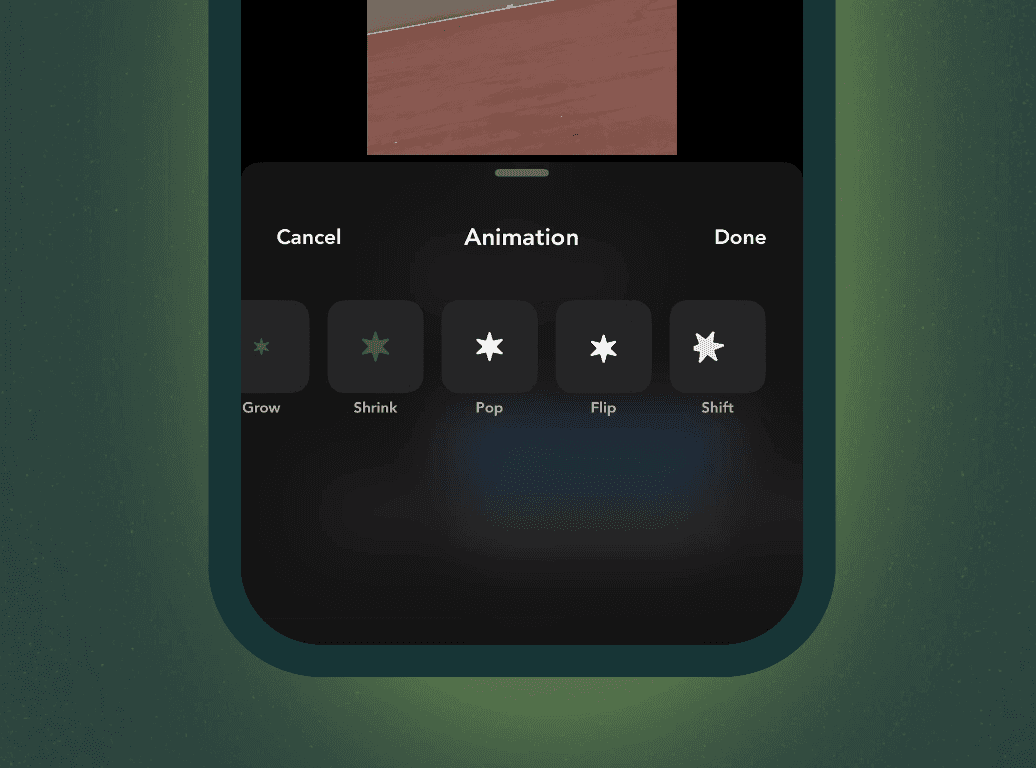
We shipped mobile editing upgrades this month, along with a few workflow improvements across Slate.
Here’s what’s new.
Mobile Editing Upgrades
Animations, transitions, and clip speed are now live in Slate Mobile.
You can:
Add text and element animations
Insert transitions between clips
Adjust clip speed
If you were exporting into another app just to smooth cuts or adjust pacing, you don’t need to anymore. Everything can stay inside Slate.
Workflow Improvements
Caption Translations
Translate captions directly inside Slate.
Supported languages include English (US/UK), Spanish, French, German, Portuguese (Brazil/Portugal), Japanese, Korean, Chinese, and 20+ others.
If you manage regional accounts or global campaigns, this removes a separate translation step.
Download Captions as TXT (Alongside SRT)
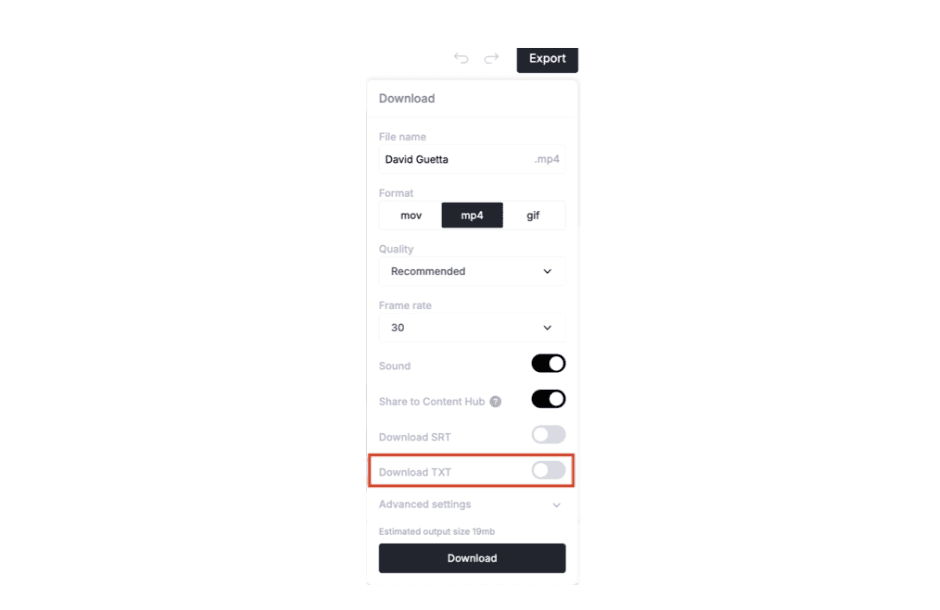
You can now download captions as a TXT file directly from the export panel. The toggle appears next to “Download SRT.”
If you need plain text for:
Repurposing into LinkedIn copy
Dropping into email or newsletters
Sharing transcripts internally
Feeding into reporting
You no longer need to copy from preview or convert an SRT file. Turn on “Download TXT” and export.
Outline Effects for Media
Add outline effects to media elements. You can use your brand colors from the color picker. No external design tool needed for borders or emphasis.
PDF Export for Carousel Content
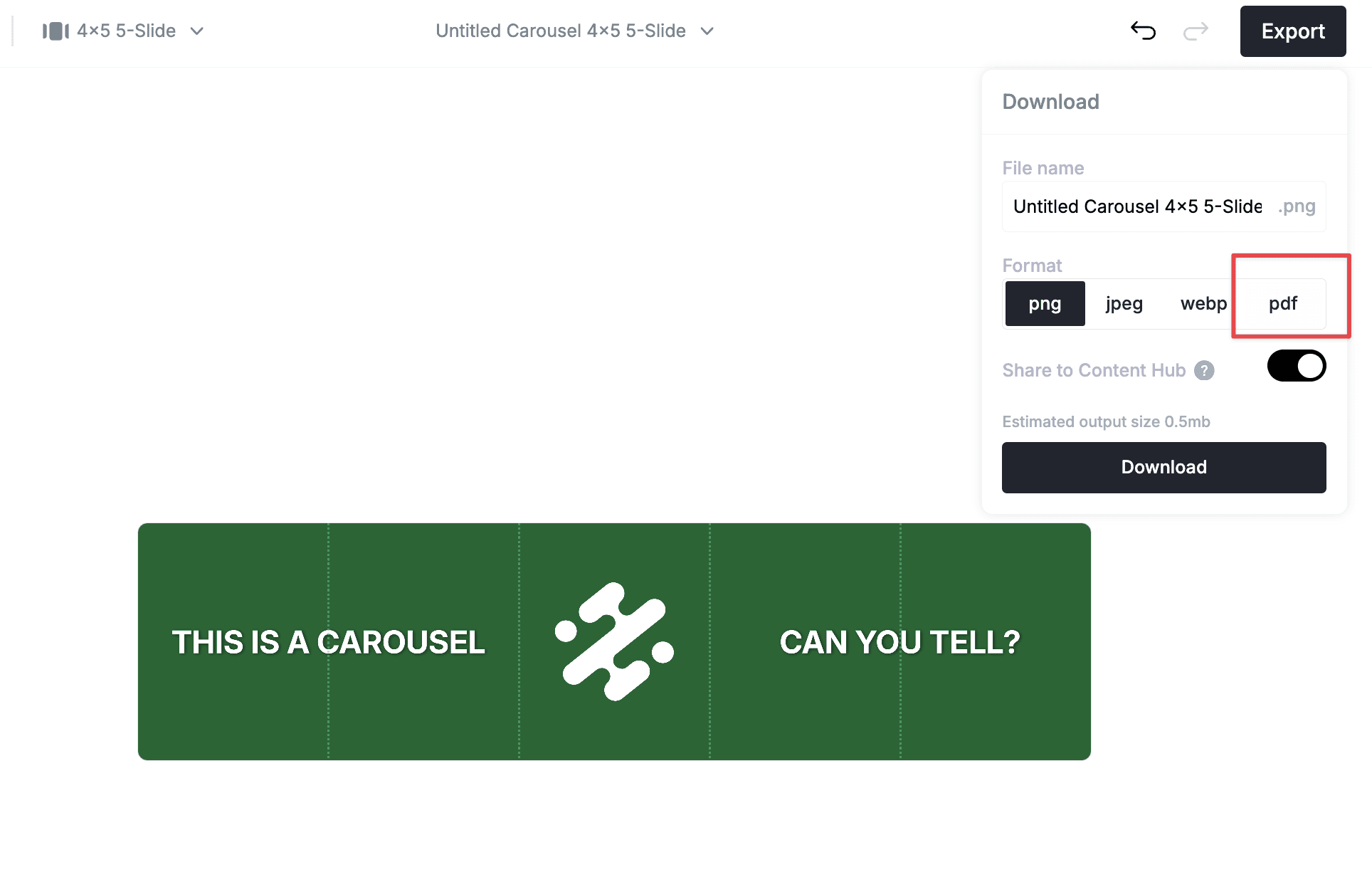
You can now export carousel content as a multi-page PDF. Each slide becomes its own page. Dimensions match automatically. This makes it easier to publish LinkedIn-ready carousel posts without rebuilding files manually.
Everything above is live. Try it out today!