Slate Team
In January, we shipped a set of updates focused on making Slate more reliable, more organized, and easier to work in day to day for social media teams.
If you missed them, here’s a quick rundown.
Online Media
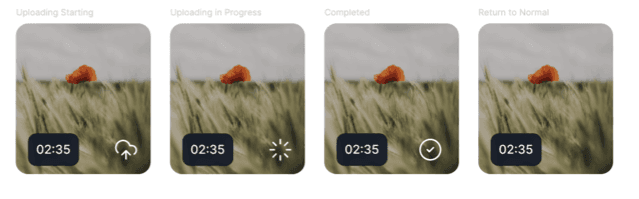
Slate now supports Online Media, which means anything you upload is available locally and automatically backed up to the cloud.
You can keep editing when your connection drops, and your files will sync as soon as you’re back online. No re-uploads, or wondering which version is saved.
You’ll see clear status icons that show whether a file is uploading or fully synced, so you always know where things stand.
This is especially useful for teams who:
work across locations or devices
edit on the go
don’t want to risk losing progress mid-edit
Your media stays accessible, and your work stays intact.
Brand Hub redesign
As asset libraries grow, managing brand content can quickly become messy.
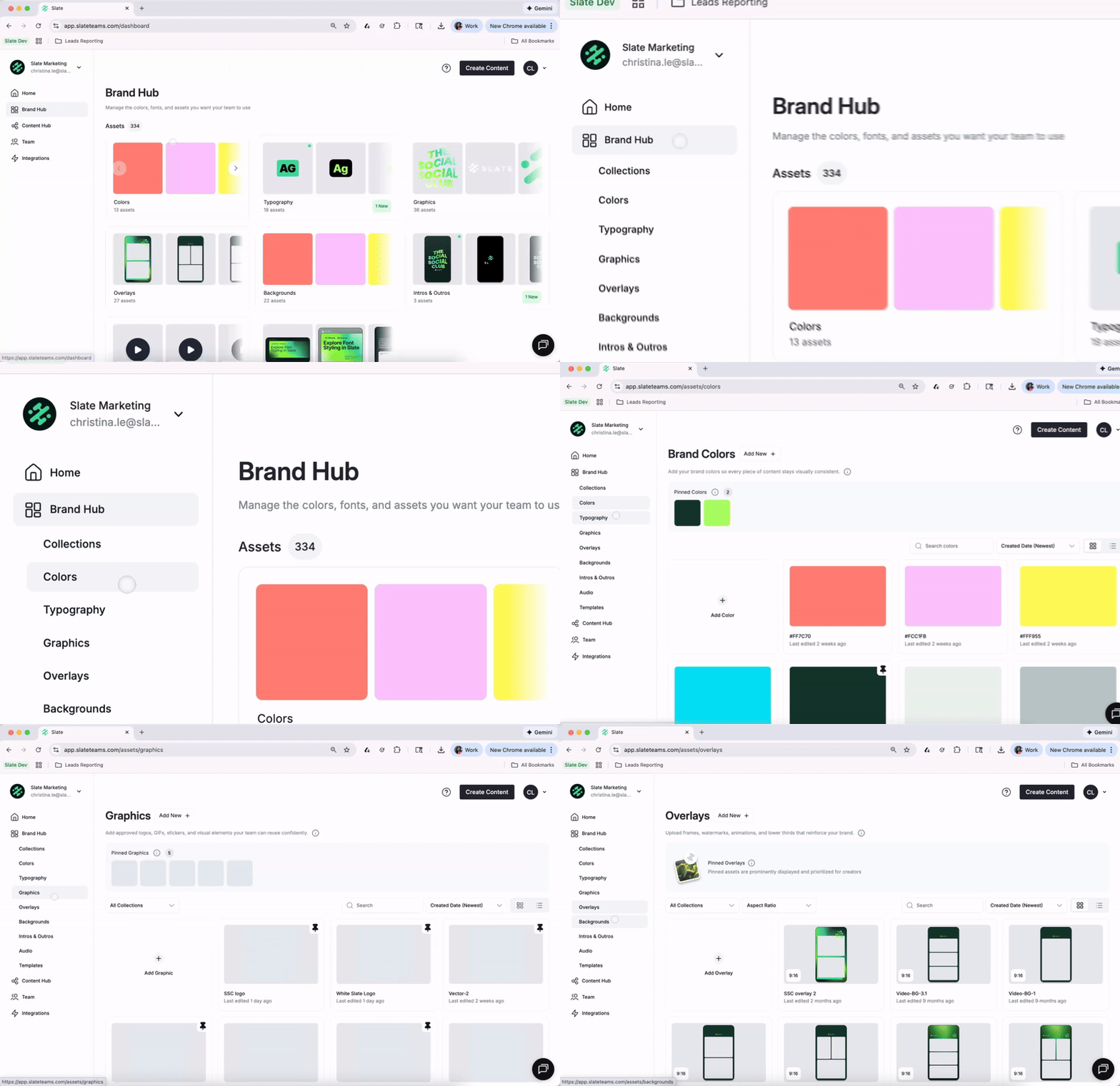
We redesigned Brand Hub to give teams more space and clearer organization as their asset needs expand.
What’s new:
A Brand Hub overview page that shows all asset categories and collections, plus how many assets live in each
Dedicated pages for each asset type, so everything isn’t crowded into one view
Collections now have their own pages, making it easier to organize at scale
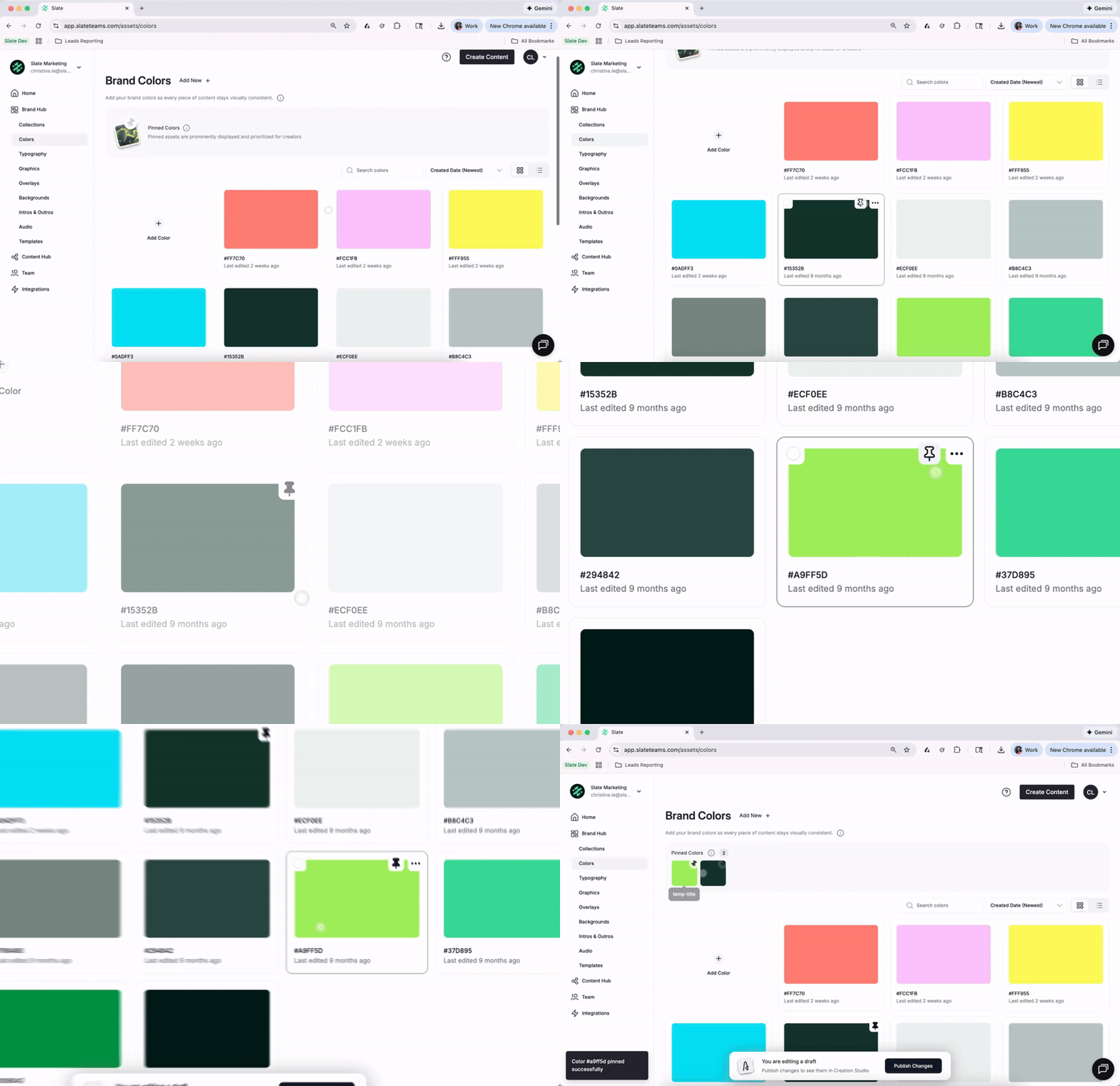
You can also:
pin frequently used assets for quick access
search across all assets
filter by type or status
sort by name, date created, or last modified
take bulk actions like download, delete, or move
For admins and brand managers, this means less manual cleanup. For social teams, it means faster access to the right assets without digging.
Circle Crop

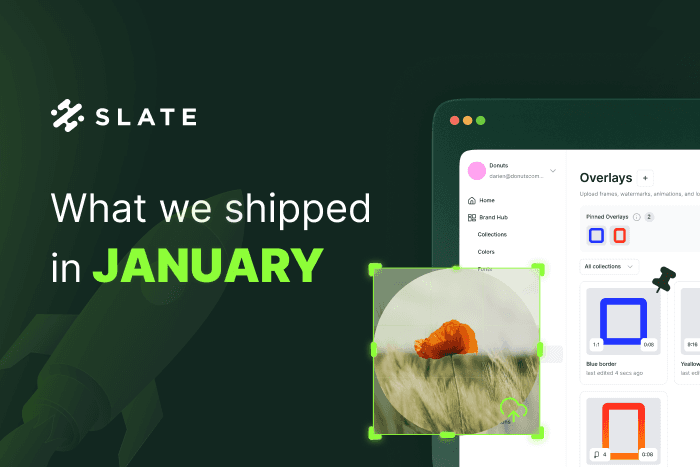
You can now crop images into a perfect circle directly in Slate.
This makes it easier to create:
profile photos
Logos
Avatars
badges and circular design elements
No exporting to another tool. No need for workarounds. Just crop and keep moving.
These updates are about reducing friction in the everyday work of social teams — keeping files reliable, assets organized, and workflows fast.