Slate Team
There’s a very specific kind of panic that happens when you’re editing a post on your phone. You’re trying to hold the concept of the content in your head while also—somehow—turning it into something publishable. You’re pinching to zoom, rewatching the same three seconds of audio until your brain starts to melt, and praying the text doesn’t jump when you touch it. Every social lead knows this feeling. And the thing that drives all of us up the wall is having to constantly bounce between five different apps to do basic fixes.
This iOS update cuts down that nonsense. We brought the core everyday tools into one place so you can make the edits you normally need without leaving Slate.
Here’s what’s new
In-Line Text Editing
Adjust font, size, and color directly on the canvas.

When you’re on mobile, “fix this one word” shouldn’t turn into “why did the entire text box just move.” Being able to edit a single line without digging through menus is the kind of quality-of-life improvement you don’t notice until you use it — and then you can’t go back.
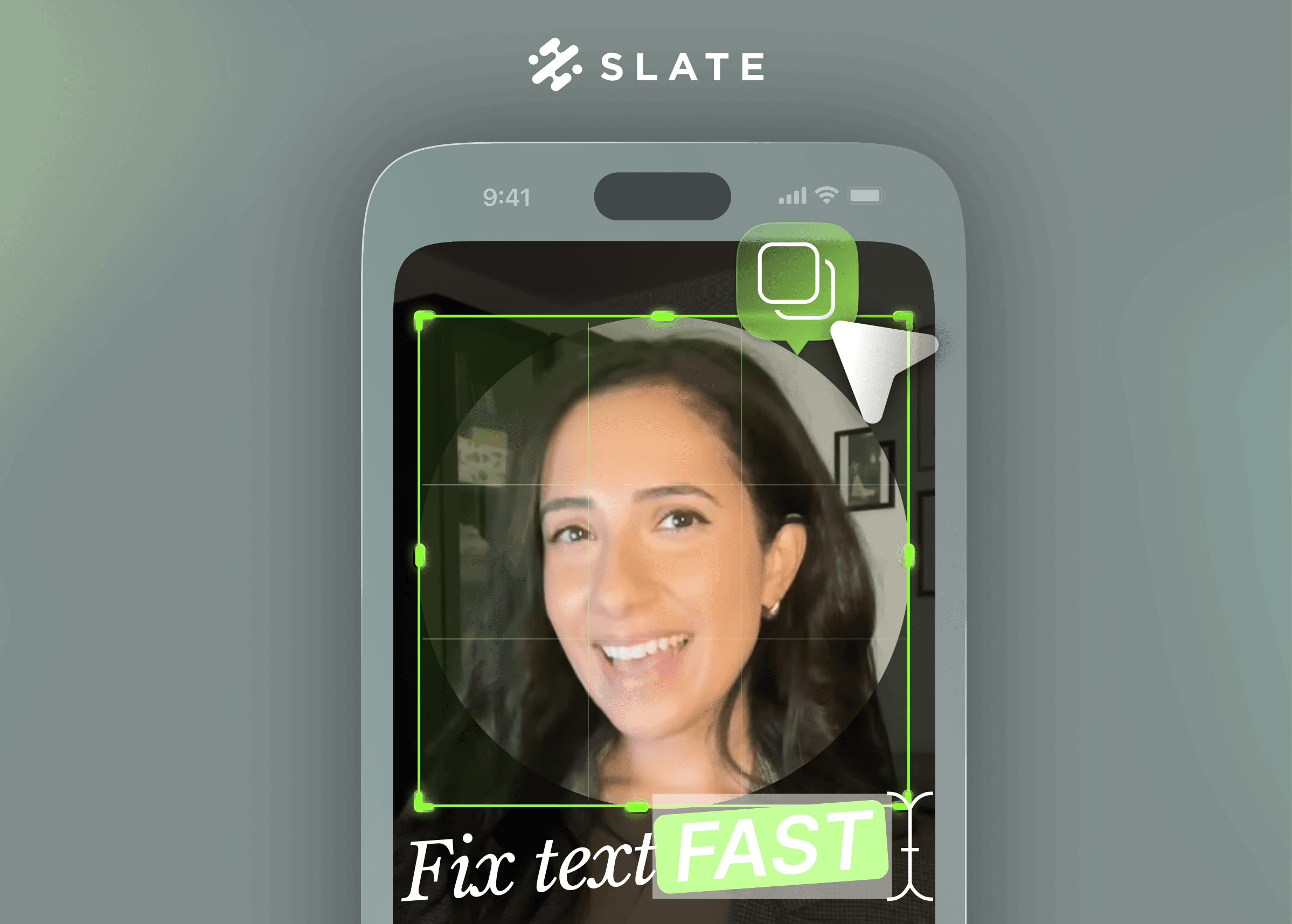
Circle Crop
A simple circle crop. Yes, really.

Profile photos, product cutouts, stickers, team headshots… you use circles constantly. Now you can do it in Slate instead of taking the scenic route through three other apps.
Media as Sticker Effects
Give images and videos rounded corners, outlines, or drop shadows that match your brand colors automatically.

This makes assets feel intentional instead of “I dropped this PNG here and hoped for the best.” It’s the fastest way to add structure and depth without manually styling anything — which is ideal when you’re doing this on your phone, in motion, under time pressure.
One-Tap Duplicate
Tap once to clone anything.
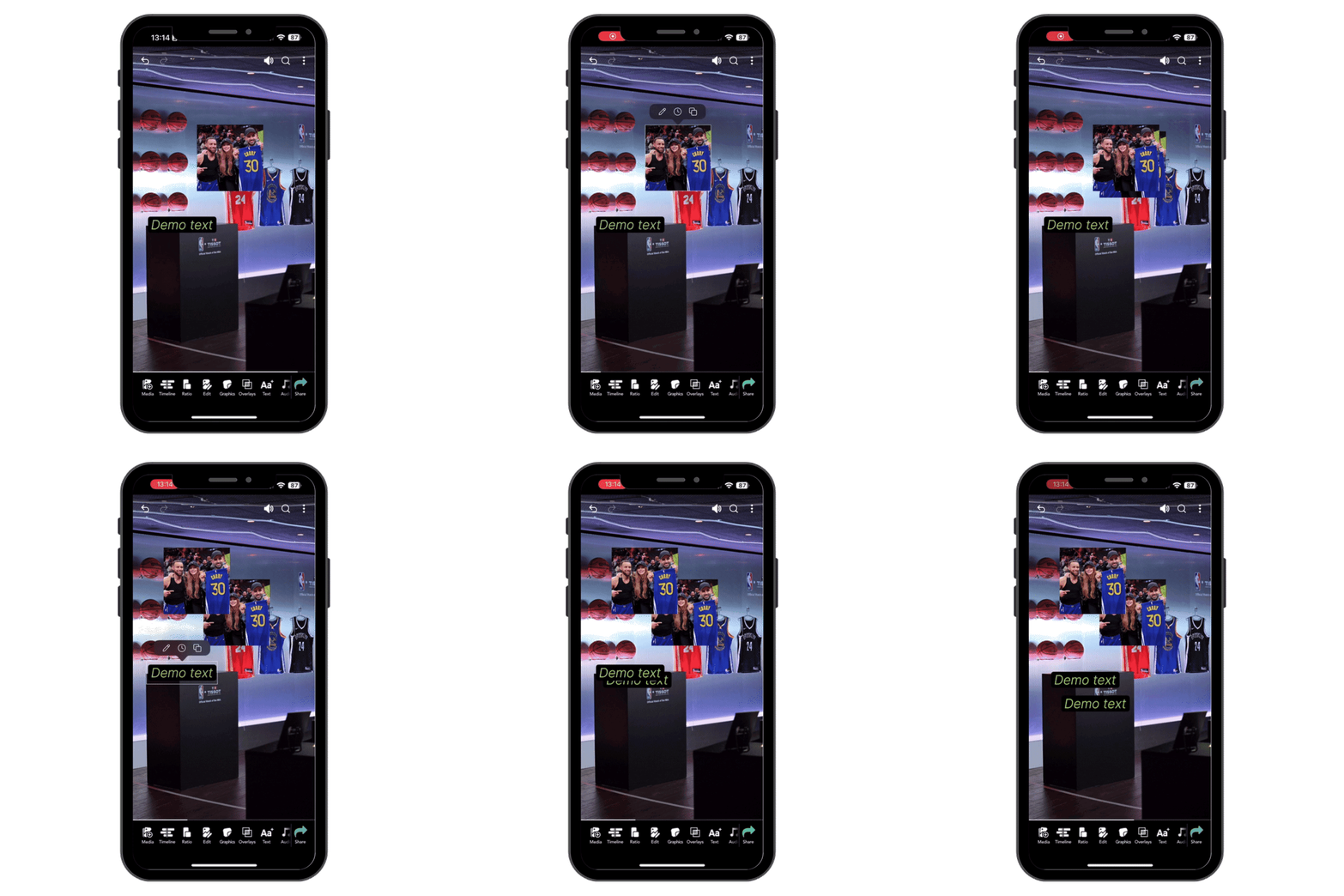
Anyone who builds carousels or multi-callout layouts already understands the value here. Keeping spacing consistent on mobile is usually a pain. Duplicate does the math for you.
Why It Matters
Mobile editing shouldn’t feel like the downgraded version of your actual workflow. Social teams don’t get the luxury of waiting until they’re back at a laptop — things break, approvals change, trends move.
This release isn’t trying to be flashy. It’s meant to make the everyday edits faster, cleaner, and fully doable inside Slate. The bar for social content is high, even on mobile. Your tools should meet that standard.